Zurück zu den Vorlagen
Herbstblatt Steinmalerei
Benötigte Materialien
- Glatter, flacher Stein (handgroß)
- Orange Acrylfarbe
- Rote Acrylfarbe
- Gelbe Acrylfarbe
- Braune Acrylfarbe
- Flacher Pinsel (mittelgroß)
- Feiner Detailpinsel
- Klarlackspray
Schritt-für-Schritt-Anleitung
1
Schritt 1: Prepare and sketch the leaf
Wash and dry your rock. Using a pencil, draw a leaf shape on the rock with a pointed tip and a stem. A maple leaf shape or simple oval leaf both work beautifully.
2
Schritt 2: Paint the base color
Fill the leaf shape with orange paint as the base color. Apply evenly and let it dry. If painting the entire rock as a leaf, cover the whole top surface.
3
Schritt 3: Add fall color variations
While the base is still slightly tacky, or once dry, add patches of red at the tips and edges of the leaf, and yellow toward the center. Blend the colors gently where they meet for a natural gradient.
4
Schritt 4: Paint the veins
Using brown or dark red paint and your fine detail brush, paint a central vein line from the stem to the tip. Add smaller veins branching out from the center line diagonally.
5
Schritt 5: Add the stem and seal
Paint a small brown stem at the base of the leaf. You can add a tiny curled tendril for charm. Once everything is completely dry, spray with clear sealant to preserve the autumn colors.
Schritt 6: RoxGeo-Code hinzufügen
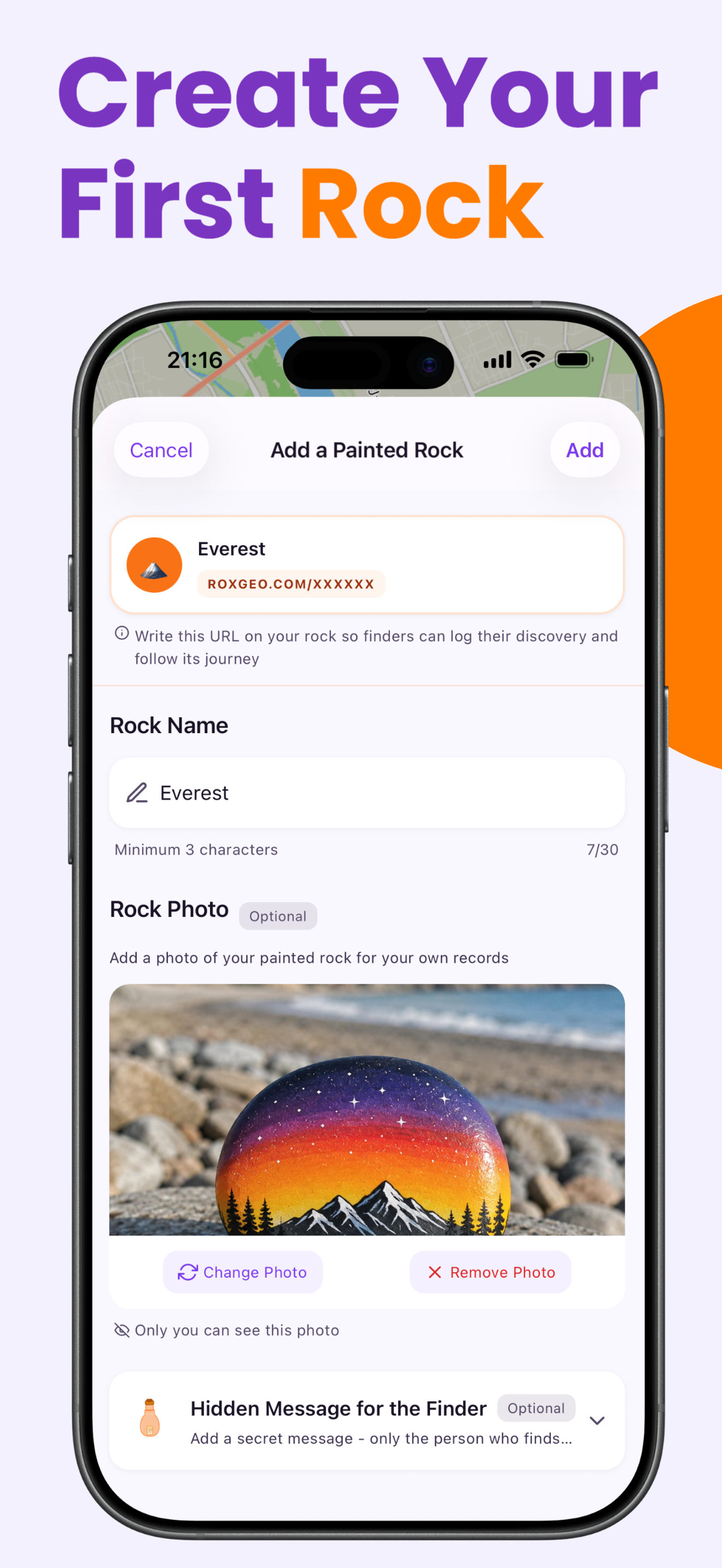
Schreibe auf die Unterseite oder Rückseite deines Steins ROXGEO.COM gefolgt von einem Schrägstrich und dem einzigartigen Code deines Steins (z.B. ROXGEO.COM/ABC123). So kann der Finder direkt zur Profilseite deines Steins gelangen und seinen Fund protokollieren. Wenn der Stein zu klein für die vollständige Adresse ist, schreibe #ROX gefolgt vom Code ohne Leerzeichen (z.B. #ROXABC123) – das ist kurz, leicht bei Google zu suchen und führt direkt zur Reiseseite deines Steins. Verwende einen feinen wasserfesten Stift oder Acryl-Farbstift und versiegle ihn mit Klarlack, damit der Code durch Regen, Sonne und Abenteuer lesbar bleibt.
Hilfreiche Tipps
- Wähle eine Steinform, die zu deinem Motiv passt.
- Ein weißer Grundanstrich lässt alle Farben leuchtender wirken.
- Lass jede Schicht vollständig trocknen, bevor du die nächste aufträgst.
- Versiegle mit Klarlackspray, damit dein Stein auch draußen schön bleibt.
- Für den RoxGeo-Code auf der Unterseite verwende einen wasserfesten Permanentmarker (wie Sharpie) oder einen Acryl-Farbstift. Trage 2–3 Schichten klare Versiegelung über dem Code auf – das hält ihn monatelang durch Regen, Sonne und Anfassen lesbar.
- #ROXCODE (z.B. #ROXABC123) auf deinen Stein zu schreiben macht es einfach, ihn über Google zu finden. Wir optimieren aktiv für diesen Hashtag, sodass jeder, der danach sucht, die Profilseite deines Steins schnell findet.
- Die vollständige Adresse ROXGEO.COM/CODE bringt den Finder direkt zur Karte deines Steins, wo er die vollständige Reisehistorie, vorherige Finder und Fotos von jeder Station seiner Reise sehen kann.
Male diesen Stein und verfolge seine Reise mit RoxGeo!
RoxGeo kostenlos herunterladen