Vissza a sablonokhoz
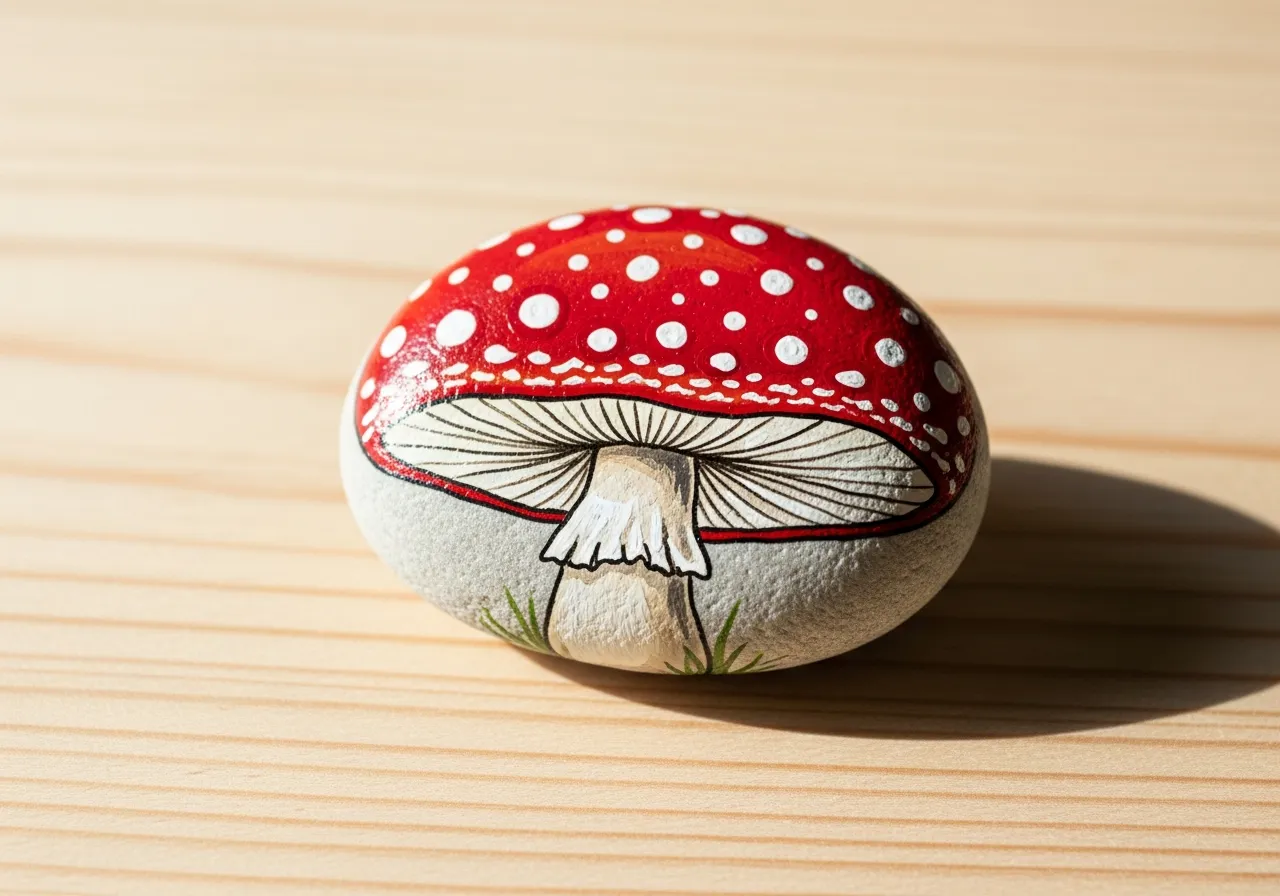
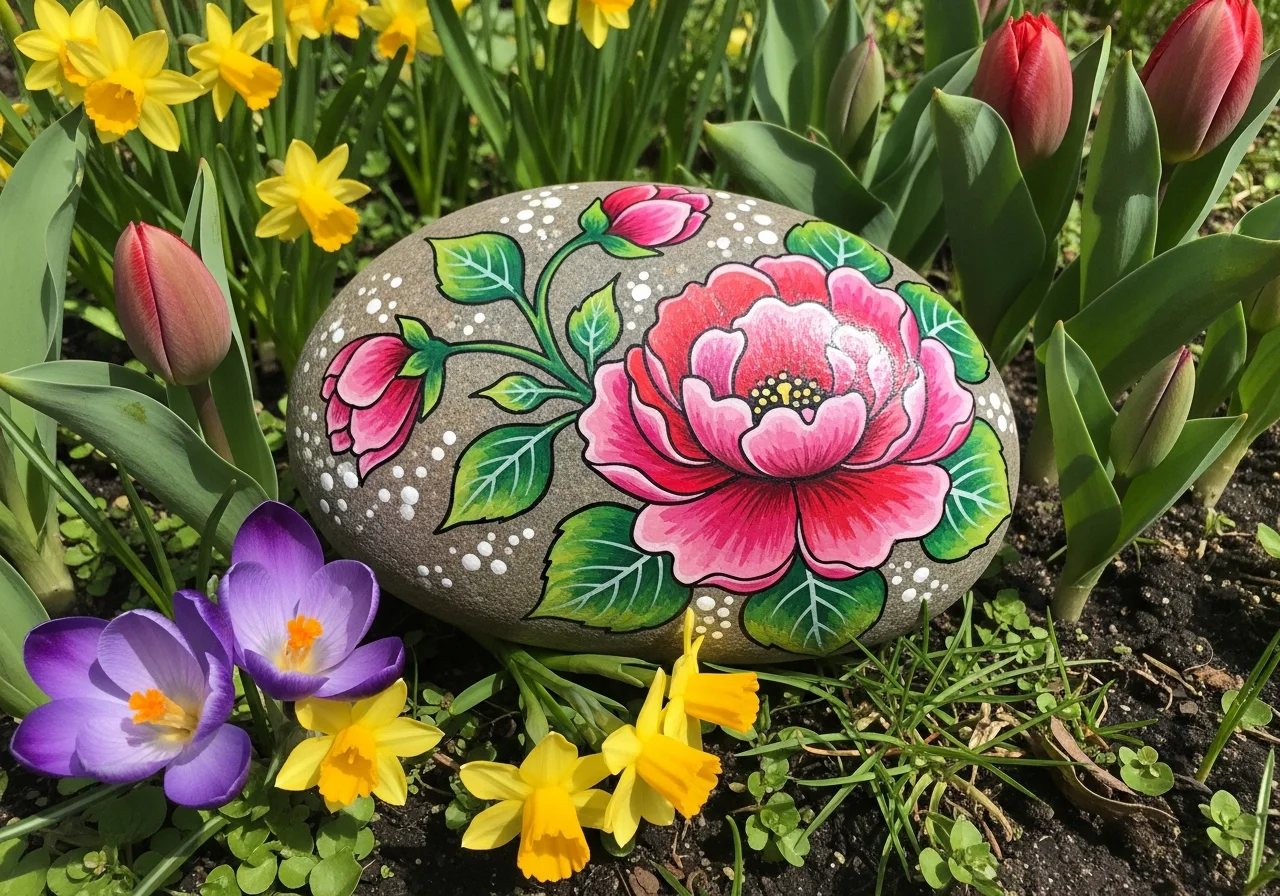
Virág Kőfestés
Szükséges anyagok
- Sima, kerek kő (tenyérnyi)
- Rózsaszín akrilszín
- Sárga akrilszín
- Zöld akrilszín
- Fehér akrilszín
- Lapos ecset (közepes méretű)
- Finom részletező ecset
- Átlátszó lakk spray
Lépésről lépésre Útmutató
1
Lépés 1: Prepare and base coat
Wash and dry your rock. Paint the entire surface with a light color like white or light blue to create a clean background for your flower. Let it dry completely.
2
Lépés 2: Paint the stem and leaves
Using green paint, draw a curved stem from the bottom center of the rock upward. Add two or three small leaves on each side of the stem. The leaves should be oval-shaped with a pointed tip.
3
Lépés 3: Paint the petals
At the top of the stem, paint 5-6 rounded petals in a circle using your chosen color. Each petal should be a teardrop or oval shape radiating outward from a center point. Leave a small circle in the middle unpainted.
4
Lépés 4: Add the flower center
Fill the center circle with yellow paint. Once dry, add small dots or a spiral pattern in a darker yellow or orange to give the center texture and depth.
5
Lépés 5: Add details and seal
Add white highlight lines on each petal for dimension. You can also add small dots around the flower as tiny blossoms. Once dry, seal with clear spray to protect your artwork.
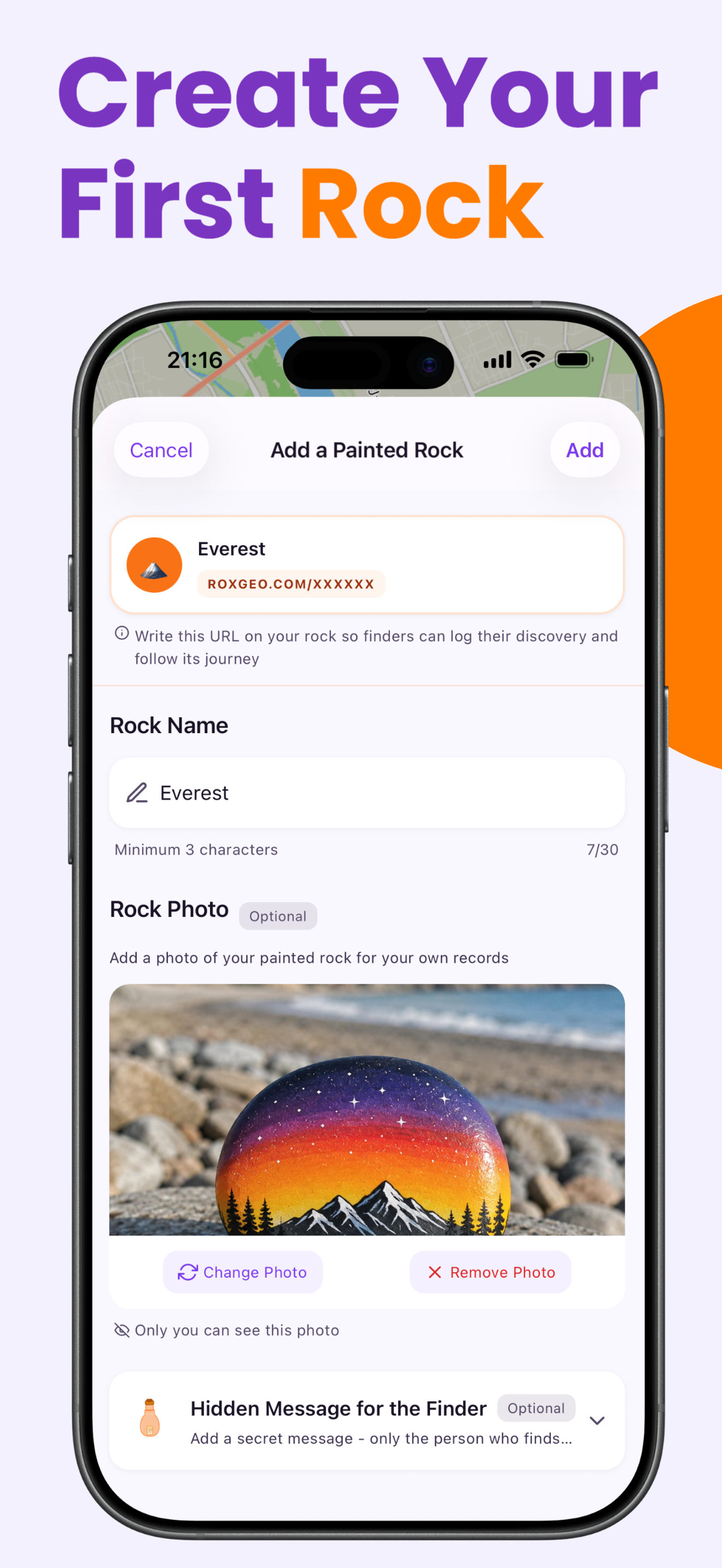
Lépés 6: Add hozzá a RoxGeo kódot
A szikla aljára vagy hátuljára írja be a ROXGEO.COM címet, majd egy perjelet és a szikla egyedi kódját (pl. ROXGEO.COM/ABC123). Ez lehetővé teszi, hogy a kereső közvetlenül a szikla profiloldalára lépjen, és naplózza felfedezését. Ha a szikla túl kicsi a teljes cím megadásához, írja be a #ROX szót, majd a kódot szóközök nélkül (pl. #ROXABC123) – ez rövid, könnyen kereshető a Google-on, és egyenesen a szikla utazási oldalára vezet. Használjon finom hegyű tartós jelölőt vagy akrilfestéket, és zárja le átlátszó lakkal, hogy a kód olvasható maradjon esőben, napsütésben és kalandokon is.
Hasznos tippek
- Egy fehér alapozóréteg az összes színt élénkebbé teszi.
- Válassz olyan kőformát, amely illik a motívumhoz.
- Hagyd teljesen megszáradni minden réteget, mielőtt hozzáadod a következőt.
- Pecsételd le átlátszó spray-vel, hogy a kő kinn is szép maradjon.
- Az alján található RoxGeo kódhoz használjon vízálló állandó markert (például Sharpie) vagy akrilfestéket. Vigyen fel 2-3 réteg átlátszó tömítőanyagot a kódra – így hónapokig olvasható marad esőben, napsütésben és kezelés közben is.
- A #ROXCODE (pl. #ROXABC123) felírása a sziklára megkönnyíti a keresést a Google keresőn keresztül. Aktívan optimalizálunk erre a hashtagre, így bárki, aki rákeres, gyorsan megtalálja rockod profiloldalát.
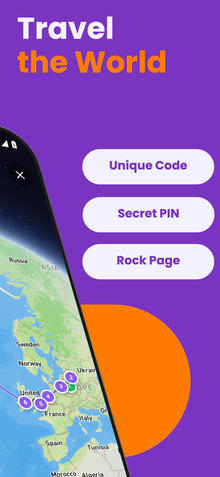
- A teljes ROXGEO.COM/CODE cím a keresőt közvetlenül a szikla kártyájára viszi, ahol láthatja a teljes utazási előzményeket, a korábbi keresőket és az út minden állomásáról készült fényképeket.
Fesd le ezt a sziklát, és kövesd nyomon útját a RoxGeo segítségével!
Töltse le ingyen a RoxGeo-t