템플릿으로 돌아가기
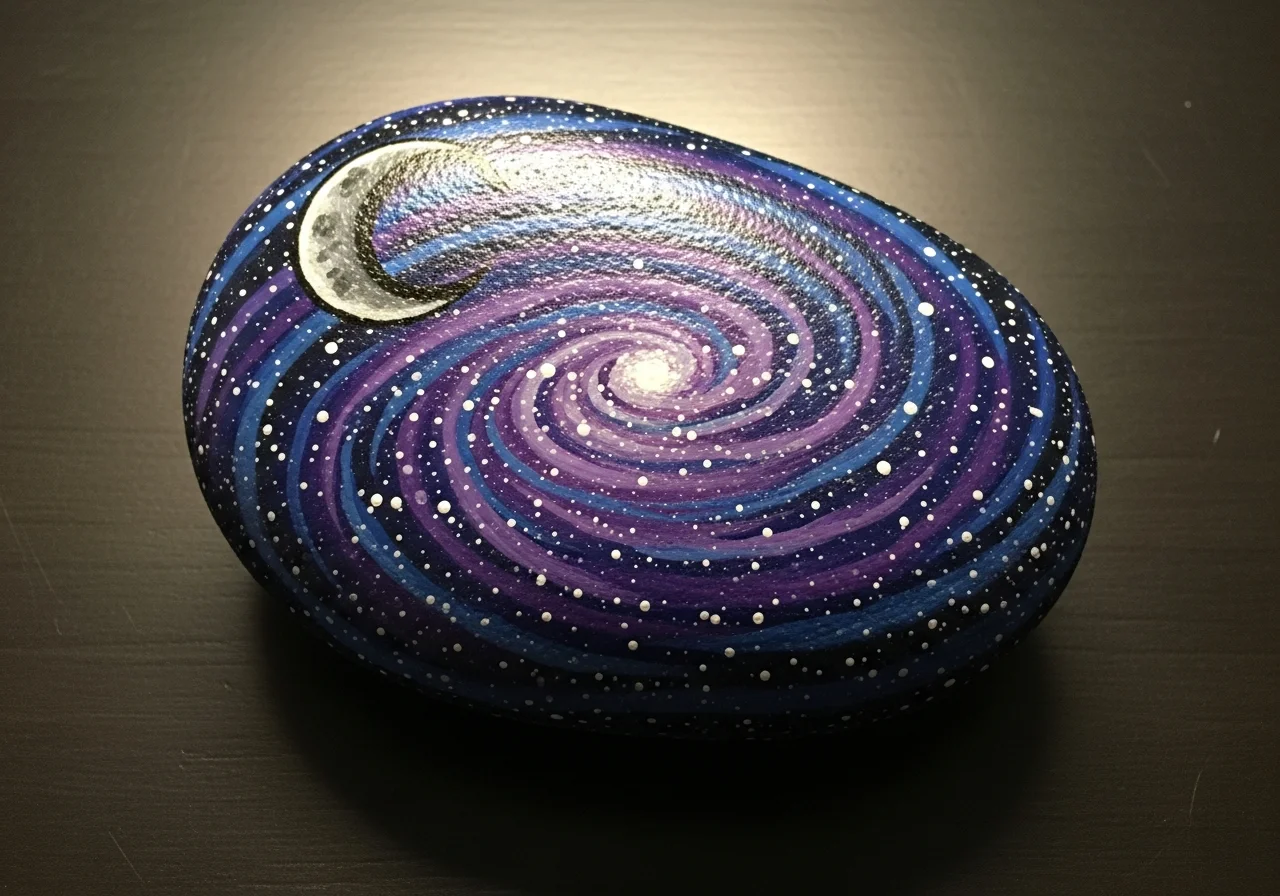
은하수 돌 그림
필요한 재료
- 매끄럽고 납작한 돌(손바닥 크기)
- 진한 파란 아크릴 물감
- 검정 아크릴 물감
- 흰색 아크릴 물감
- 보라 아크릴 물감
- 분홍 아크릴 물감
- 작은 스펀지(텍스처 효과용)
- 중형 납작 붓
- 투명 실란트 스프레이
단계별 지침
1
단계 1: Paint the dark base
Wash and dry your rock. Paint the entire surface black as the base of space. Apply two coats for a deep, rich black. Let each coat dry completely.
2
단계 2: Add nebula colors
Dip your sponge in dark blue paint and gently dab it in curved sweeps across the rock. Don't cover all the black - leave some showing. Repeat with purple paint, overlapping slightly with the blue areas. Add a small touch of pink if desired.
3
단계 3: Create the star field
Dip your toothpick or fine brush in white paint and tap tiny dots across the entire surface for stars. Vary the sizes - most should be tiny with a few larger ones. Cluster some together for a milky way effect.
4
단계 4: Add bright stars and details
Pick 2-3 spots for brighter stars. Paint small plus-sign shapes (+) with white paint to create twinkling star points. You can also add a small crescent moon or planet shape if you like.
5
단계 5: Final touches and seal
Step back and check your galaxy. Add more stars where it looks empty, or dab more nebula color where needed. Once fully dry, seal with clear spray. Your piece of the cosmos is ready!
단계 6: RoxGeo 코드 추가
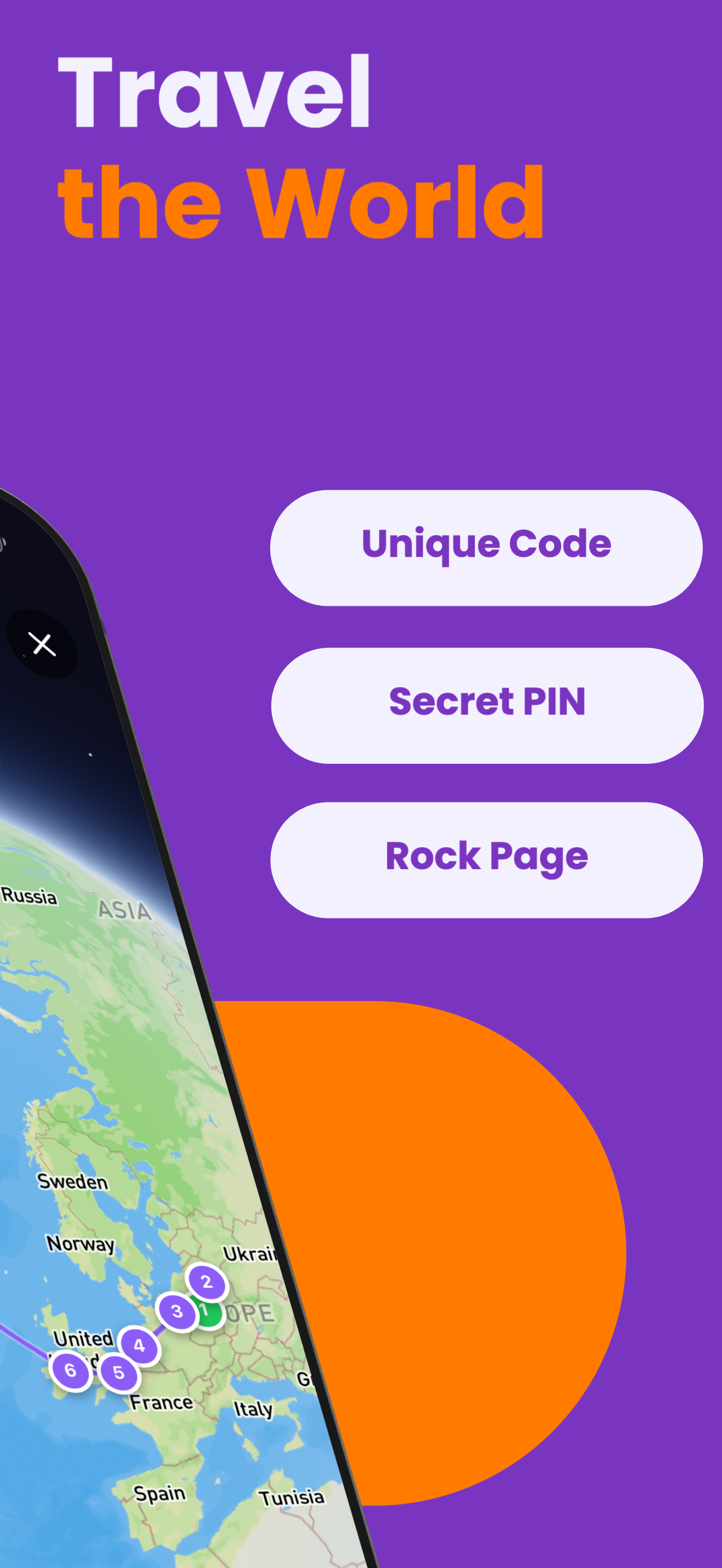
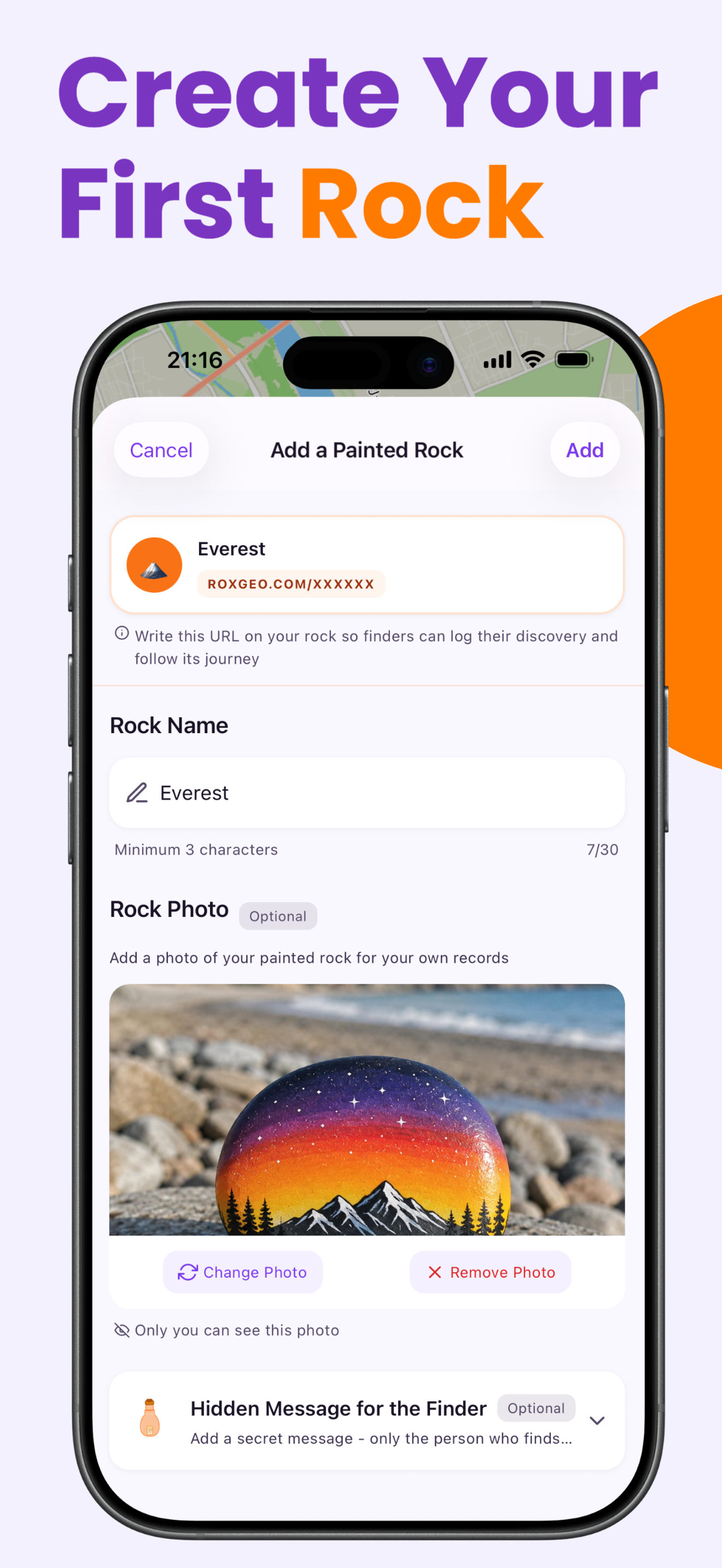
당신의 돌의 바닥이나 뒷면에 ROXGEO.COM을 적고 슬래시와 함께 돌의 고유 코드를 적어주세요 (예: ROXGEO.COM/ABC123). 이렇게 하면 발견자가 당신의 돌의 프로필 페이지로 직접 가서 발견 내용을 기록할 수 있습니다. 만약 돌이 너무 작아서 전체 주소를 적을 수 없다면, #ROX와 함께 코드(예: #ROXABC123)를 공백 없이 적어주세요 - 짧고, 구글에서 검색하기 쉬우며, 당신의 돌의 여정 페이지로 바로 연결됩니다. 얇은 팁의 영구 마커나 아크릴 페인트 펜을 사용하고, 투명 바니시로 밀봉하여 비, 태양, 모험 속에서도 코드가 읽을 수 있도록 유지하세요.
유용한 팁
- 흰색 바탕 코트를 칠하면 모든 색이 더 선명해 보입니다。
- 다음 층을 추가하기 전에 각 층이 완전히 마를 때까지 기다리세요。
- 그림을 그리기 전에 연필로 디자인을 스케치하세요。
- 투명 실란트 스프레이로 마무리해 야외에서도 오래 유지되게 하세요。
- 바닥에 있는 RoxGeo 코드를 위해 방수 영구 마커(예: Sharpie)나 아크릴 페인트 펜을 사용하세요. 코드 위에 투명 실란트를 2-3회 도포하세요 - 이렇게 하면 비, 태양, 손질에도 몇 달 동안 읽을 수 있습니다.
- 당신의 돌에 #ROXCODE(예: #ROXABC123)를 적으면 구글 검색을 통해 쉽게 찾을 수 있습니다. 우리는 이 해시태그를 적극적으로 최적화하고 있으므로, 이를 검색하는 사람은 누구나 당신의 돌의 프로필 페이지를 빠르게 찾을 수 있습니다.
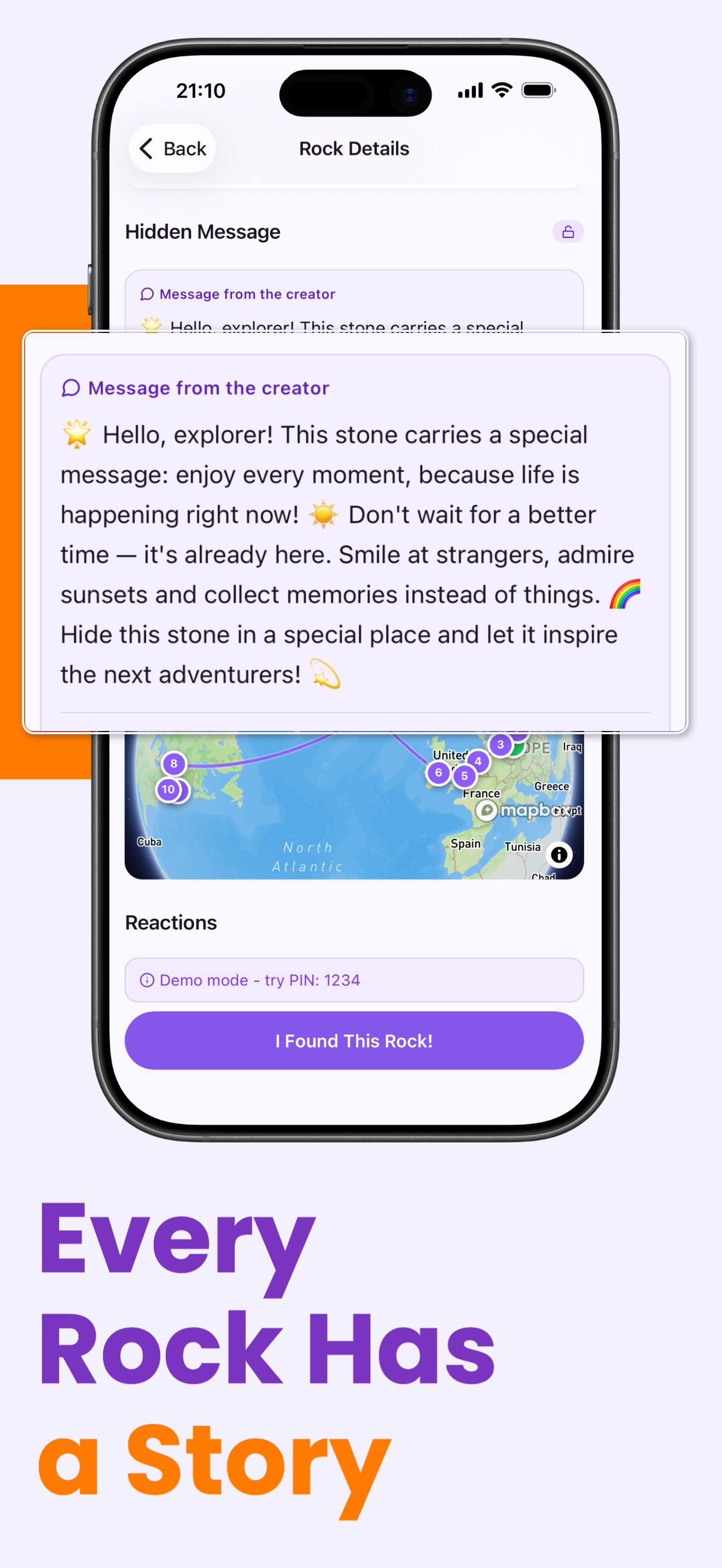
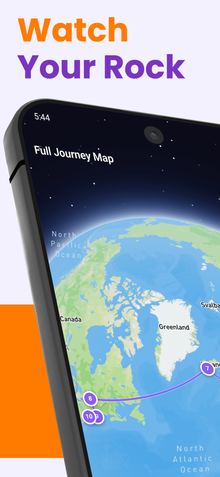
- 전체 주소 ROXGEO.COM/CODE는 발견자를 당신의 돌의 카드로 직접 안내합니다. 여기서 그들은 돌의 전체 여행 이력, 이전 발견자들, 그리고 여행의 모든 정거장에서의 사진을 볼 수 있습니다.
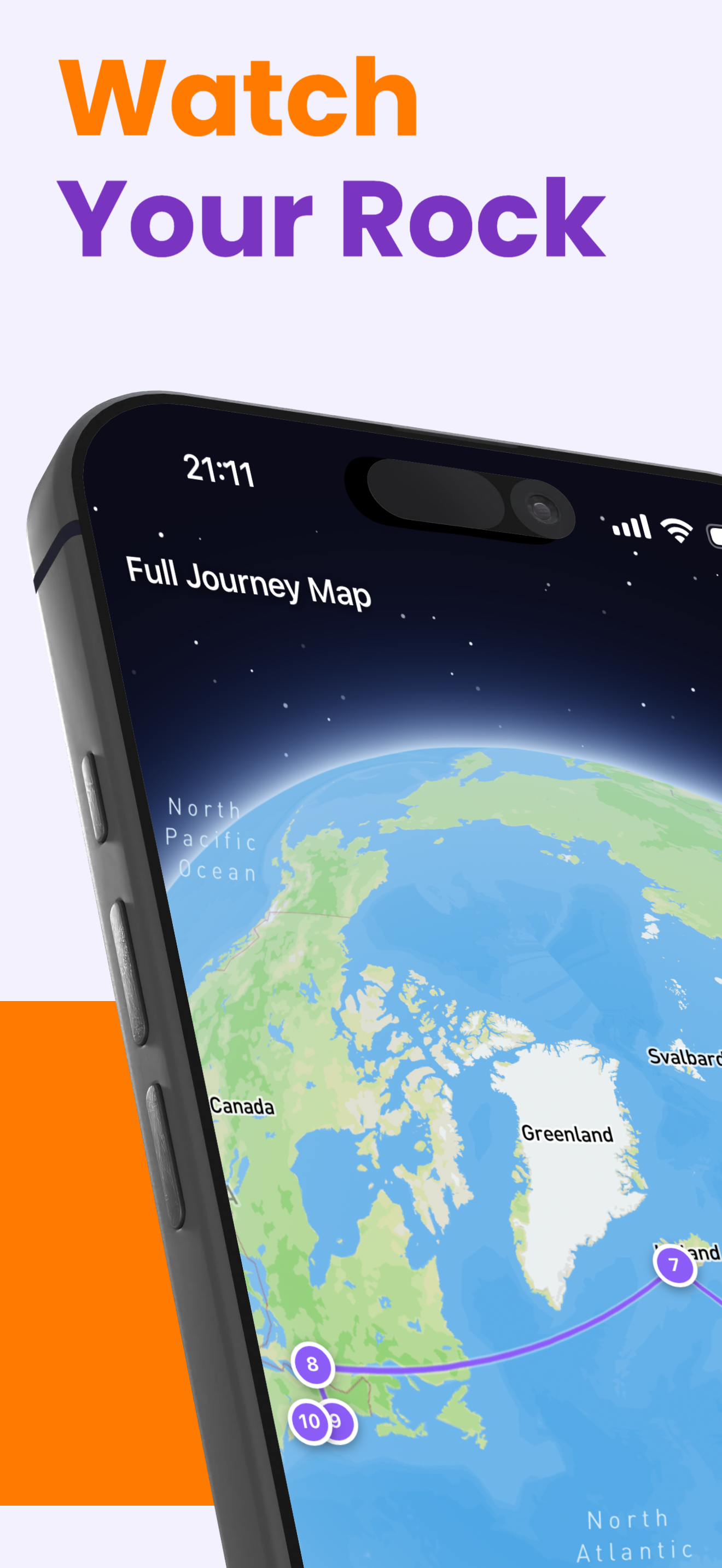
이 돌을 채색하고 RoxGeo로 그 여정을 추적해 보세요!
RoxGeo 무료 다운로드