템플릿으로 돌아가기
나무 돌 그림
필요한 재료
- 높고 타원형 돌
- 초록 아크릴 물감
- 갈색 아크릴 물감
- 검정 아크릴 물감
- 중형 납작 붓
- 작은 스펀지(텍스처 효과용)
- 세밀한 디테일 붓
- 투명 실란트 스프레이
단계별 지침
1
단계 1: Prepare and base coat
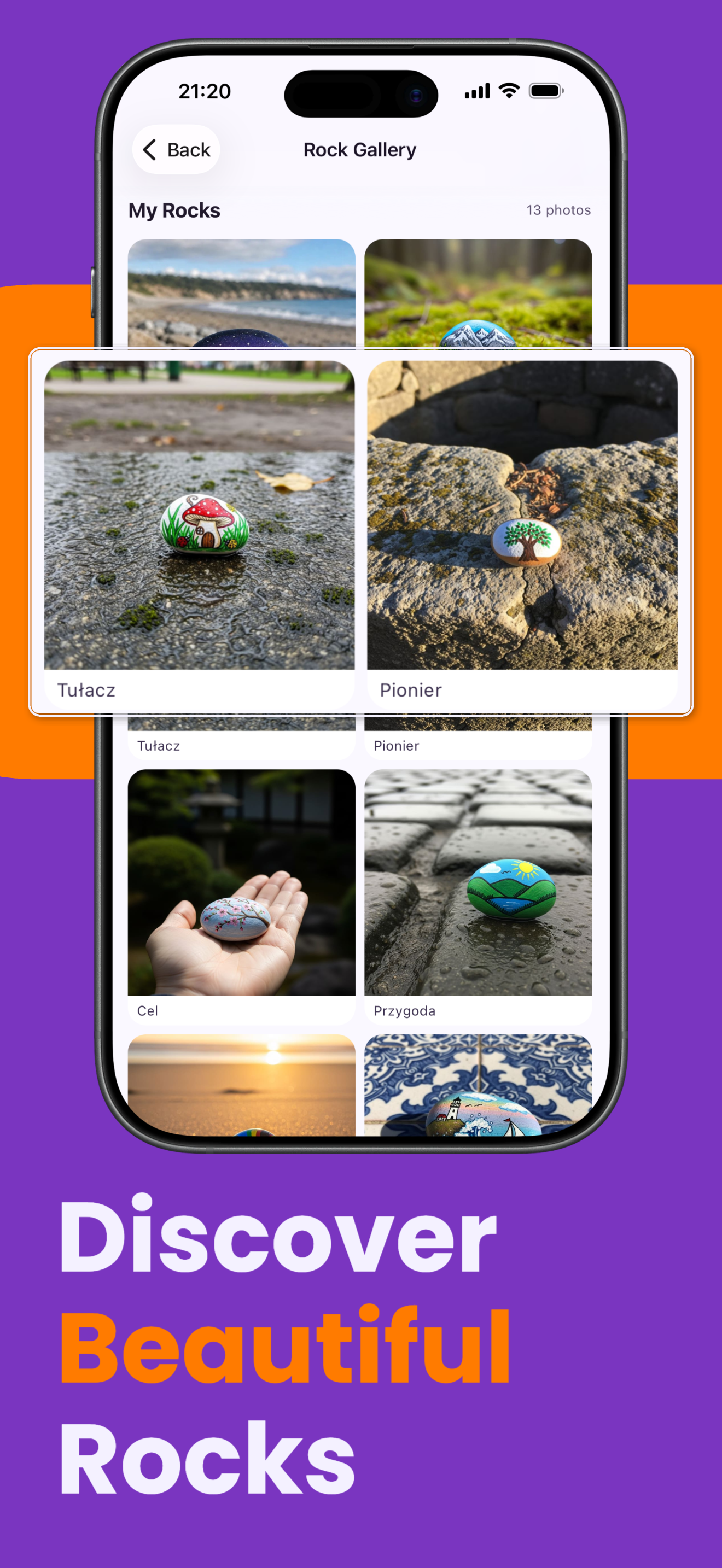
Wash and dry your rock. Paint the entire surface with white or light blue paint to create a sky background. Let it dry completely. A tall, oval rock works best for a tree shape.
2
단계 2: Paint the trunk
Using brown paint, paint a trunk shape in the lower half of the rock. Start wider at the base and get narrower toward the top. Add a few small branch lines extending from the trunk.
3
단계 3: Create the leafy crown
Dip a sponge or the flat side of your brush in green paint and dab it in the upper part of the rock to create a fluffy, round crown of leaves. Use a dabbing motion for a textured look.
4
단계 4: Add depth with shading
Using a darker shade of green, add shadows on the lower and side areas of the crown. Then use a lighter green or yellow-green to dab highlights on the top. This makes the tree look three-dimensional.
5
단계 5: Add details and seal
Add small details like grass at the base, tiny apples or flowers in the crown, or bark texture on the trunk with darker brown lines. Once dry, apply clear sealant spray.
단계 6: RoxGeo 코드 추가
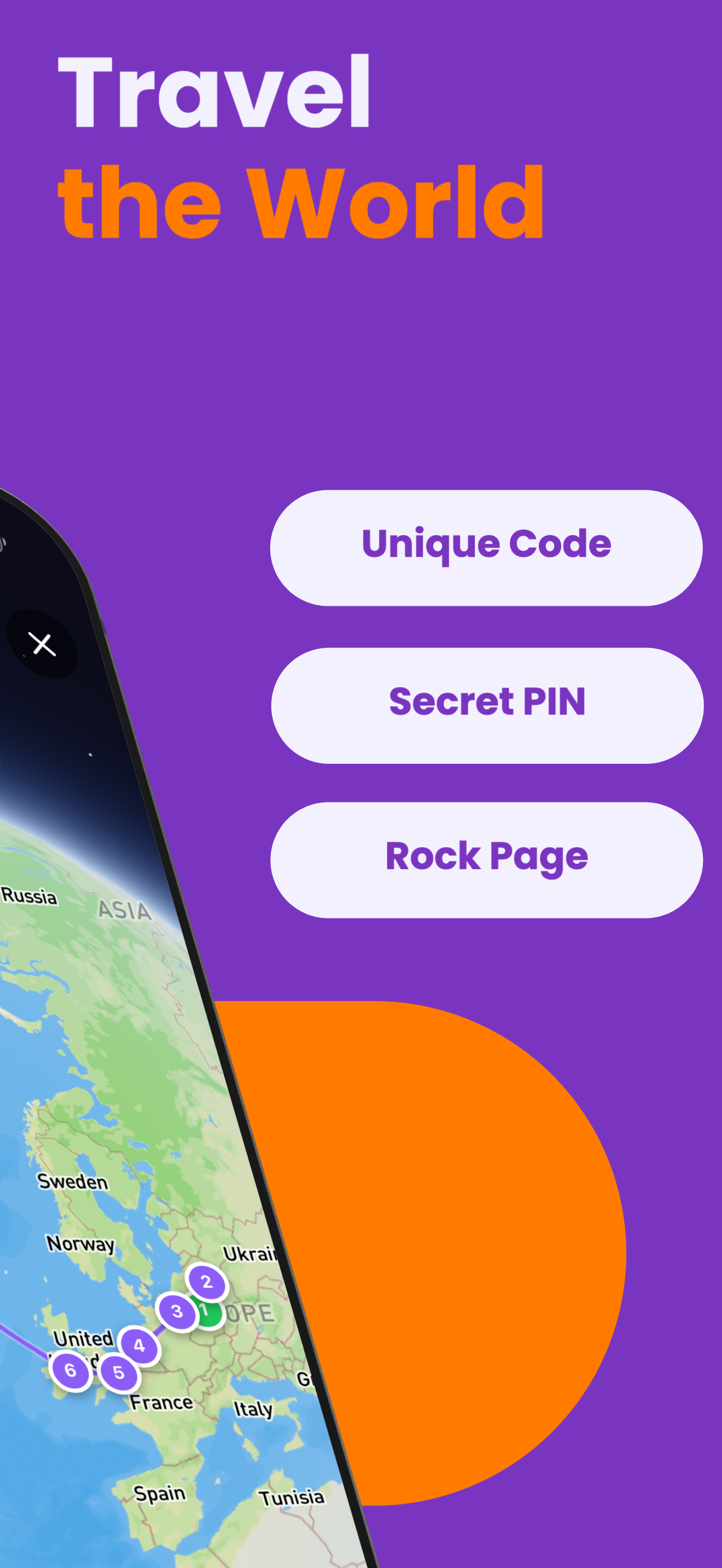
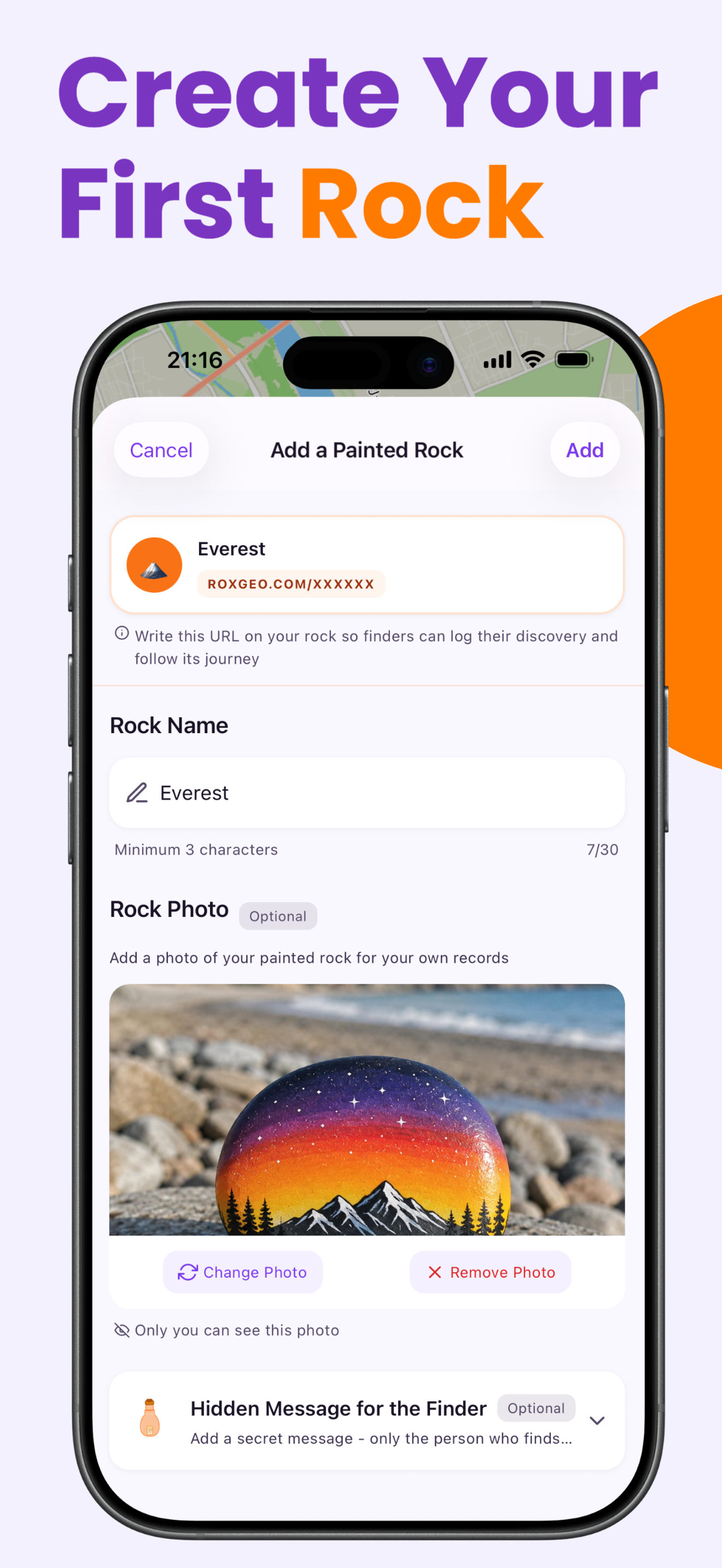
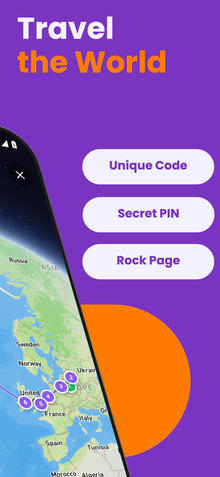
당신의 돌의 바닥이나 뒷면에 ROXGEO.COM을 적고 슬래시와 함께 돌의 고유 코드를 적어주세요 (예: ROXGEO.COM/ABC123). 이렇게 하면 발견자가 당신의 돌의 프로필 페이지로 직접 가서 발견 내용을 기록할 수 있습니다. 만약 돌이 너무 작아서 전체 주소를 적을 수 없다면, #ROX와 함께 코드(예: #ROXABC123)를 공백 없이 적어주세요 - 짧고, 구글에서 검색하기 쉬우며, 당신의 돌의 여정 페이지로 바로 연결됩니다. 얇은 팁의 영구 마커나 아크릴 페인트 펜을 사용하고, 투명 바니시로 밀봉하여 비, 태양, 모험 속에서도 코드가 읽을 수 있도록 유지하세요.
유용한 팁
- 디자인 주제에 맞는 돌 모양을 선택하세요。
- 흰색 바탕 코트를 칠하면 모든 색이 더 선명해 보입니다。
- 다음 층을 추가하기 전에 각 층이 완전히 마를 때까지 기다리세요。
- 투명 실란트 스프레이로 마무리해 야외에서도 오래 유지되게 하세요。
- 바닥에 있는 RoxGeo 코드를 위해 방수 영구 마커(예: Sharpie)나 아크릴 페인트 펜을 사용하세요. 코드 위에 투명 실란트를 2-3회 도포하세요 - 이렇게 하면 비, 태양, 손질에도 몇 달 동안 읽을 수 있습니다.
- 당신의 돌에 #ROXCODE(예: #ROXABC123)를 적으면 구글 검색을 통해 쉽게 찾을 수 있습니다. 우리는 이 해시태그를 적극적으로 최적화하고 있으므로, 이를 검색하는 사람은 누구나 당신의 돌의 프로필 페이지를 빠르게 찾을 수 있습니다.
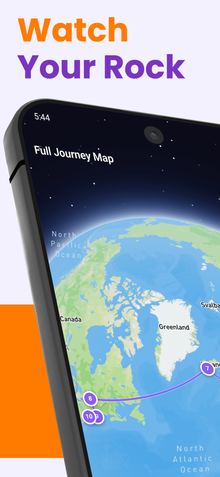
- 전체 주소 ROXGEO.COM/CODE는 발견자를 당신의 돌의 카드로 직접 안내합니다. 여기서 그들은 돌의 전체 여행 이력, 이전 발견자들, 그리고 여행의 모든 정거장에서의 사진을 볼 수 있습니다.
이 돌을 채색하고 RoxGeo로 그 여정을 추적해 보세요!
RoxGeo 무료 다운로드