Voltar aos modelos
Constelação
Materiais necessários
- Pedra plana e lisa (tamanho da palma)
- Tinta acrílica preta
- Tinta acrílica azul escuro
- Tinta acrílica branca
- Tinta acrílica amarela
- Pincel chato médio
- Pincel fino para detalhes
- Spray selante transparente
Guia passo a passo
1
Passo 1: Create the night sky base
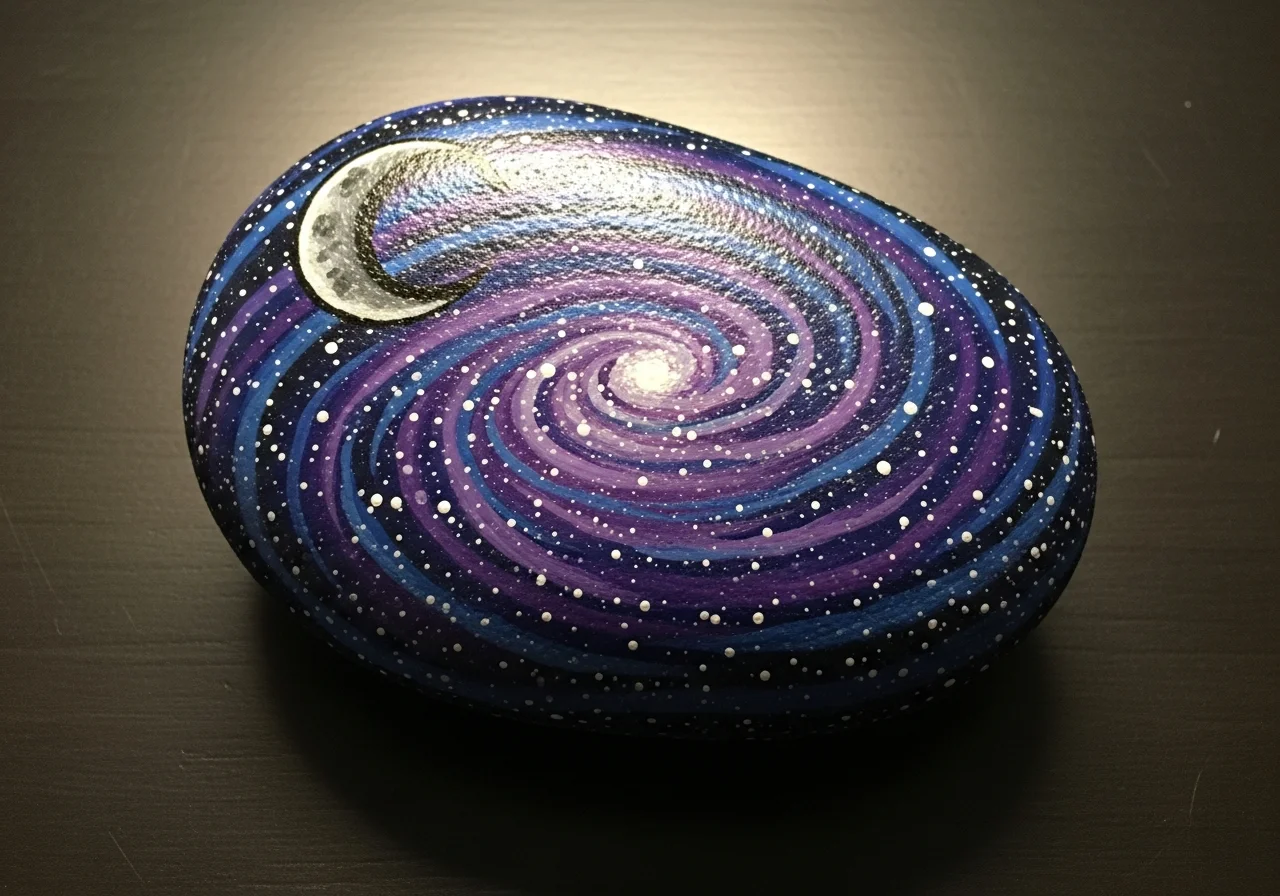
Wash and dry your rock. Paint the entire surface with dark blue or navy paint. While still slightly wet, add touches of black around the edges and blend for a deep space effect. Let it dry completely.
2
Passo 2: Add background stars
Using white paint and a toothpick, dot tiny stars randomly across the dark surface. Vary the sizes - some barely visible dots, some slightly larger. This creates the background starfield. Add a few yellow dots for warmer stars.
3
Passo 3: Mark constellation stars
Choose a constellation like the Big Dipper, Orion, or Cassiopeia. Using your reference image, place larger white dots where the main stars of the constellation should be. Make these dots noticeably bigger than the background stars.
4
Passo 4: Connect the stars
Using your fine detail brush and white or light blue paint, draw thin lines connecting the constellation stars in the correct pattern. Keep the lines thin and delicate. You can add a subtle glow around each main star with diluted white paint.
5
Passo 5: Label and seal
Optionally, write the constellation name in small letters near the pattern. Once everything is dry, spray with clear sealant. Your constellation rock is a pocket-sized piece of the night sky!
Passo 6: Adicionar código RoxGeo
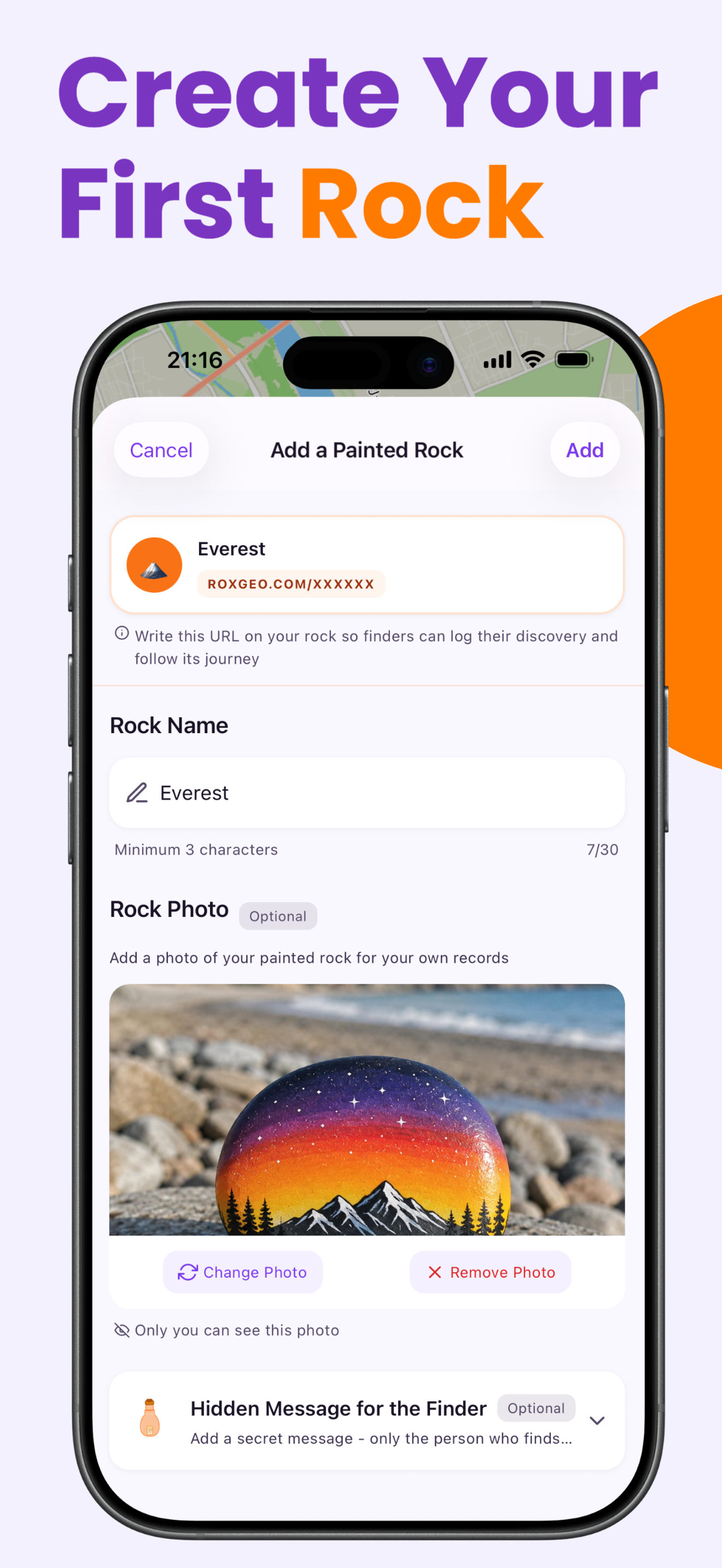
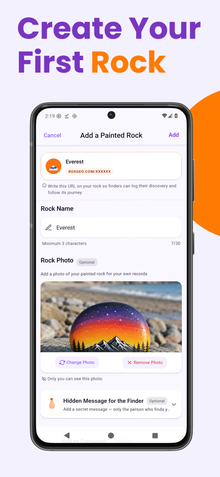
Escreva ROXGEO.COM seguido de uma barra e o código único da sua pedra (ex. ROXGEO.COM/ABC123) na parte inferior ou verso.
Dicas úteis
- Uma camada base branca realça todas as cores.
- Esboça o design a lápis antes de começar a pintar.
- Deixa cada camada secar completamente antes de adicionar a seguinte.
- Aplica spray selante transparente para proteger a pedra no exterior.
- Para o código no verso, use marcador permanente à prova d'água. Aplique 2-3 camadas de verniz.
- #ROXCODE (ex. #ROXABC123) na pedra facilita a busca no Google.
- O endereço completo ROXGEO.COM/CODE leva o descobridor diretamente ao mapa da pedra.
Pinte esta pedra e rastreie sua viagem com RoxGeo!
Baixar RoxGeo grátis