返回模板
海浪石绘
所需材料
- 光滑的扁平石头(手掌大小)
- 深蓝色丙烯颜料
- 蓝色丙烯颜料
- 白色丙烯颜料
- 中号平头画笔
- 细节画笔
- 透明密封喷雾
- 铅笔
逐步说明
1
步骤 1: Prepare and paint the background
Wash and dry your rock. Paint the entire surface with dark blue paint to represent the deep ocean. Apply two coats for full coverage and let it dry completely.
2
步骤 2: Paint the wave shape
Using medium blue paint, create a large curling wave shape across the rock. Start from one side and curve it upward like a breaking wave. The wave should take up about half the rock surface.
3
步骤 3: Add lighter blue tones
Layer light blue or turquoise paint inside the curl of the wave. Blend it gently with the medium blue. This creates the translucent look of ocean water where light shines through.
4
步骤 4: Add white foam and spray
Using white paint and your detail brush, add foam at the crest of the wave with short, curving strokes. Add tiny white dots and splashes around the wave for spray. The crest should have the most white.
5
步骤 5: Final details and seal
Add thin white lines flowing through the wave for water movement. You can add a few white highlights on the dark water below. Once completely dry, spray with clear sealant for a glossy ocean effect.
步骤 6: 添加RoxGeo代码
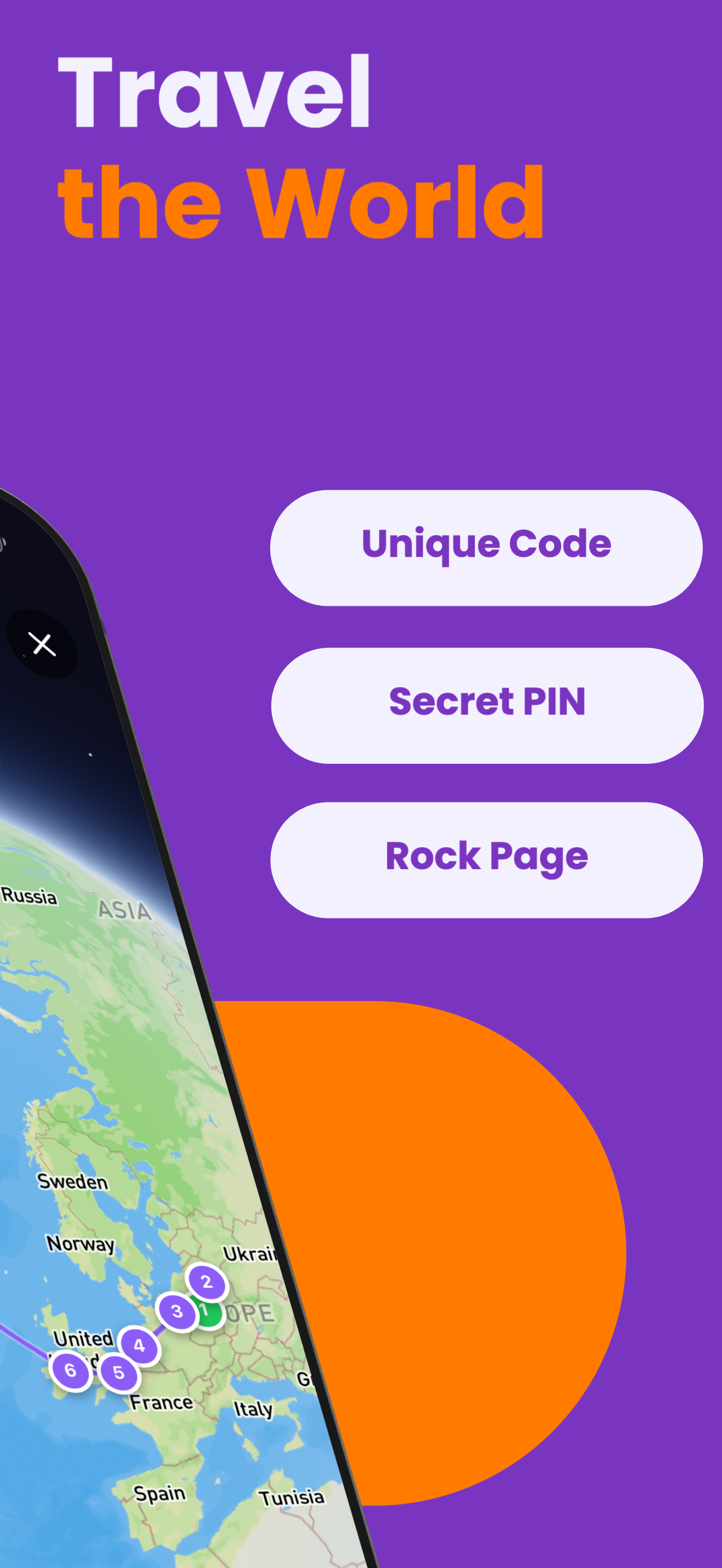
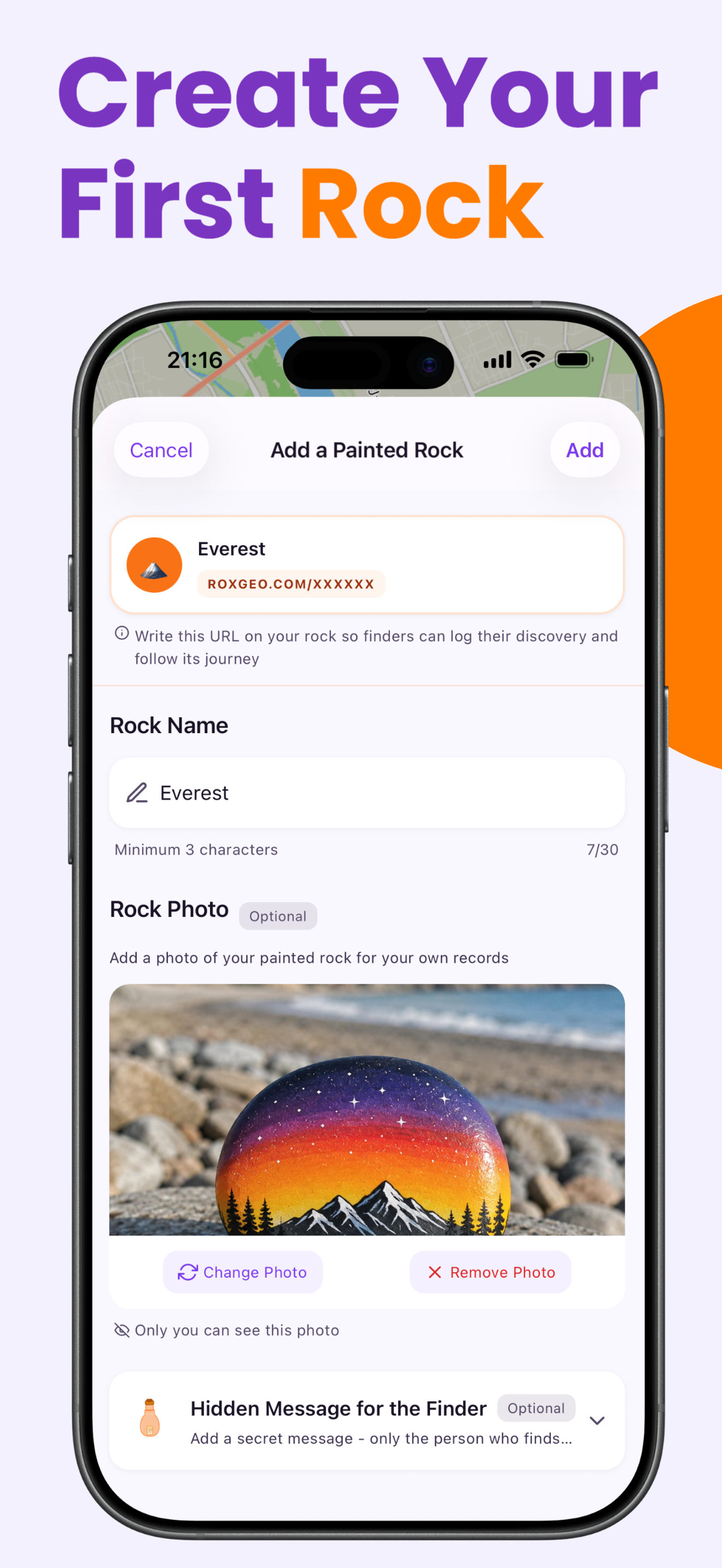
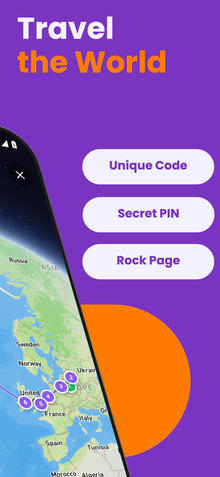
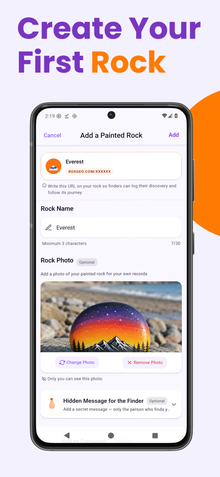
在岩石的底部或背面写上 ROXGEO.COM,后面跟一个斜杠和你岩石的唯一代码(例如 ROXGEO.COM/ABC123)。这让发现者可以直接访问你岩石的个人资料页面并记录他们的发现。如果岩石太小而无法写下完整地址,可以写 #ROX 后跟没有空格的代码(例如 #ROXABC123)--这样简短,容易在Google上搜索,并直接引导到你岩石的旅程页面。使用细尖永久性马克笔或丙烯颜料笔,并用透明清漆封住,以确保代码在雨水、阳光和冒险中保持可读。
实用小贴士
- 选择一块形状适合你设计主题的石头。
- 在开始画画之前,先用铅笔轻轻勾勒出设计。
- 在添加下一层之前,让每一层完全干燥。
- 用透明密封喷雾保护石头,使其在户外也能持久。
- 对于底部的RoxGeo代码,请使用防水的永久性马克笔(如Sharpie)或丙烯画笔。在代码上涂抹2-3层透明密封剂--这可以让它在雨水、阳光和多次处理下保持可读性,持续数月。
- 在你的岩石上写上#ROXCODE(例如#ROXABC123)可以通过谷歌搜索轻松找到它。我们积极优化这个标签,因此任何搜索它的人都能快速找到你岩石的个人资料页面。
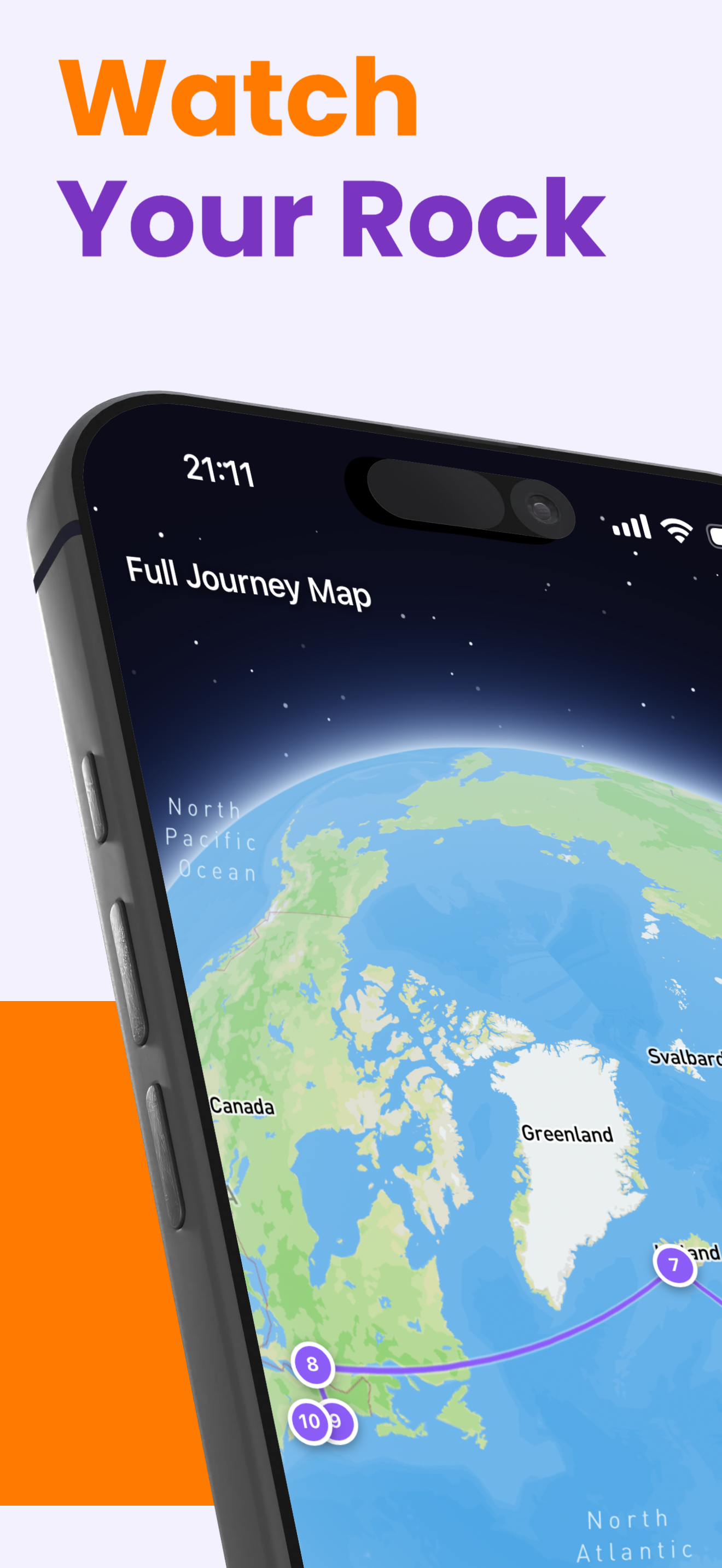
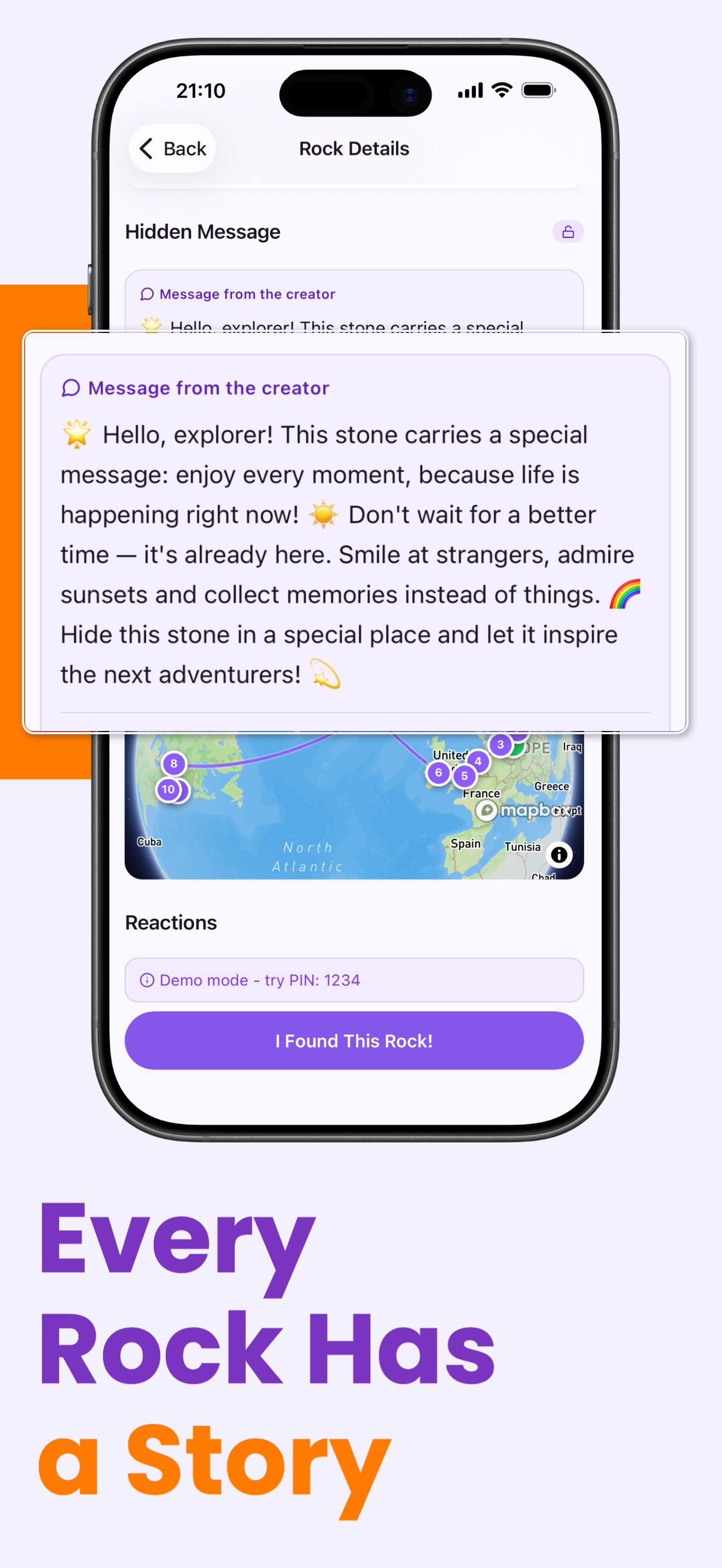
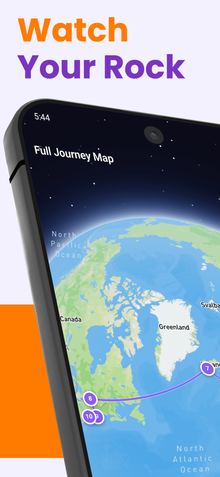
- 完整地址ROXGEO.COM/CODE将直接带领发现者到你的岩石卡片上,在那里他们可以看到它的完整旅行历史、之前的发现者和每个停靠点的照片。
绘制这块岩石并用RoxGeo追踪它的旅程!
免费下载RoxGeo