返回模板
水晶寶石石繪
所需材料
- 光滑的扁平石頭(手掌大小)
- 紫色壓克力顏料
- 藍色壓克力顏料
- 白色壓克力顏料
- 黑色壓克力顏料
- 中號平頭畫筆
- 細節畫筆
- 透明密封噴霧
- 鉛筆
逐步指導
1
步驟 1: Plan the facets
Wash and dry your rock. Using a pencil, divide the surface into geometric facets - triangles and irregular polygons that look like the flat surfaces of a cut gemstone. Draw lines from a central point outward for a realistic crystal structure.
2
步驟 2: Paint the base shades
Fill each facet with a different shade of purple, blue, or lavender. Facets that would catch light should be lighter colors, while those in shadow should be darker. This creates the illusion of a three-dimensional gem.
3
步驟 3: Define the edges
Using your fine detail brush and white paint, carefully trace along the pencil lines where facets meet. These white lines represent the sharp edges where light catches on a real crystal. Keep lines straight and crisp.
4
步驟 4: Add light reflections
On the lightest facets, add a bright white highlight - a small, elongated shape that represents the light source reflection. Add subtle white or light blue streaks on adjacent facets to show light scattering through the crystal.
5
步驟 5: Add depth shadows and seal
Deepen the darkest facets with a touch of dark purple or black along their edges. Add a subtle shadow beneath the crystal at the rock base using dark paint. Once fully dry, apply clear sealant for a glossy, gem-like finish.
6
步驟 6: Final touches
Review your gem for color balance. Adjust any facets that need more contrast. Add tiny sparkle dots with white paint near the brightest highlight. Apply a second coat of sealant for extra shine that mimics a polished gemstone.
步驟 7: 添加 RoxGeo 代碼
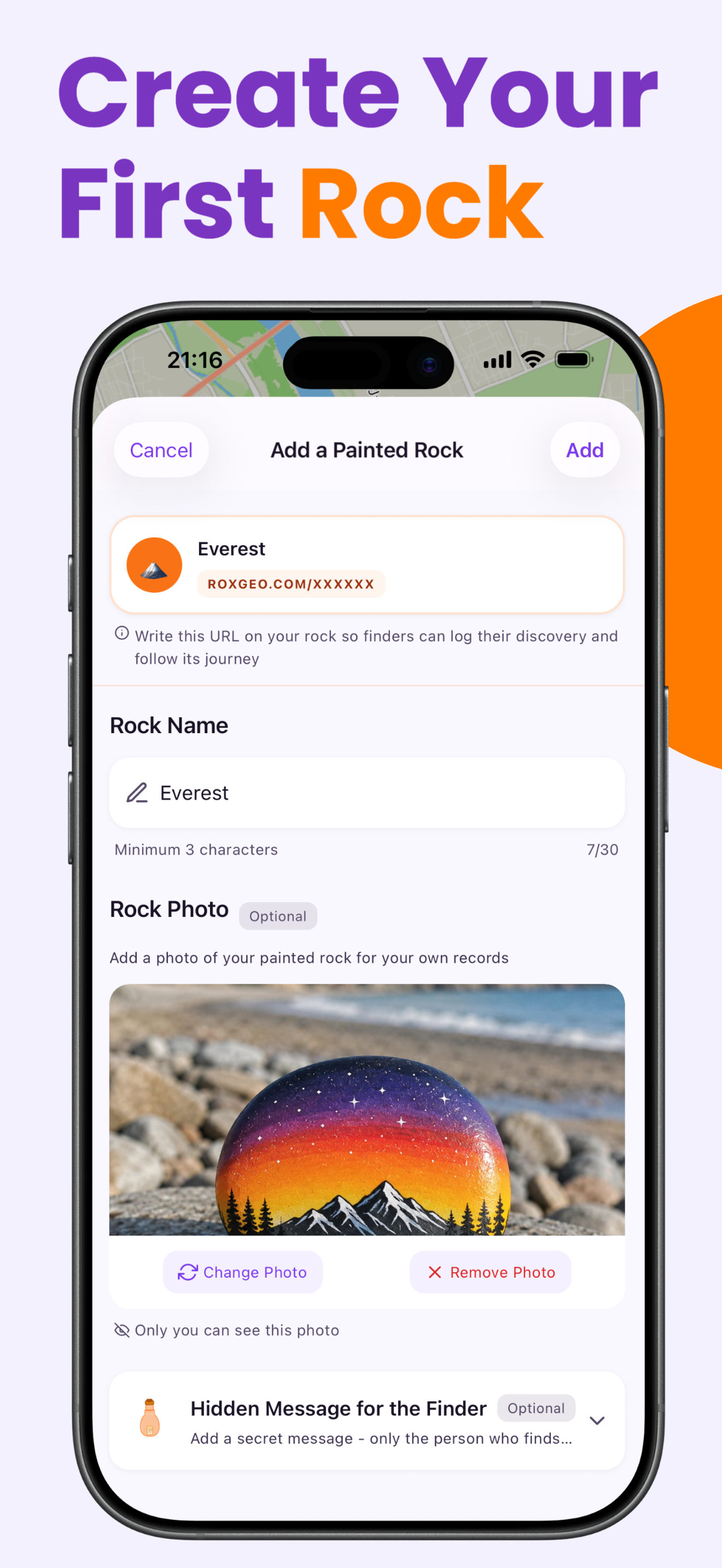
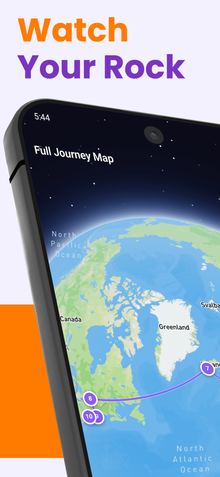
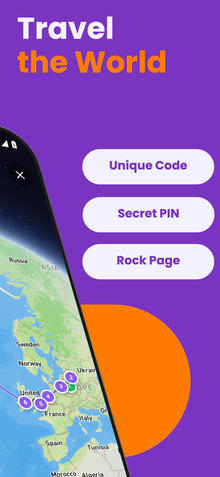
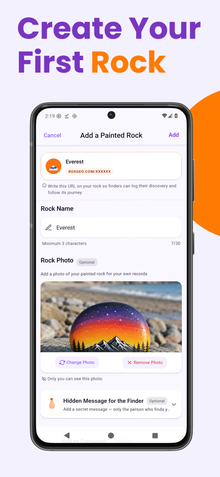
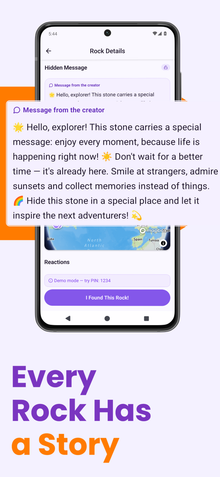
在你的石頭底部或背面寫上 ROXGEO.COM,接著加上斜線和你石頭的唯一代碼(例如 ROXGEO.COM/ABC123)。這樣尋找者就能直接訪問你石頭的個人資料頁面並記錄他們的發現。如果石頭太小無法寫下完整地址,可以寫 #ROX,接著是沒有空格的代碼(例如 #ROXABC123)--這樣簡短,容易在 Google 上搜尋,並直接引導到你石頭的旅程頁面。使用細尖的永久性標記筆或壓克力畫筆,並用透明清漆封住,這樣代碼在雨水、陽光和冒險中都能保持可讀。
有用的提示
- 選擇一塊形狀適合你設計主題的石頭。
- 在開始畫畫之前,先用鉛筆輕輕勾勒出設計。
- 在添加下一層之前,讓每一層完全乾燥。
- 用透明密封噴霧保護石頭,使其在戶外也能持久。
- 對於底部的 RoxGeo 代碼,使用防水永久性標記筆(如 Sharpie)或壓克力畫筆。在代碼上塗抹 2-3 層透明密封劑--這樣可以在雨水、陽光和處理中保持可讀數月。
- 在你的石頭上寫上 #ROXCODE(例如 #ROXABC123)可以讓人通過 Google 搜尋輕鬆找到。 我們會主動優化這個標籤,因此任何搜尋它的人都能快速找到你石頭的個人資料頁面。
- 完整地址 ROXGEO.COM/CODE 會直接帶尋找者到你石頭的卡片,讓他們可以查看完整的旅行歷史、之前的尋找者和每個停留點的照片。
繪製這塊岩石並用 RoxGeo 追蹤它的旅程!
免費下載 RoxGeo