テンプレートに戻る
波の石ペイント
必要な材料
- なめらかな平たい石(手のひらサイズ)
- 濃い青のアクリル絵の具
- 青のアクリル絵の具
- 白のアクリル絵の具
- 中くらいのフラットブラシ
- 細い描写用ブラシ
- 透明シーラントスプレー
- 鉛筆
ステップバイステップの指示
1
ステップ 1: Prepare and paint the background
Wash and dry your rock. Paint the entire surface with dark blue paint to represent the deep ocean. Apply two coats for full coverage and let it dry completely.
2
ステップ 2: Paint the wave shape
Using medium blue paint, create a large curling wave shape across the rock. Start from one side and curve it upward like a breaking wave. The wave should take up about half the rock surface.
3
ステップ 3: Add lighter blue tones
Layer light blue or turquoise paint inside the curl of the wave. Blend it gently with the medium blue. This creates the translucent look of ocean water where light shines through.
4
ステップ 4: Add white foam and spray
Using white paint and your detail brush, add foam at the crest of the wave with short, curving strokes. Add tiny white dots and splashes around the wave for spray. The crest should have the most white.
5
ステップ 5: Final details and seal
Add thin white lines flowing through the wave for water movement. You can add a few white highlights on the dark water below. Once completely dry, spray with clear sealant for a glossy ocean effect.
ステップ 6: RoxGeoコードを追加
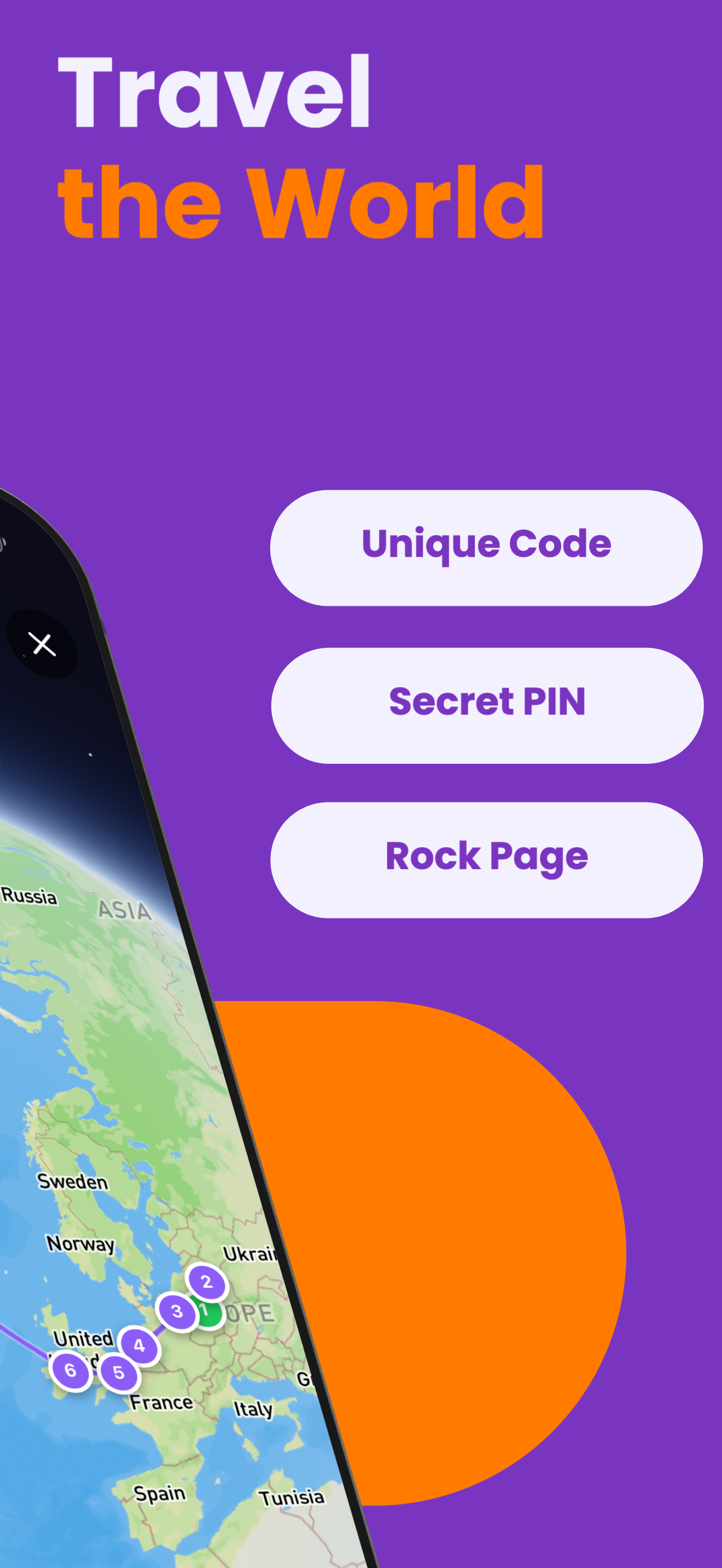
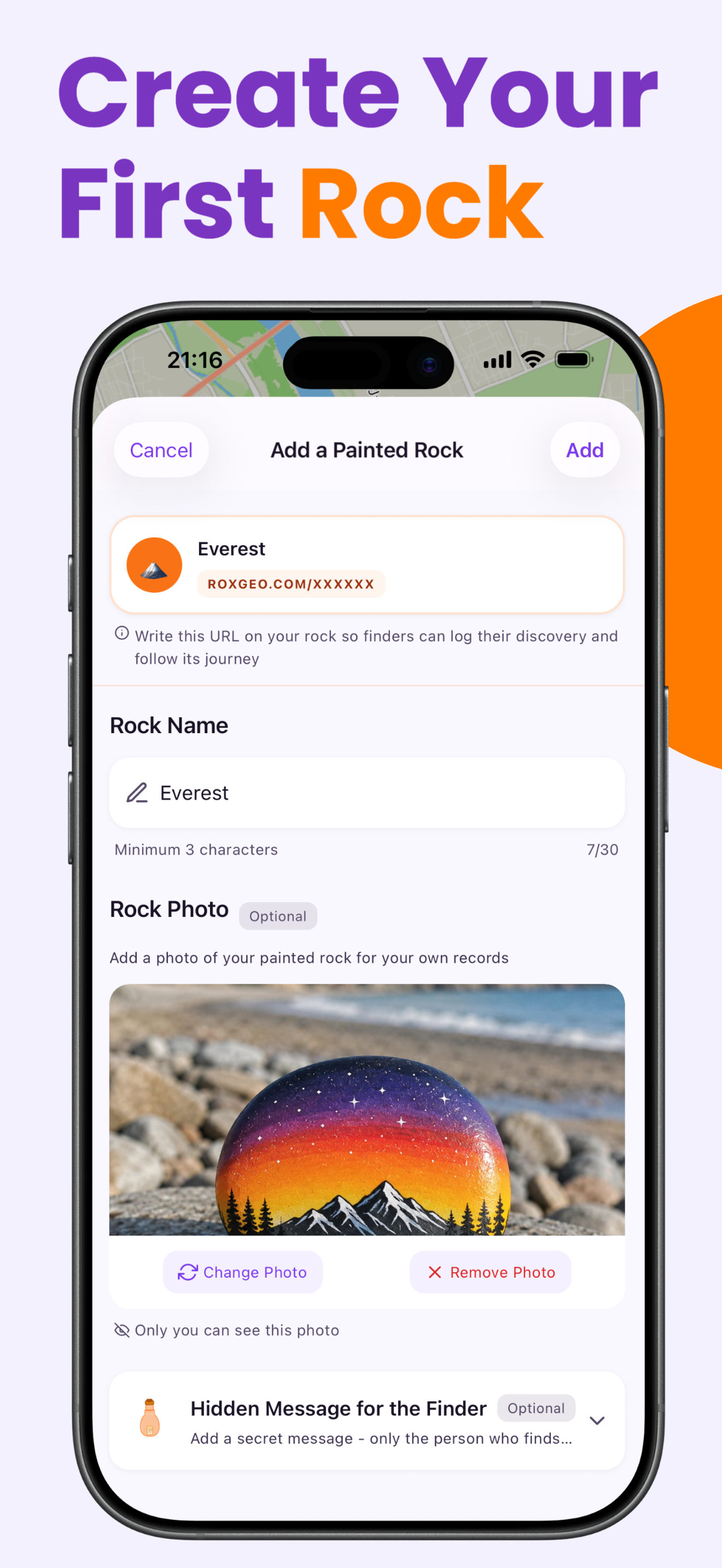
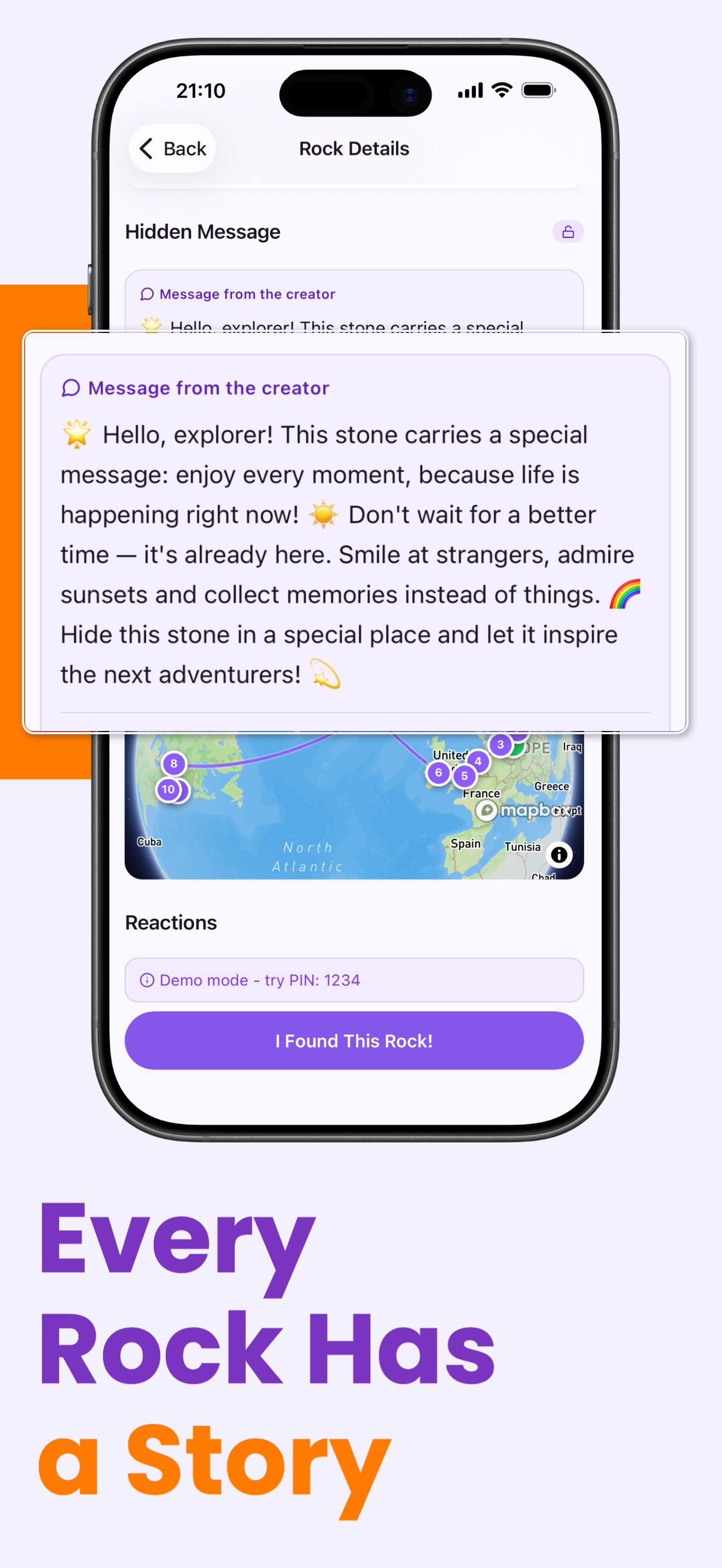
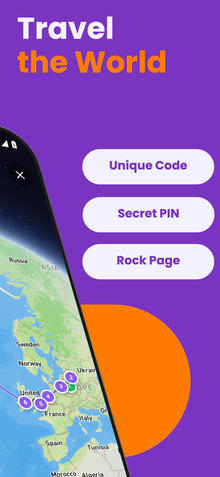
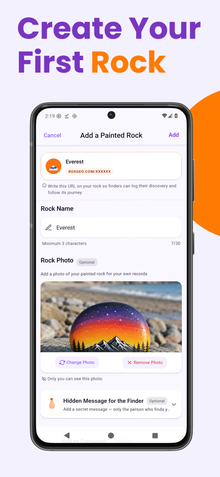
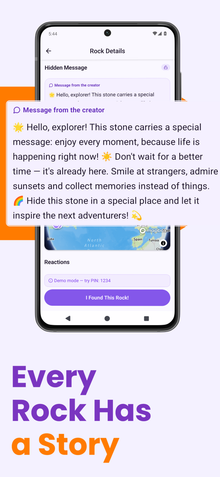
あなたの岩の底面または裏面に、ROXGEO.COMとスラッシュの後に岩のユニークコード(例:ROXGEO.COM/ABC123)を書いてください。これにより、見つけた人は直接あなたの岩のプロフィールページにアクセスし、発見を記録できます。岩が小さすぎてフルアドレスを書くことができない場合は、スペースなしで#ROXとコードを書く(例:#ROXABC123)と短く、Googleで検索しやすく、あなたの岩の旅ページに直接つながります。細い先の永久マーカーまたはアクリルペイントペンを使用し、透明なニスでコーティングして、雨や日差し、冒険の中でもコードが読みやすく保ちましょう。
役立つヒント
- モチーフに合った形の石を選びましょう。
- 絵を描き始める前に、鉛筆でデザインをスケッチしましょう。
- 次の層を追加する前に、各層を完全に乾かしましょう。
- 透明シーラントスプレーで保護し、屋外でも長持ちさせましょう。
- 底面のRoxGeoコードには、防水の永久マーカー(シャーピーなど)またはアクリルペイントペンを使用してください。コードの上に透明なシーラントを2〜3回塗布します。これにより、雨や日差し、取り扱いによっても数ヶ月間読みやすく保たれます。
- 岩に#ROXCODE(例:#ROXABC123)を書くことで、Google検索で簡単に見つけられます。このハッシュタグに対して積極的に最適化しているため、検索した人はすぐにあなたの岩のプロフィールページを見つけることができます。
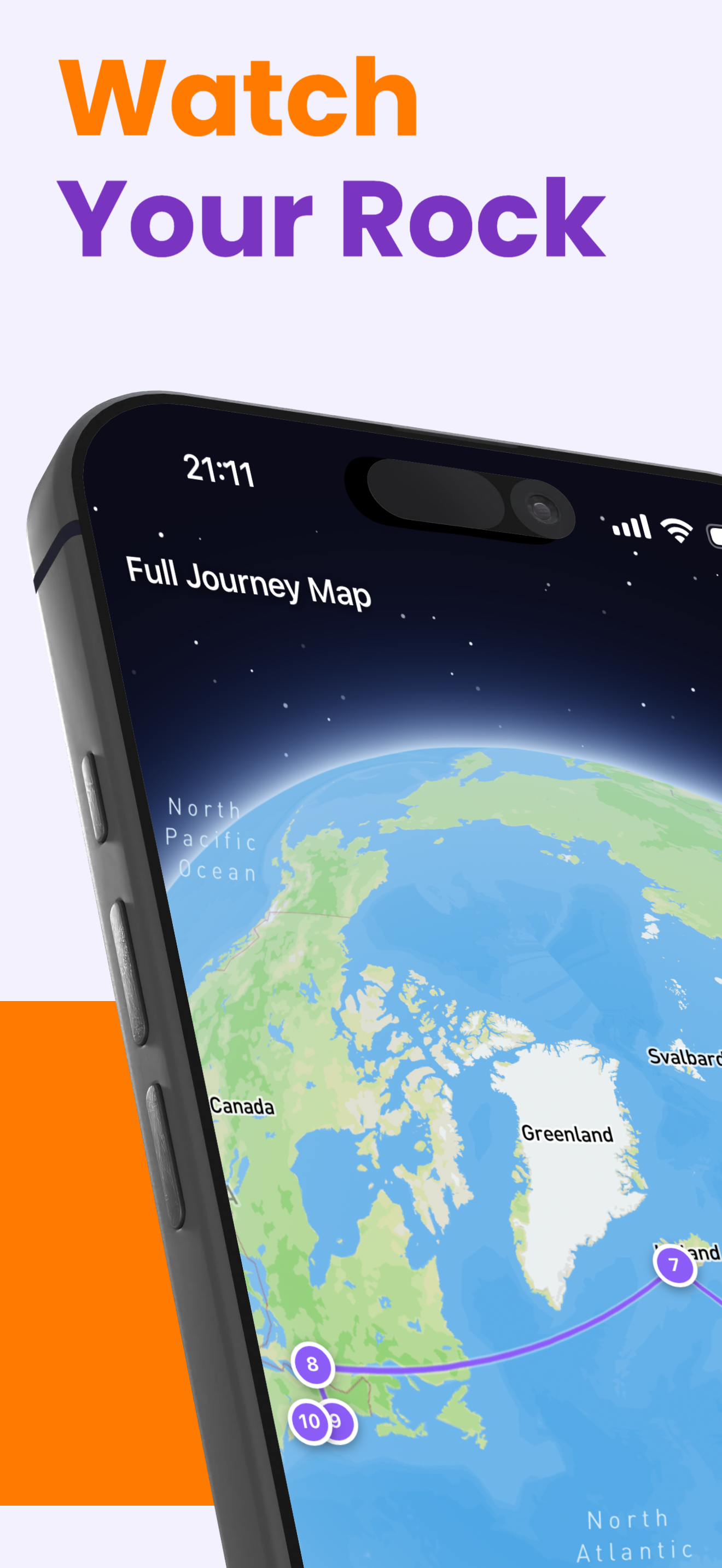
- フルアドレスROXGEO.COM/CODEは、見つけた人をあなたの岩のカードに直接導き、そこではその岩の完全な旅行履歴、以前の発見者、旅の各停留所の写真を確認できます。
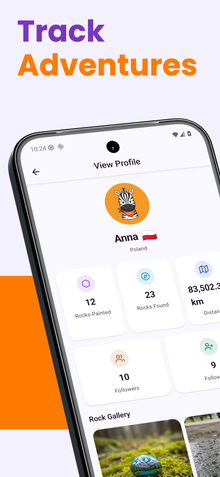
この岩を塗って、RoxGeoでその旅を追跡しましょう!
RoxGeoを無料でダウンロード