テンプレートに戻る
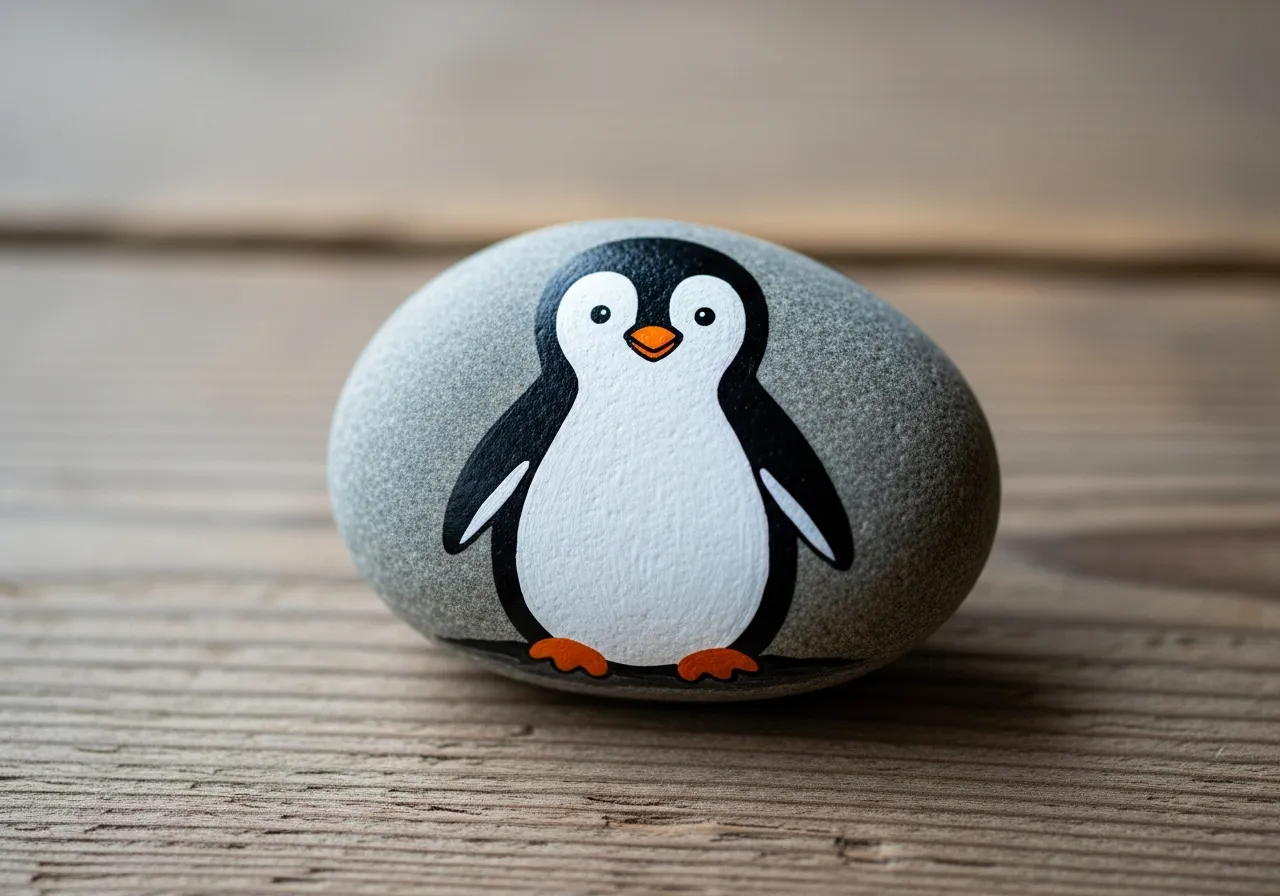
ペンギンの石ペイント
必要な材料
- なめらかな楕円形の石(手のひらサイズ)
- 黒のアクリル絵の具
- 白のアクリル絵の具
- オレンジのアクリル絵の具
- 中くらいのフラットブラシ
- 細い描写用ブラシ
- 透明シーラントスプレー
- 新聞紙またはビニールシート(作業スペース保護用)
ステップバイステップの指示
1
ステップ 1: Prepare and sketch
Wash and dry your oval rock. Use a pencil to draw an oval shape on the front for the white belly area. The belly should cover about two-thirds of the front.
2
ステップ 2: Paint black and white
Paint the entire rock black first and let it dry. Then paint the belly area white with two coats. The contrast between black and white is what makes your penguin recognizable.
3
ステップ 3: Add the face
Paint two white circles for eyes near the top of the rock. Add black dots in the center of each eye. Paint a small orange triangle below the eyes for the beak.
4
ステップ 4: Add feet and details
Paint two small orange feet at the bottom of the rock. Add tiny wing shapes on the sides by painting curved black lines on the white belly edge.
5
ステップ 5: Finish and seal
Add white highlight dots to the eyes for a cute sparkle. Let everything dry completely, then spray with clear sealant to protect your penguin rock.
ステップ 6: RoxGeoコードを追加
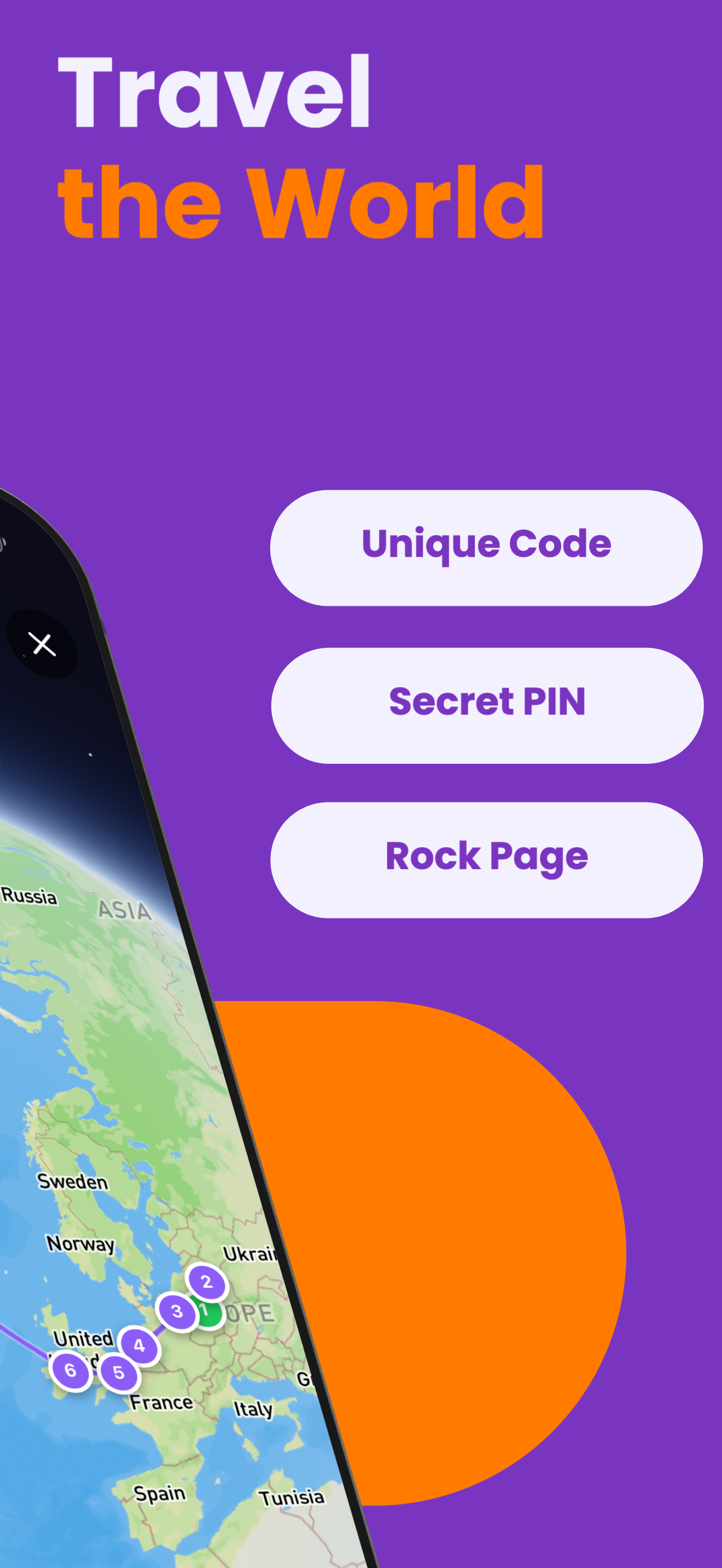
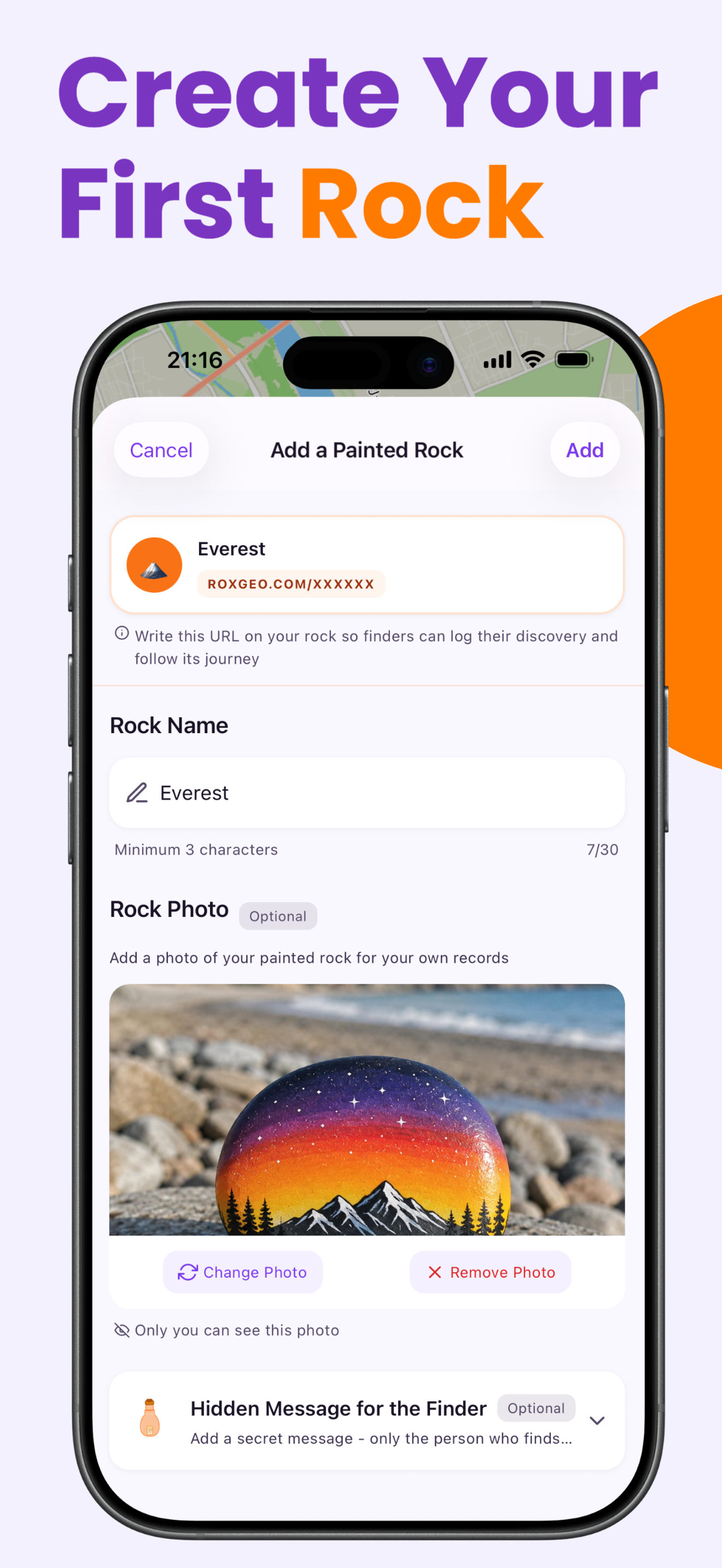
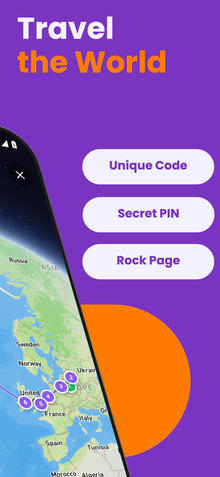
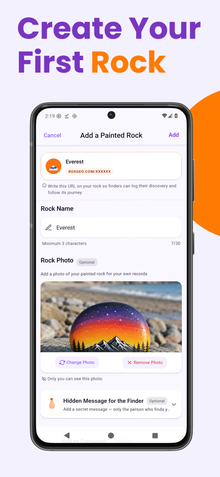
あなたの岩の底面または裏面に、ROXGEO.COMとスラッシュの後に岩のユニークコード(例:ROXGEO.COM/ABC123)を書いてください。これにより、見つけた人は直接あなたの岩のプロフィールページにアクセスし、発見を記録できます。岩が小さすぎてフルアドレスを書くことができない場合は、スペースなしで#ROXとコードを書く(例:#ROXABC123)と短く、Googleで検索しやすく、あなたの岩の旅ページに直接つながります。細い先の永久マーカーまたはアクリルペイントペンを使用し、透明なニスでコーティングして、雨や日差し、冒険の中でもコードが読みやすく保ちましょう。
役立つヒント
- モチーフに合った形の石を選びましょう。
- 白いベースコートを塗ると、すべての色がより鮮やかに見えます。
- 次の層を追加する前に、各層を完全に乾かしましょう。
- 透明シーラントスプレーで保護し、屋外でも長持ちさせましょう。
- 底面のRoxGeoコードには、防水の永久マーカー(シャーピーなど)またはアクリルペイントペンを使用してください。コードの上に透明なシーラントを2〜3回塗布します。これにより、雨や日差し、取り扱いによっても数ヶ月間読みやすく保たれます。
- 岩に#ROXCODE(例:#ROXABC123)を書くことで、Google検索で簡単に見つけられます。このハッシュタグに対して積極的に最適化しているため、検索した人はすぐにあなたの岩のプロフィールページを見つけることができます。
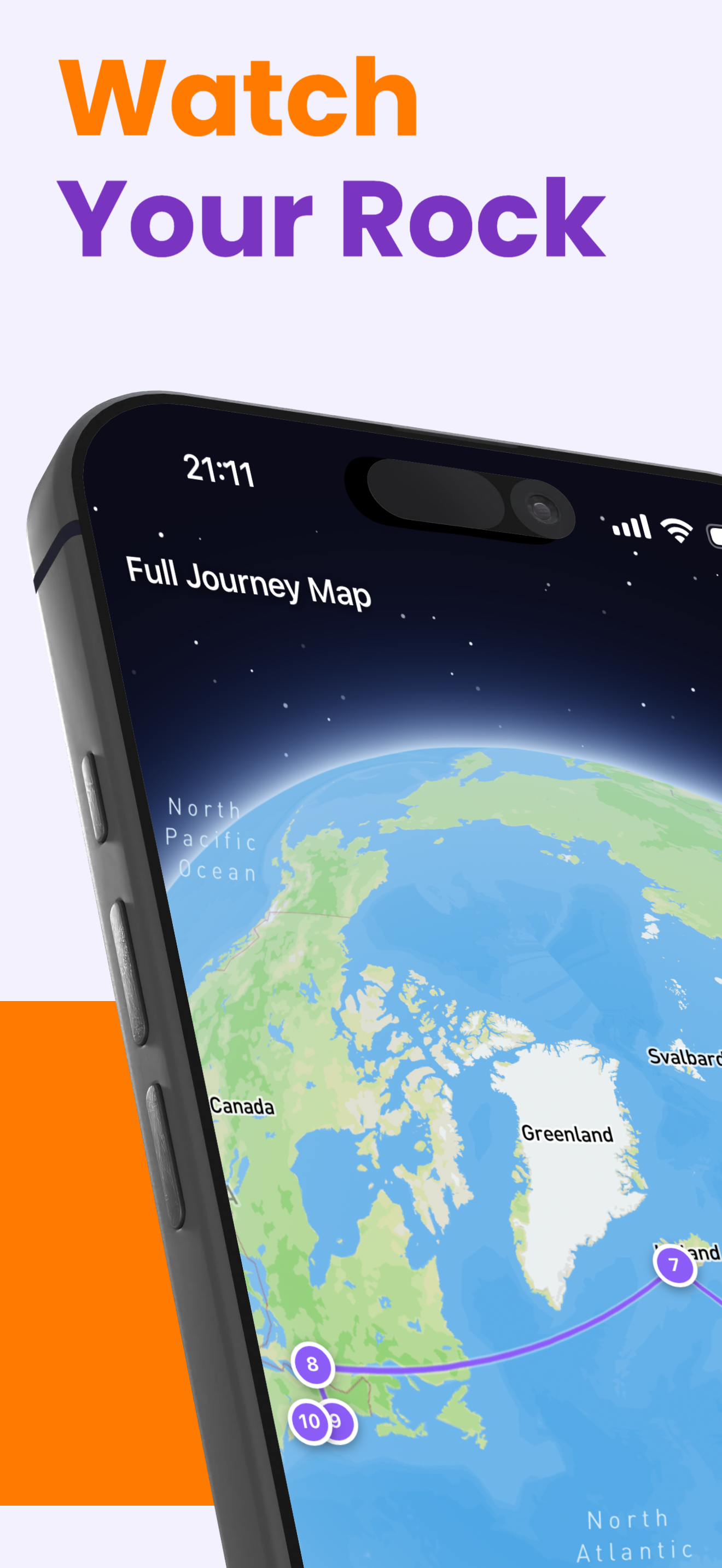
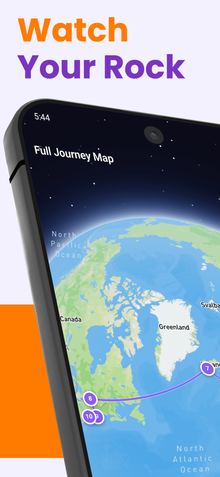
- フルアドレスROXGEO.COM/CODEは、見つけた人をあなたの岩のカードに直接導き、そこではその岩の完全な旅行履歴、以前の発見者、旅の各停留所の写真を確認できます。
この岩を塗って、RoxGeoでその旅を追跡しましょう!
RoxGeoを無料でダウンロード