Volver a plantillas
Pintura de León en Piedra
Materiales necesarios
- Smooth, round rock (palm-sized)
- Yellow-orange acrylic paint
- Brown acrylic paint
- Black acrylic paint
- White acrylic paint
- Medium flat brush
- Fine detail brush
- Clear sealant spray
- Pencil
Guía paso a paso
1
Paso 1: Prepare and sketch
Wash and dry your rock. Sketch a circle for the lion's face and a larger fluffy oval around it for the mane. The mane should extend beyond the face on all sides.
2
Paso 2: Paint the mane
Paint the outer mane area with brown paint, using short dabbing strokes to create a textured, fluffy look. Add darker brown at the edges for depth.
3
Paso 3: Paint the face
Fill the inner face circle with yellow-orange paint. Apply two even coats and let dry fully. This is the lion's golden face.
4
Paso 4: Add face features
Paint two round black eyes with white highlight dots. Add a brown triangular nose and a curved black mouth line below it. Paint small white whisker dots on each side of the snout.
5
Paso 5: Detail and seal
Add ear shapes at the top of the mane with yellow-orange paint. Outline the face and ears with black for definition. Spray with sealant when fully dry.
Paso 6: Agregar código RoxGeo
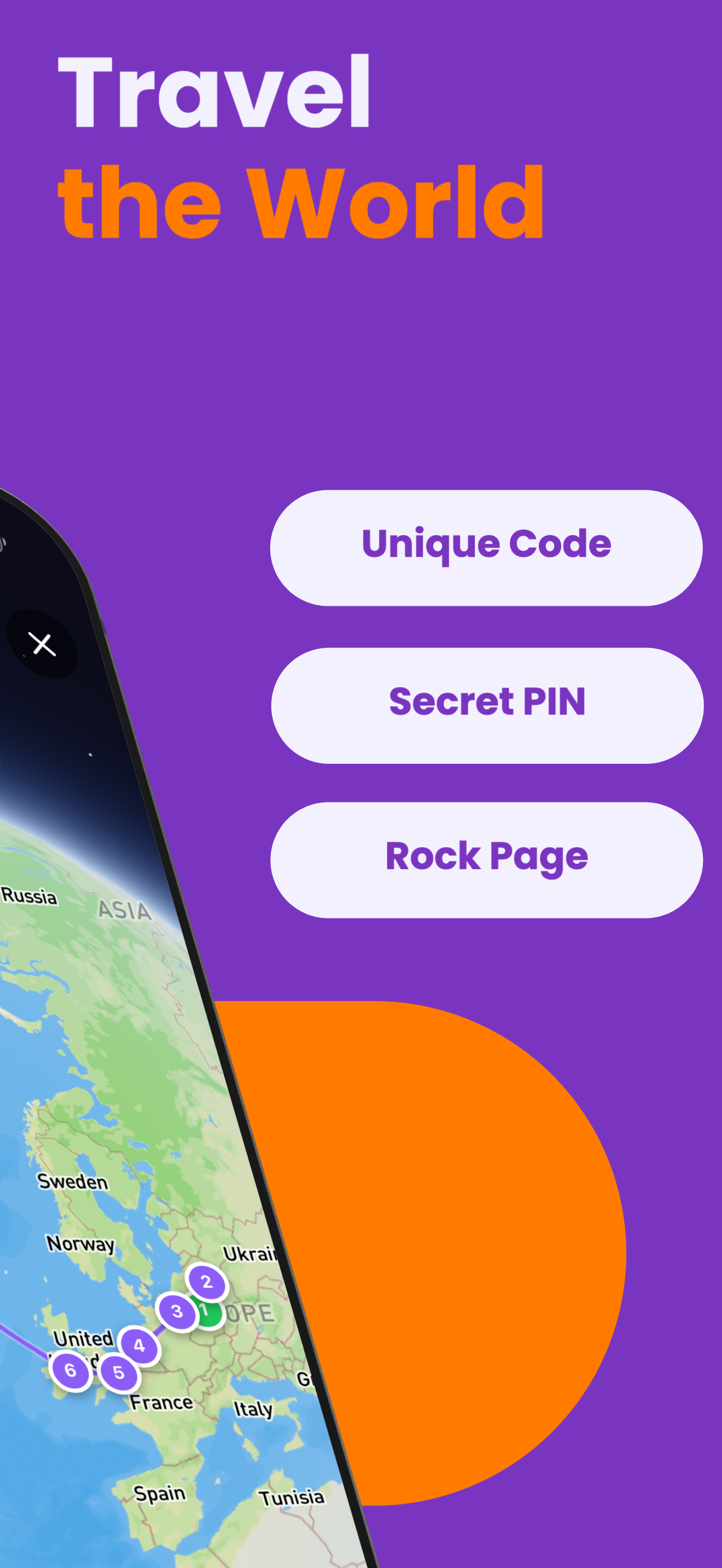
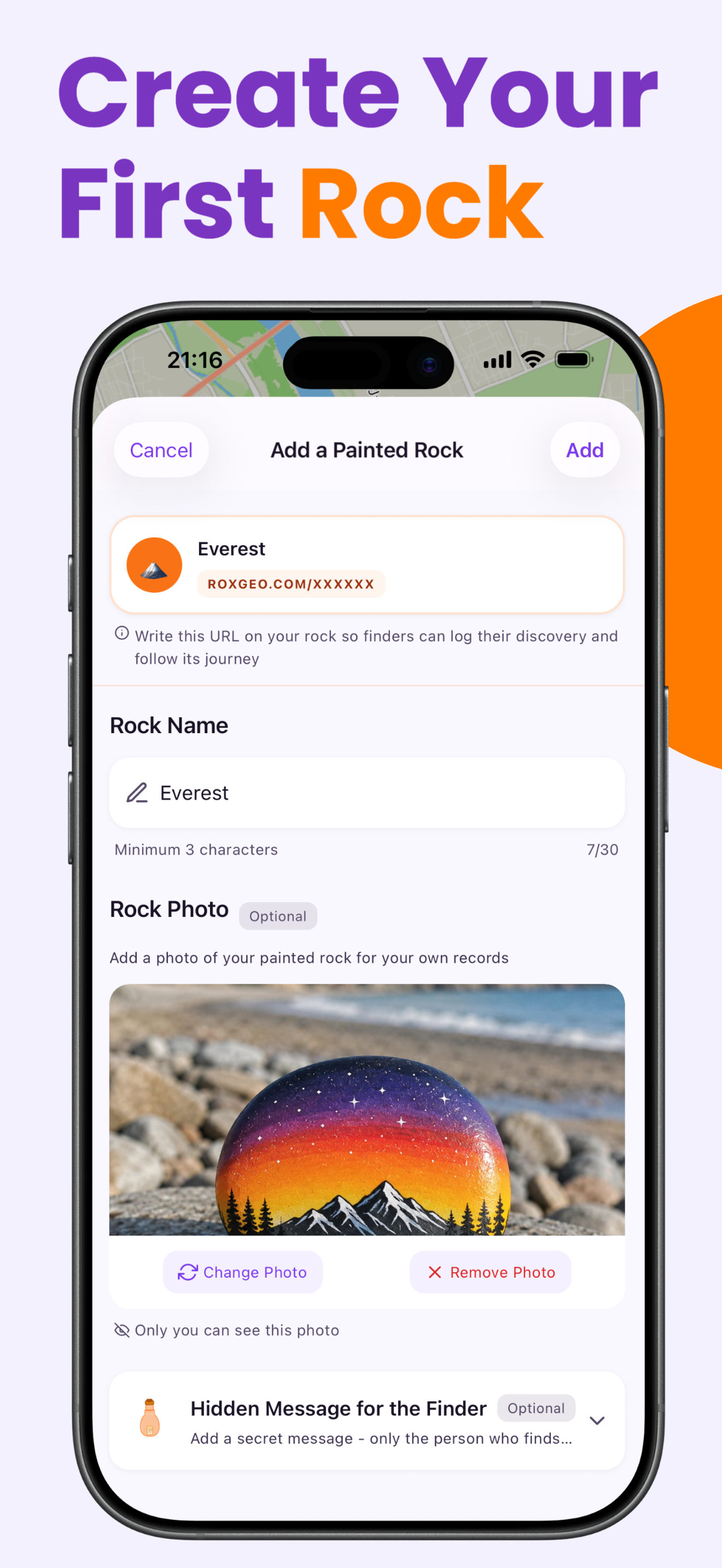
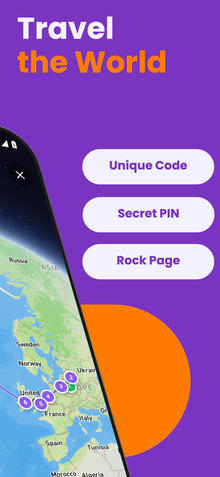
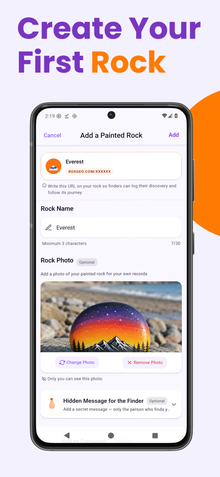
Escribe ROXGEO.COM seguido de una barra y el código único de tu piedra (ej. ROXGEO.COM/ABC123) en la parte inferior o trasera de tu piedra.
Consejos útiles
- Use short dabbing brush strokes for the mane to create a fluffy texture.
- Layering two shades of brown in the mane adds realistic depth.
- A round rock makes the best lion face - the rounder the better.
- Add tiny eyelash lines above the eyes for extra expression.
- Para el código RoxGeo en la parte trasera, usa un marcador permanente resistente al agua. Aplica 2-3 capas de barniz transparente encima.
- Escribir #ROXCODE (ej. #ROXABC123) en tu piedra lo hace fácil de encontrar en Google.
- La dirección completa ROXGEO.COM/CODE lleva al descubridor directamente al mapa de tu piedra.
¡Pinta esta piedra y rastrea su viaje con RoxGeo!
Descargar RoxGeo gratis