กลับไปที่แม่แบบ
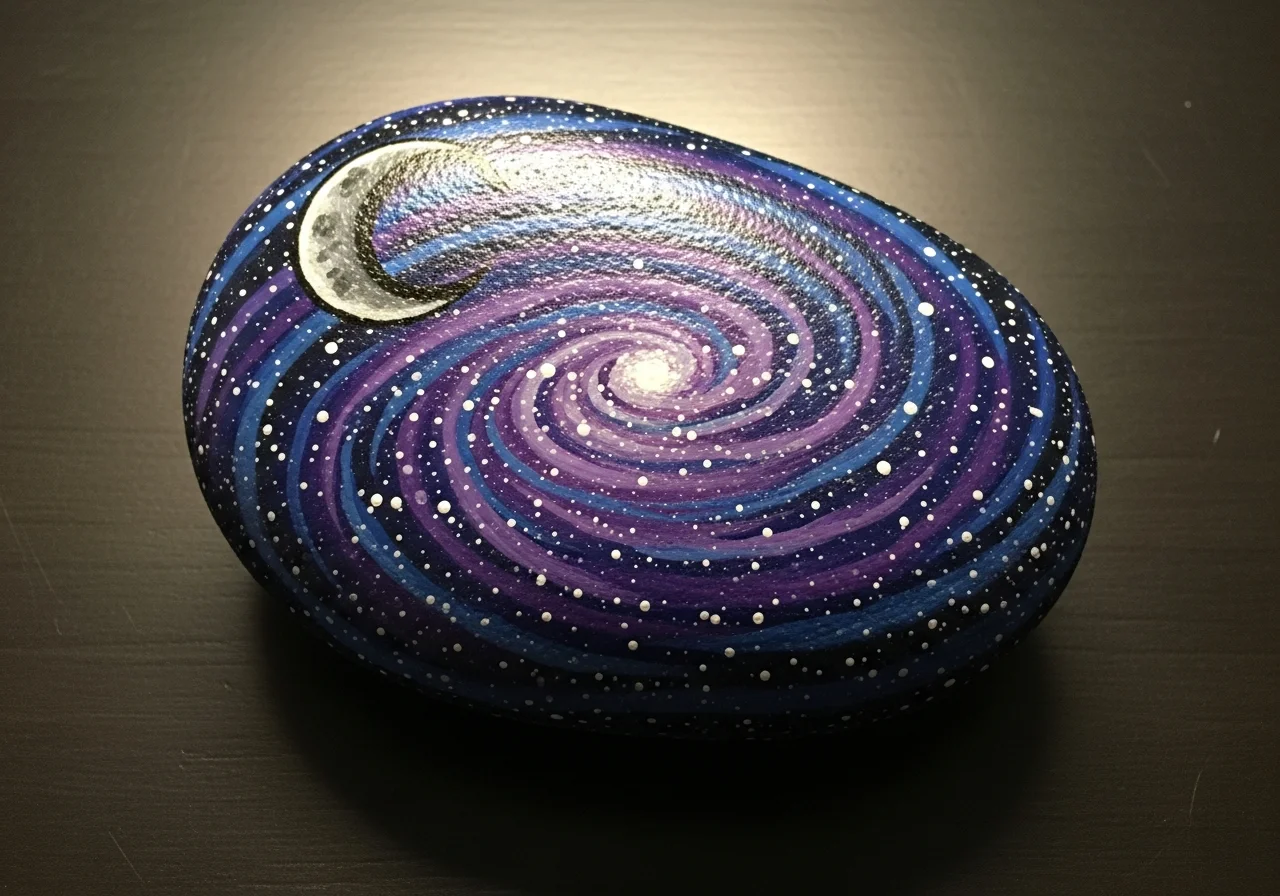
วาดกาแล็กซีบนหิน
วัสดุที่ต้องการ
- หินเรียบแบน (ขนาดฝ่ามือ)
- สีอะคริลิกสีน้ำเงินเข้ม
- สีอะคริลิกสีดำ
- สีอะคริลิกสีขาว
- สีอะคริลิกสีม่วง
- สีอะคริลิกสีชมพู
- ฟองน้ำเล็ก (สำหรับลวดลาย)
- แปรงแบนขนาดกลาง
- สเปรย์เคลือบใส
คำแนะนำทีละขั้นตอน
1
ขั้นตอน 1: Paint the dark base
Wash and dry your rock. Paint the entire surface black as the base of space. Apply two coats for a deep, rich black. Let each coat dry completely.
2
ขั้นตอน 2: Add nebula colors
Dip your sponge in dark blue paint and gently dab it in curved sweeps across the rock. Don't cover all the black - leave some showing. Repeat with purple paint, overlapping slightly with the blue areas. Add a small touch of pink if desired.
3
ขั้นตอน 3: Create the star field
Dip your toothpick or fine brush in white paint and tap tiny dots across the entire surface for stars. Vary the sizes - most should be tiny with a few larger ones. Cluster some together for a milky way effect.
4
ขั้นตอน 4: Add bright stars and details
Pick 2-3 spots for brighter stars. Paint small plus-sign shapes (+) with white paint to create twinkling star points. You can also add a small crescent moon or planet shape if you like.
5
ขั้นตอน 5: Final touches and seal
Step back and check your galaxy. Add more stars where it looks empty, or dab more nebula color where needed. Once fully dry, seal with clear spray. Your piece of the cosmos is ready!
ขั้นตอน 6: เพิ่มรหัส RoxGeo
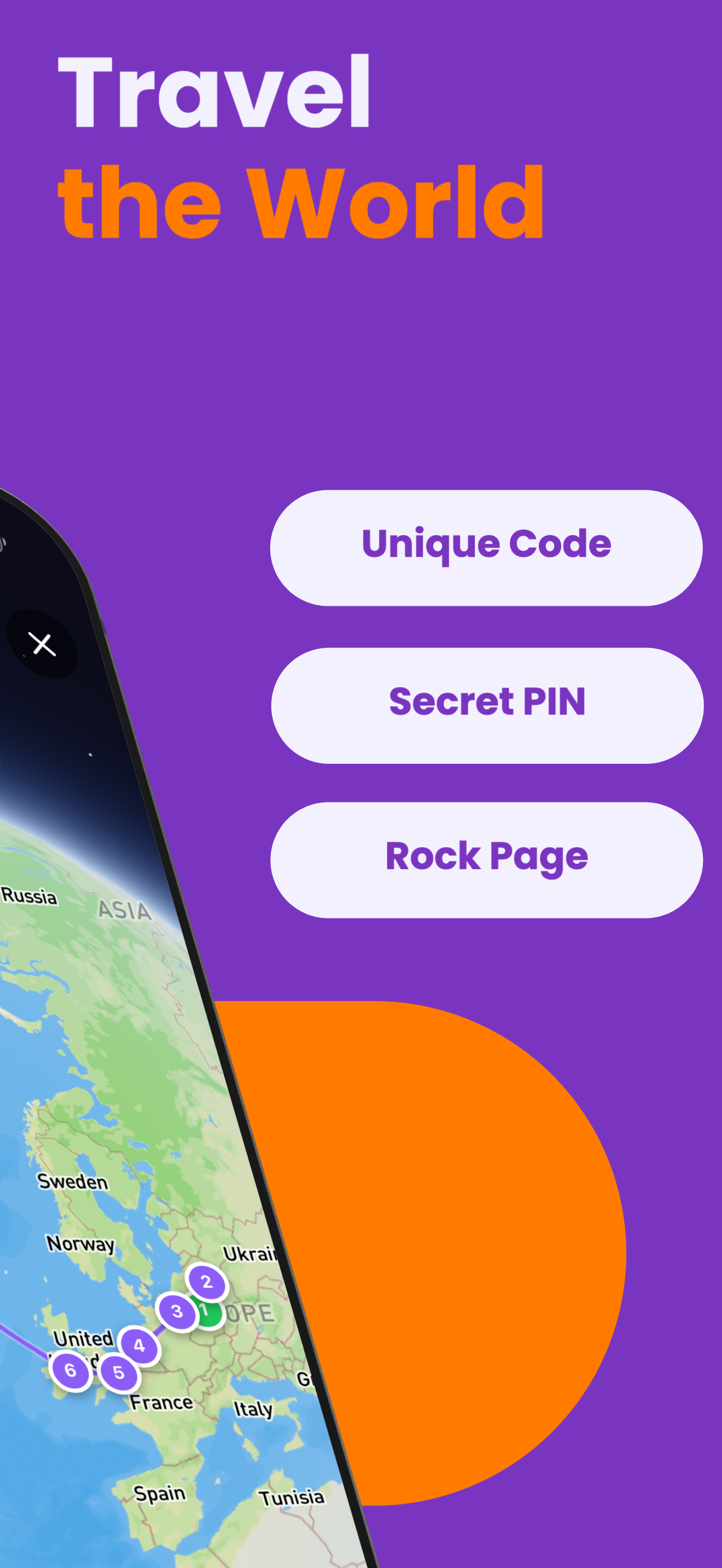
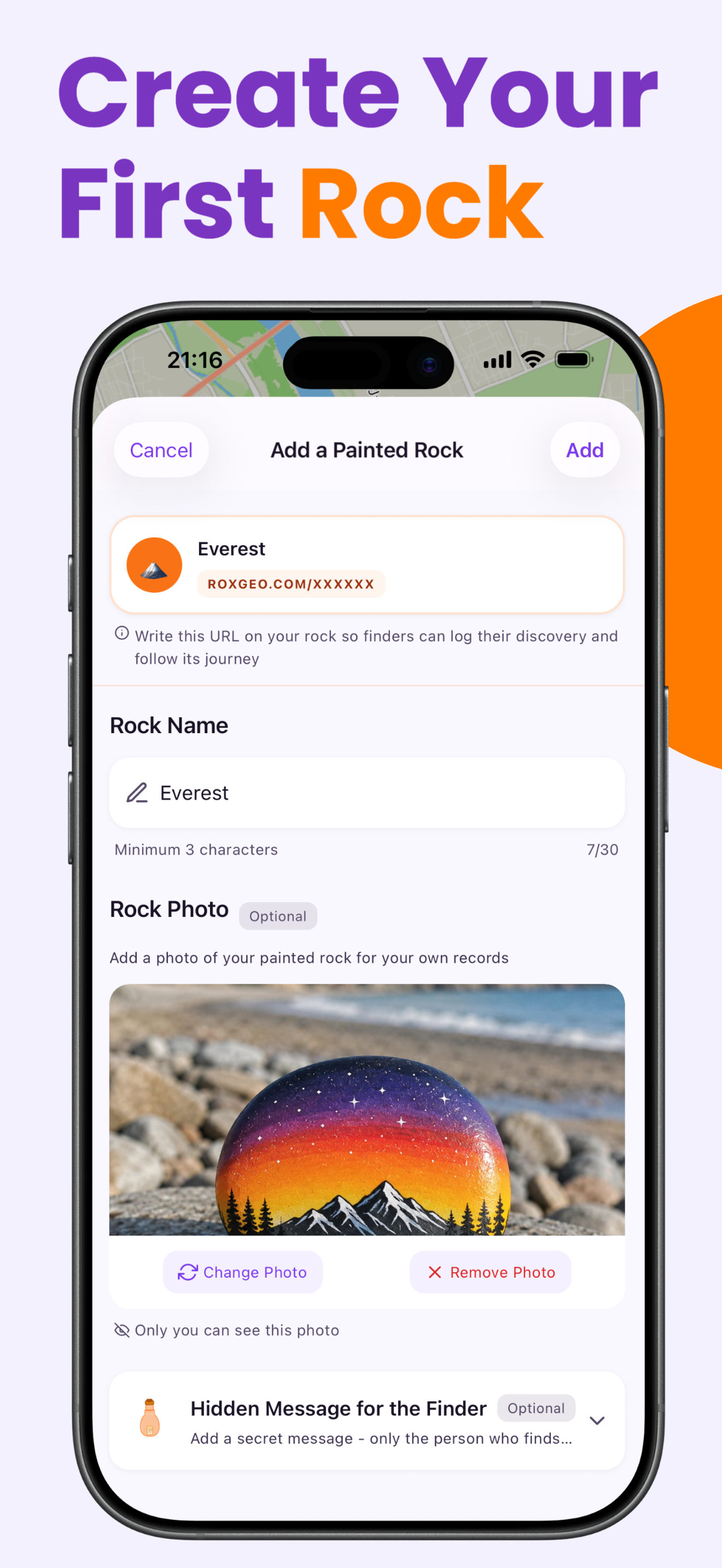
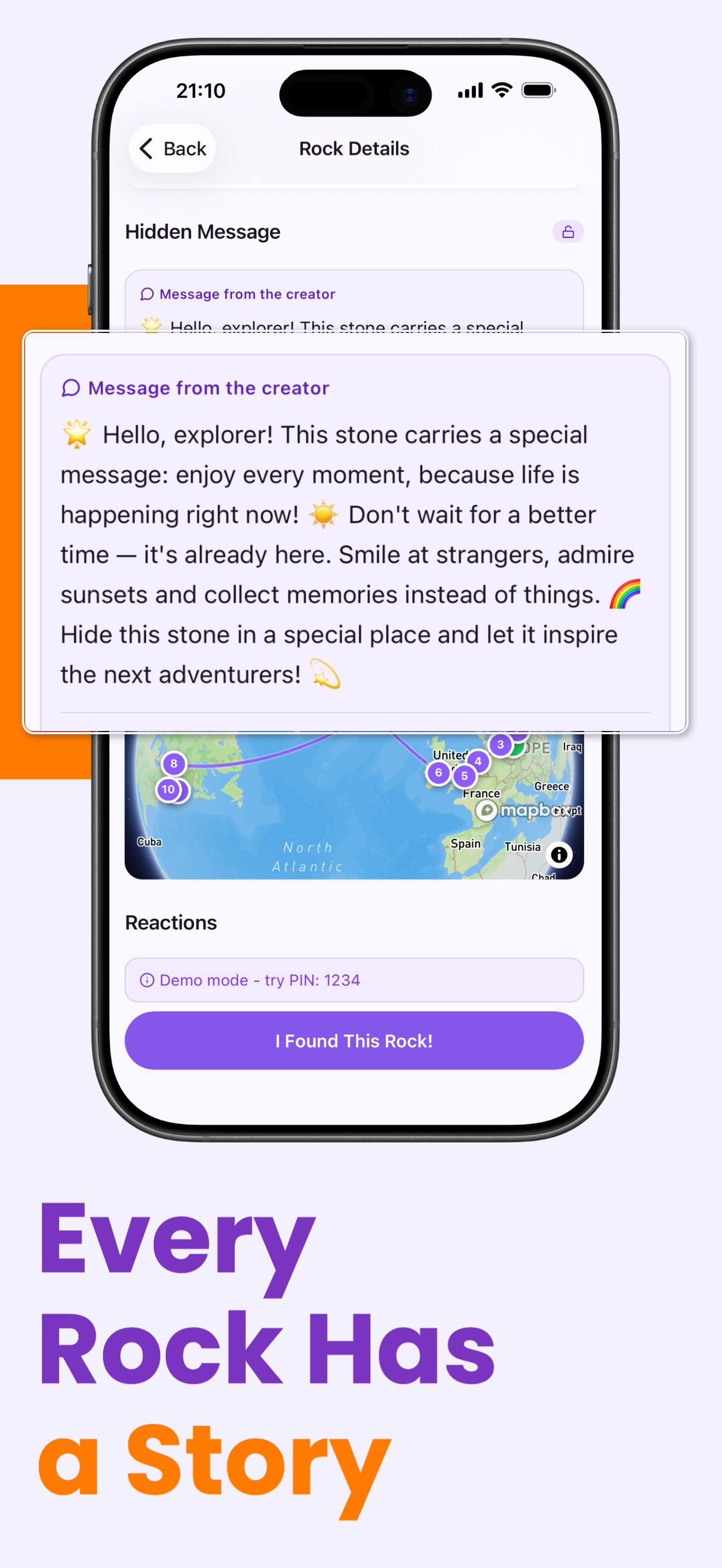
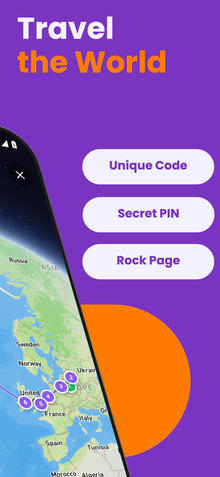
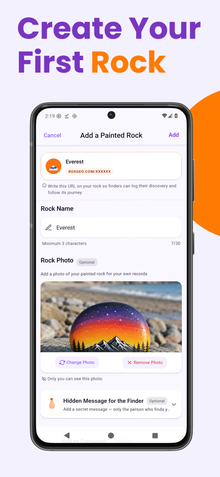
ที่ด้านล่างหรือด้านหลังของหินของคุณ เขียน ROXGEO.COM ตามด้วยเครื่องหมายทับและรหัสเฉพาะของหินของคุณ (เช่น ROXGEO.COM/ABC123) สิ่งนี้จะทำให้ผู้ที่พบสามารถไปยังหน้าประวัติของหินของคุณและบันทึกการค้นพบของพวกเขาได้โดยตรง หากหินมีขนาดเล็กเกินไปสำหรับที่อยู่ทั้งหมด ให้เขียน #ROX ตามด้วยรหัสโดยไม่มีช่องว่าง (เช่น #ROXABC123) - มันสั้น ง่ายต่อการค้นหาบน Google และนำไปยังหน้าการเดินทางของหินของคุณโดยตรง ใช้ปากกาแบบถาวรที่มีปลายเล็กหรือปากกาสีอะคริลิก และเคลือบด้วยน้ำยาล้างเงาใสเพื่อให้รหัสอ่านได้แม้ในฝน แดด และการผจญภัย
เคล็ดลับที่เป็นประโยชน์
- ชั้นรองพื้นสีขาวทำให้สีทุกสีดูสดใสยิ่งขึ้น
- ให้แต่ละชั้นแห้งสนิทก่อนเพิ่มชั้นถัดไป
- ร่างดีไซน์ด้วยดินสอก่อนเริ่มระบายสี
- เคลือบด้วยสเปรย์ใสเพื่อปกป้องหินเมื่อใช้งานกลางแจ้ง
- สำหรับรหัส RoxGeo ที่ด้านล่าง ใช้ปากกาถาวรที่กันน้ำ (เช่น Sharpie) หรือปากกาสีอะคริลิก ทาเคลือบใส 2–3 ชั้นเหนือรหัส - สิ่งนี้จะช่วยให้รหัสอ่านได้แม้ในฝน แดด และการสัมผัสเป็นเวลาหลายเดือน
- การเขียน #ROXCODE (เช่น #ROXABC123) บนหินของคุณทำให้ค้นหาได้ง่ายผ่านการค้นหาบน Google เราได้ทำการปรับแต่งสำหรับแฮชแท็กนี้อย่างต่อเนื่อง ดังนั้นใครก็ตามที่ค้นหาจะพบหน้าประวัติของหินของคุณได้อย่างรวดเร็ว
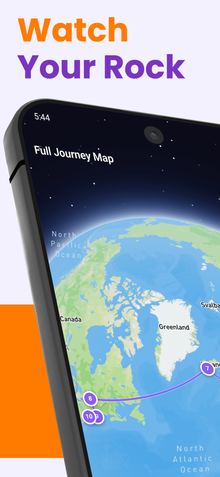
- ที่อยู่เต็ม ROXGEO.COM/CODE จะนำผู้ที่พบไปยังการ์ดของหินของคุณโดยตรง ที่ซึ่งพวกเขาสามารถดูประวัติการเดินทางทั้งหมด ผู้ที่พบก่อนหน้า และภาพถ่ายจากทุกจุดที่หินของคุณไปถึง
เพ้นท์หินนี้และติดตามการเดินทางของมันด้วย RoxGeo!
ดาวน์โหลด RoxGeo ฟรี