Account Deletion Request
RoxGeo is developed by Kamil Kądziołka. You can request deletion of your account at any time - directly from the app or by emailing us.
How to delete your account in the app
- Open the RoxGeo app on your device.
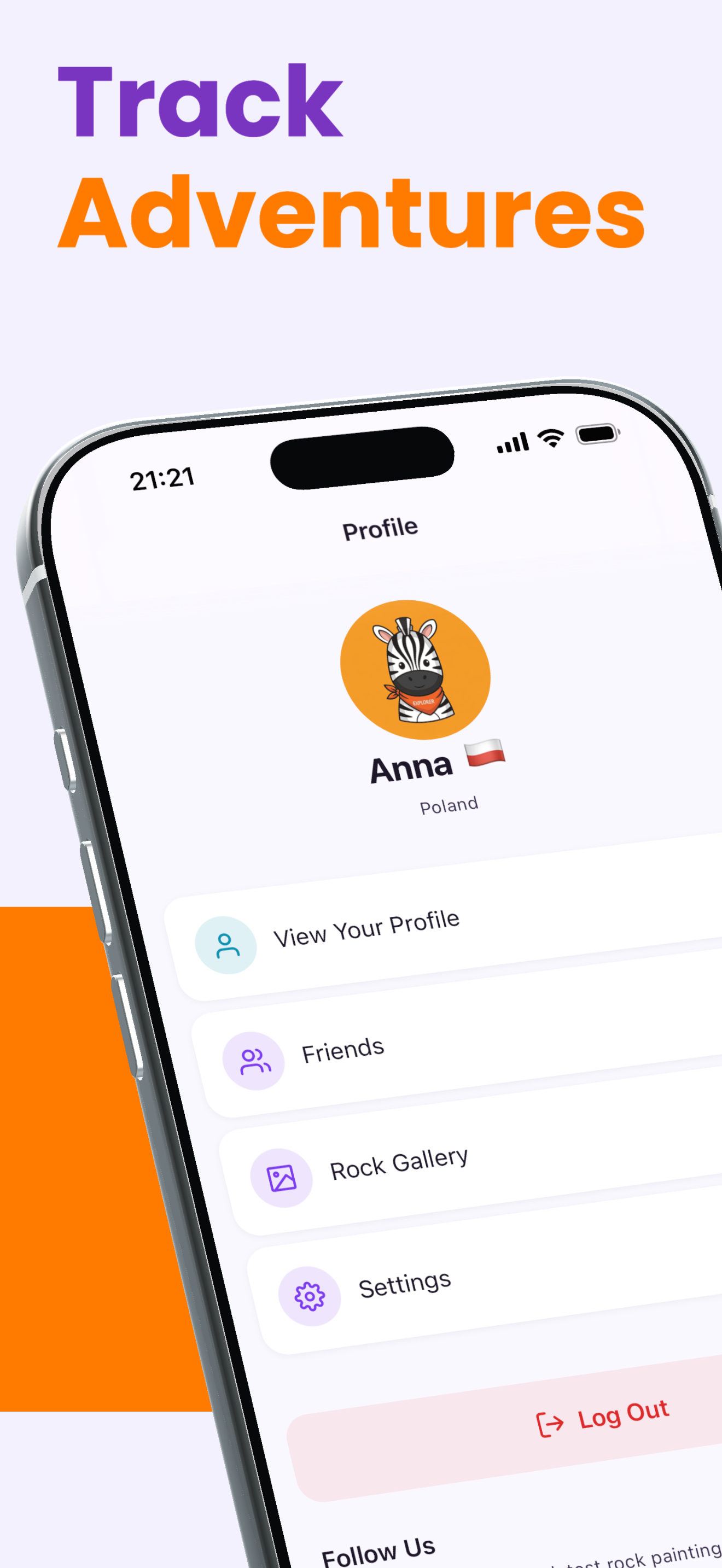
- Go to your Profile → Settings → Account.
- Tap "Delete Account".
- Confirm with the verification code sent to your email address.
- Your account and personal data will be deleted immediately.
Alternative: request by email
If you cannot access the app, send a deletion request to [email protected]. Please include your registered email address in the message body so we can identify your account.
What gets permanently deleted
- Email address, username, and avatar
- All painted rocks and tags you created
- Emoji messages and reactions
- Rock discovery history and finds
- XP points and achievement badges
- Connected devices and active sessions
- Pending OTP verification codes
What is retained and for how long
- Security and moderation logs - up to 90 days (required to prevent abuse)
- Anonymized, aggregated usage statistics - indefinitely (no personal data)
- Data required by applicable law (e.g. fraud prevention records) - as legally required
Your account is anonymized immediately. All personal data is permanently and irreversibly deleted within 30 days of the request.