Frequently Asked Questions
Everything you need to know about RoxGeo and painted rocks.

How do I track a painted rock?
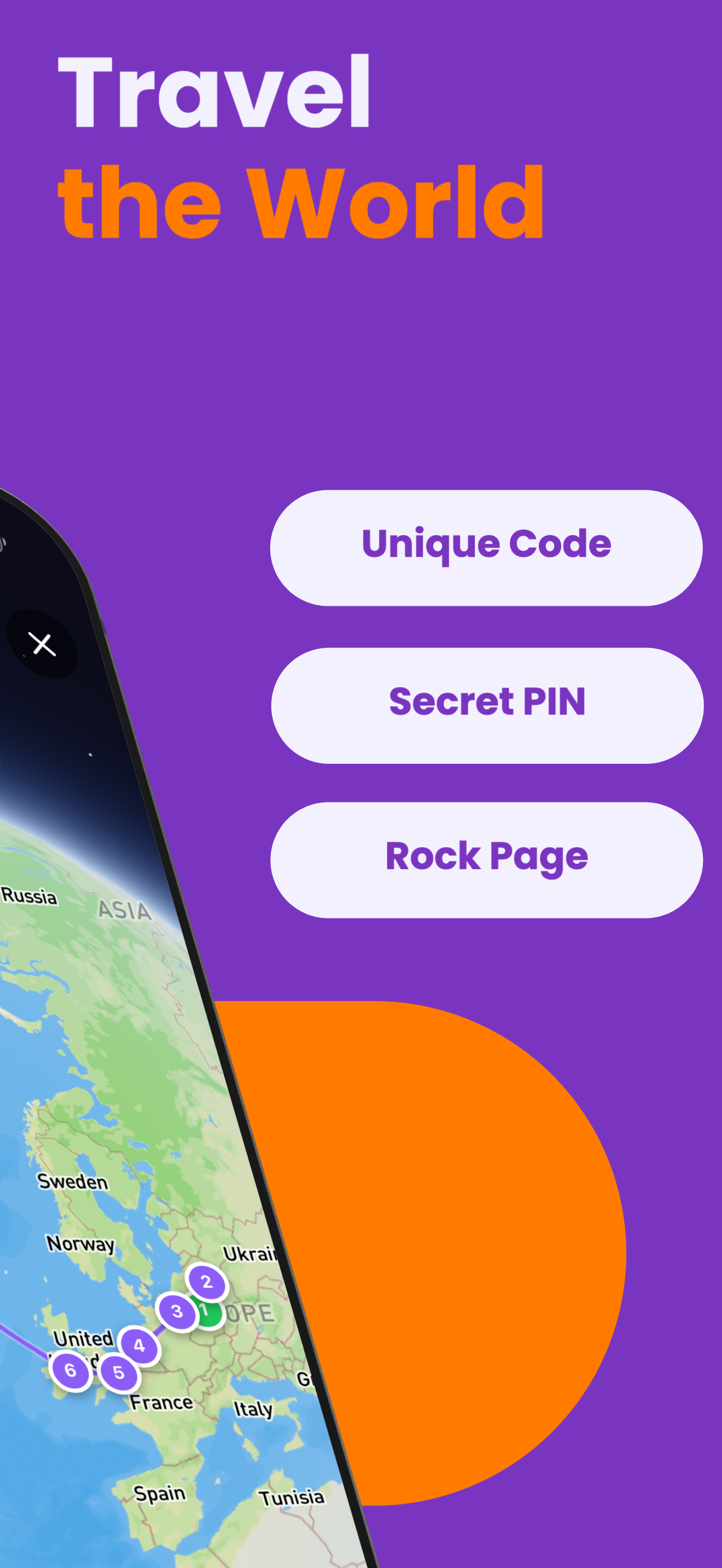
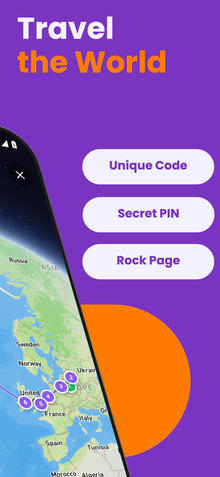
Find a painted rock with a RoxGeo code and a 4-digit secret PIN on the back. Visit ROXGEO.COM and enter the code and PIN, or download the free RoxGeo app. The PIN confirms you actually have the rock in hand. The app uses GPS to verify your location and logs your find. You can then see the rock’s full travel history on a live map.
What is a painted rock code?
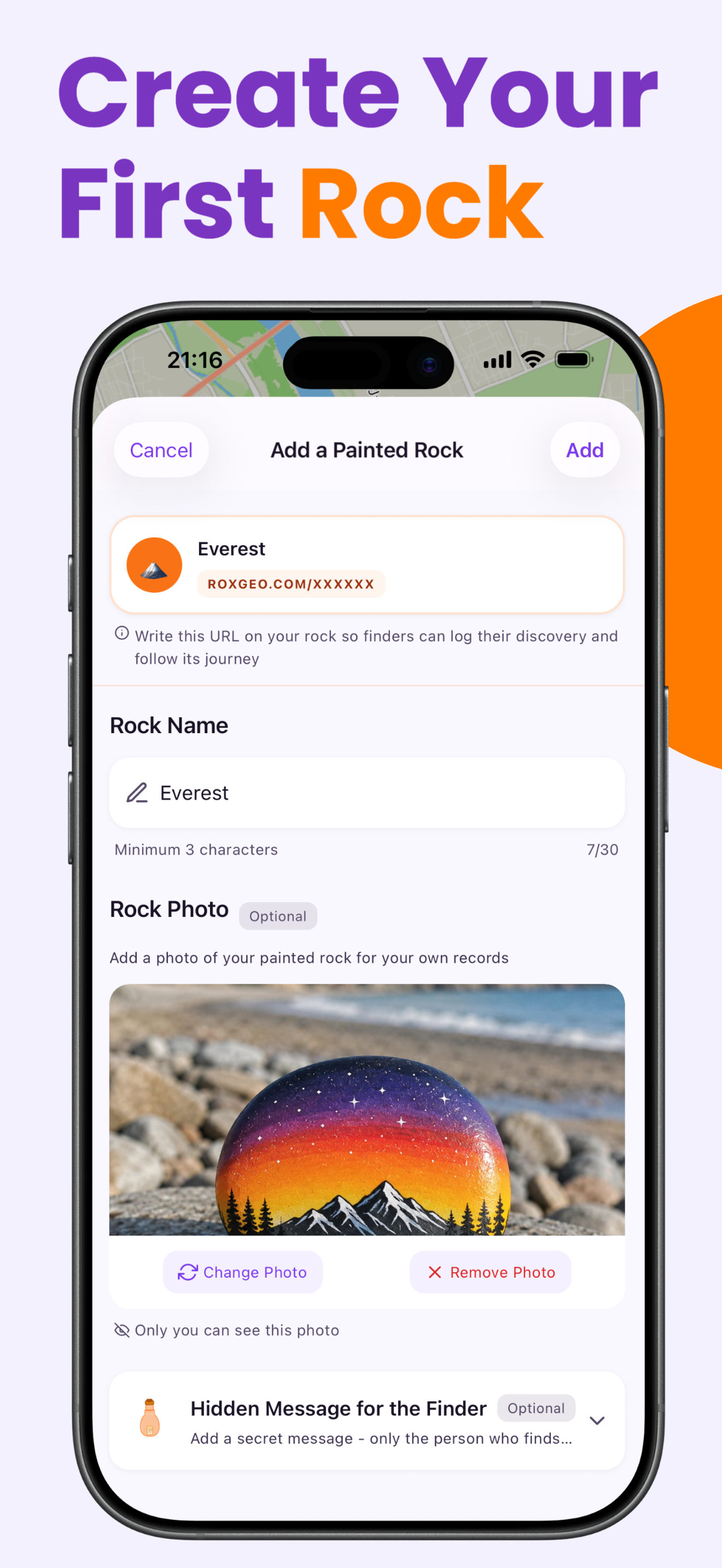
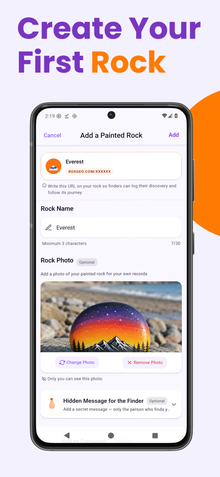
A painted rock code is a unique 6-character identifier (like ABC123) assigned to each rock registered on RoxGeo. The creator writes this code on the back of the rock along with ROXGEO.COM and a 4-digit secret PIN, so finders can log their discovery and prove they actually found the rock.
Is RoxGeo free?
Yes, RoxGeo is 100% free to use. There are no hidden costs, no subscriptions, and no ads. Creating rocks, tracking journeys, and joining the community is completely free for everyone.
Can schools use RoxGeo?
Absolutely! RoxGeo is perfect for schools. Teachers can use it for geography, art, and creative writing projects. The platform is designed with child safety in mind — emoji-only communication keeps interactions positive and age-appropriate.
How long does a rock stay active?
A rock stays active on RoxGeo forever! Once registered, the rock’s profile and full journey history remain available indefinitely. Even if a rock isn’t found for months, its story continues when the next person discovers it.
Can I see the full travel history of a rock?
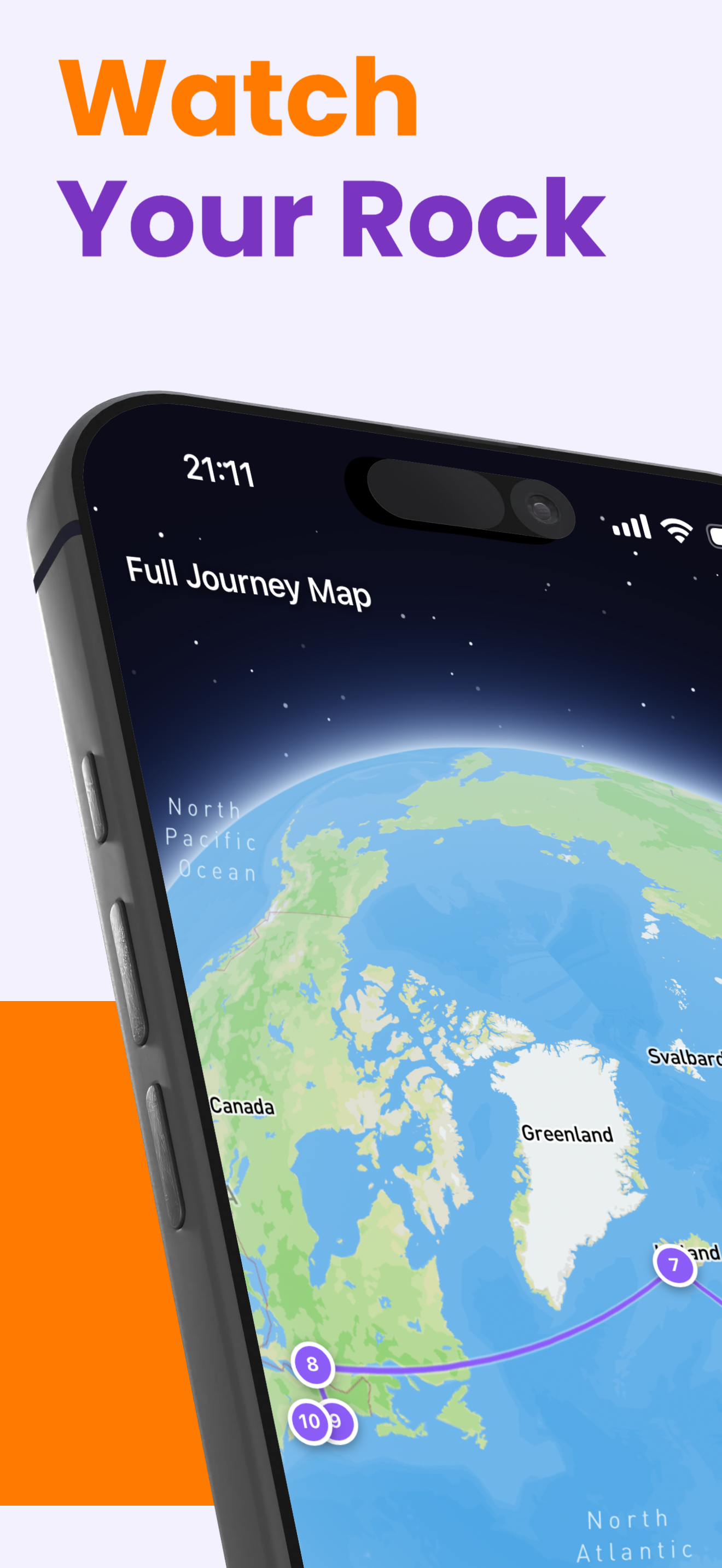
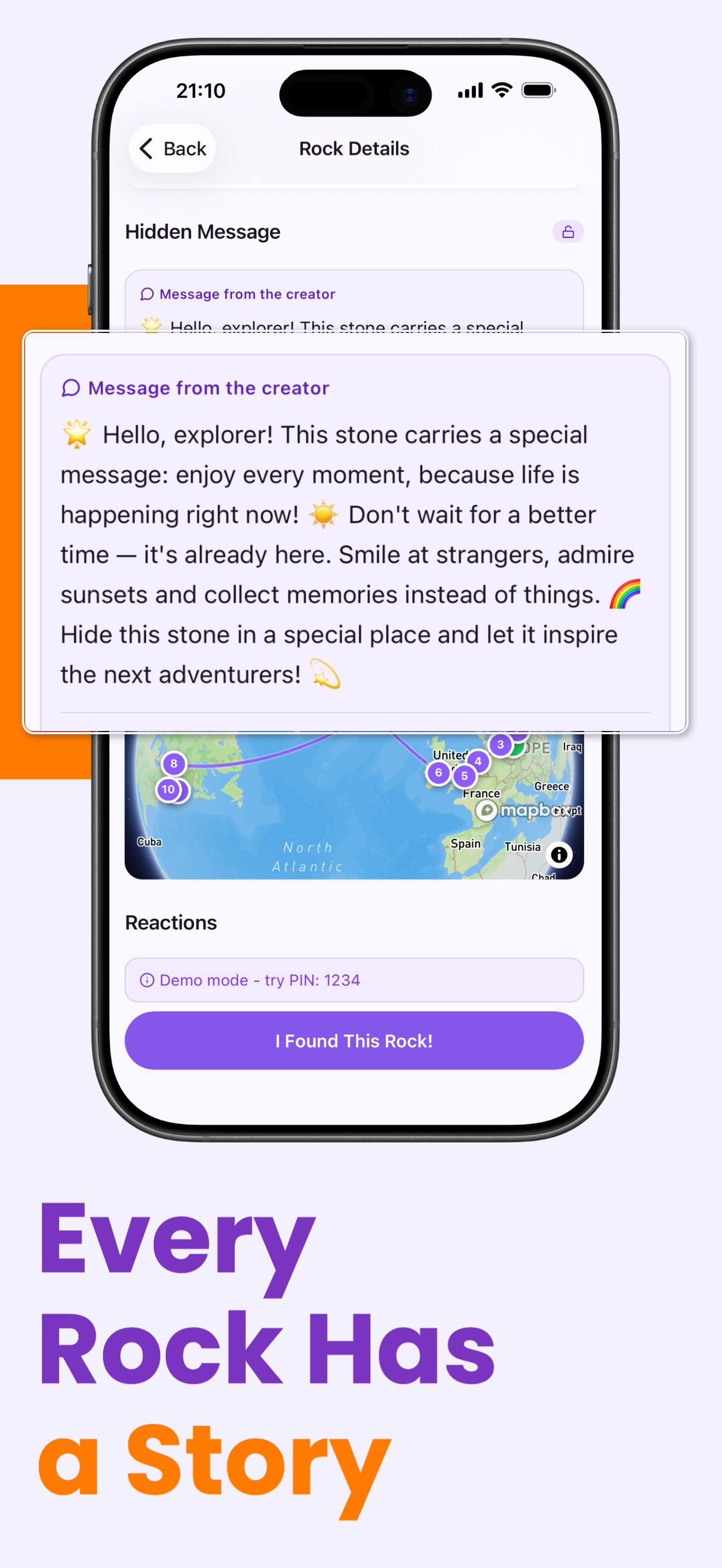
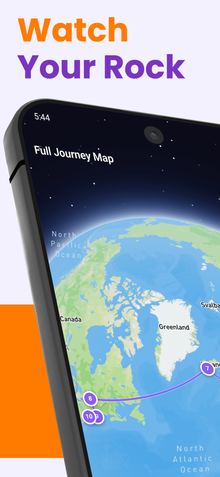
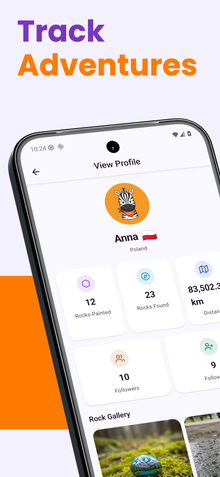
Yes! Every rock has a dedicated profile page showing its complete journey — every location it’s been found, total distance traveled, who found it, and when. You can also see the journey plotted on an interactive map.
What if someone doesn’t update the location?
That’s okay! Not everyone who finds a rock will know about RoxGeo. The rock remains active and its journey continues whenever someone new discovers and logs it. You can also share the rock’s ROXGEO.COM link to encourage finders to participate.
What paints should I use on rocks?
Use non-toxic, water-based acrylic paints for your rock designs. After painting, apply a clear, weather-resistant sealant (like polyurethane or Mod Podge) to protect your artwork from rain and sun. Avoid oil-based paints as they can be harmful to the environment.
Where are the best places to hide painted rocks?
Great spots include park benches, playground edges, trail markers, library steps, community gardens, and near popular landmarks. Choose places where people will naturally walk by and notice the rock. Avoid hiding rocks where they could be a hazard or in environmentally sensitive areas.
Is RoxGeo safe for children?
Yes! Safety is our top priority. RoxGeo uses emoji-only communication to keep all interactions positive and child-friendly. We moderate all content, never share personal information with third parties, and use GPS verification to ensure genuine finds. The platform is designed for families and suitable for children ages 13 and older.
What is the painted rock movement?
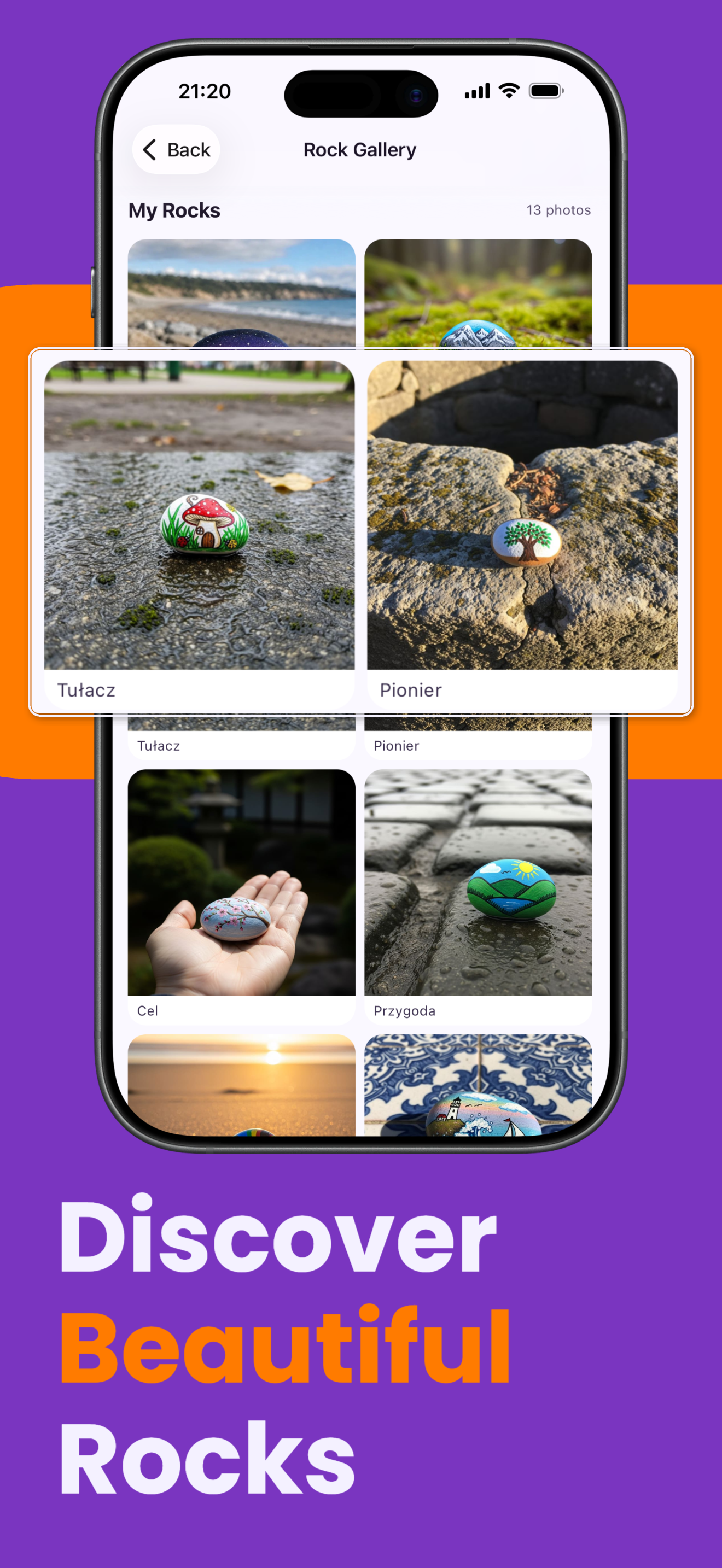
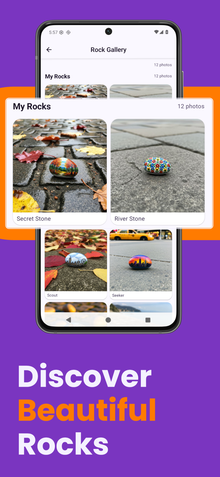
Painted rocks are part of a global community movement where people decorate stones and hide them in public spaces for others to find. The goal is simple: spread creativity, joy and connection. From small towns to large cities, millions of people participate in rock painting projects every year. Whether you call them kindness rocks, painted stones, or hidden gems, the concept is universal — create something beautiful, share it with the world, and watch the chain of happiness grow.
Why do people hide painted rocks?
People hide painted rocks to spread kindness, inspire creativity, and create moments of surprise and delight. A hand-painted rock found on a park bench or along a hiking trail can brighten anyone’s day. For many, it’s a way to connect with strangers through art, leaving a small piece of joy behind. Rock hiding has become a beloved family activity that combines outdoor exploration with creative expression.
How does the painted rock game work?
The painted rock game is simple: paint a rock with your own design, write a unique RoxGeo code and a 4-digit secret PIN on the back along with ROXGEO.COM, and hide it in a public place. When someone finds your rock, they enter the code and the PIN on RoxGeo to confirm they have the rock, log their discovery, and update its location. Then they can either keep the rock or rehide it for the next person. Each rock builds a travel history that you can follow on a live map — some rocks travel hundreds of kilometers!
Is it legal to hide painted rocks?
In most public spaces, hiding painted rocks is perfectly legal and widely accepted. Parks, trails, beaches, and public benches are popular spots. However, always use non-toxic, water-based paint and sealant. Avoid placing rocks in protected natural areas, private property, or near wildlife habitats. Use common sense and respect local guidelines — the painted rock community thrives on mutual respect.
How do communities use painted rocks?
Painted rock groups exist in nearly every country, with thousands of local Facebook groups, school projects, and community events dedicated to rock painting. Libraries organize rock hunts, schools use them for geography lessons, and neighborhoods create kindness trails. RoxGeo brings all these communities together with a universal tracking platform that works worldwide — no matter where you hide or find a rock, its journey is captured forever.
What is the pickup PIN and why is it needed?
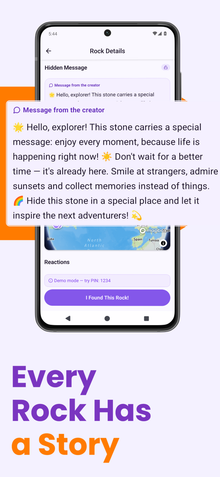
The pickup PIN is a 4-digit secret PIN that the rock creator writes on the physical rock alongside the unique 6-character code. When you find a rock, you must enter both the code and the PIN in the app to register your find. The PIN proves that you actually have the rock in your hands — it prevents fake check-ins from people who haven’t physically found the rock. Only someone holding the real rock can see the PIN and complete the find.
What if I can’t find the PIN on the rock?
The PIN is usually written on the back of the rock, below the ROXGEO.COM URL. Look carefully — it may be small or partially worn. If you truly cannot find it, the rock may be an older one registered before the PIN system was introduced. In that case, the app will allow you to register your find without a PIN.
Can I share the pickup PIN with someone?
No! The pickup PIN should never be shared online, in messages, or on social media. The whole point of the PIN is to prove that someone is physically holding the rock. Sharing the PIN defeats this purpose and allows people to fake discoveries. Only the person who finds the rock should see and enter the PIN.
Can I link my rock to a fundraiser?
Yes! RoxGeo lets you connect any rock to a fundraiser on 4fund.com (zrzutka.pl). When you create or edit a rock in the app, paste your campaign URL and RoxGeo will display it on the rock’s profile page. It’s completely free and supports all three URL types: direct campaign links, moneybox (skarbonka) links, and tracking links. Anyone who finds your rock can see the fundraiser and donate directly.
What is a moneybox and how do I use it with RoxGeo?
A moneybox (skarbonka) is a secondary collection linked to someone else’s campaign on 4fund.com / zrzutka.pl. Instead of creating your own campaign, you create a moneybox that collects donations separately but supports the same cause. This is perfect when you want to help promote a friend’s or organization’s fundraiser through your painted rocks. Simply paste the moneybox URL when setting up your rock’s fundraiser link in the app. Learn more about moneyboxes.
What are tracking links and why should I use them?
Tracking links (adresy śledzące) are special promotional URLs provided by 4fund.com / zrzutka.pl that redirect to a campaign page. Each tracking link has its own click and donation statistics, so you can measure the impact of each individual rock. Create a unique tracking link for every rock you hide, paste it in the app, and then check your per-rock stats directly from the RoxGeo app. It’s the best way to see which rocks are driving the most support for your cause. Learn more about tracking links.
What are rock statuses (active, at risk, missing, retired)?
Every rock in RoxGeo has a lifecycle status. Active means the rock is in play and can be found. At risk means someone reported it as potentially missing — the owner is notified. Missing means multiple reports suggest the rock is lost — the owner and all followers are alerted. If someone finds a missing rock and enters the correct PIN, it automatically comes back to active status (a comeback!). Retired means the owner has intentionally ended the rock’s journey.
What happens when I find a rock online vs in the app?
There are three discovery tiers. Spotted — you enter the PIN on the web page without GPS, confirming you saw the rock. Found — you enter the PIN with GPS enabled, proving you are at the rock’s location. Full Discovery — you enter the PIN with GPS and verify your phone number, linking the find to your account and your personal rock journal. Each tier gives more credit and details on the journey map!
What is GPS mismatch and location confirmation?
When you find a rock and your GPS position is far from the rock’s last known location (over 500 meters), RoxGeo detects a GPS mismatch. This can happen if someone moved the rock without updating its position. You’ll be asked whether to update the rock’s location to your current position or keep the old one. This ensures the map always shows accurate rock positions.
What are RoxGeo campaigns?
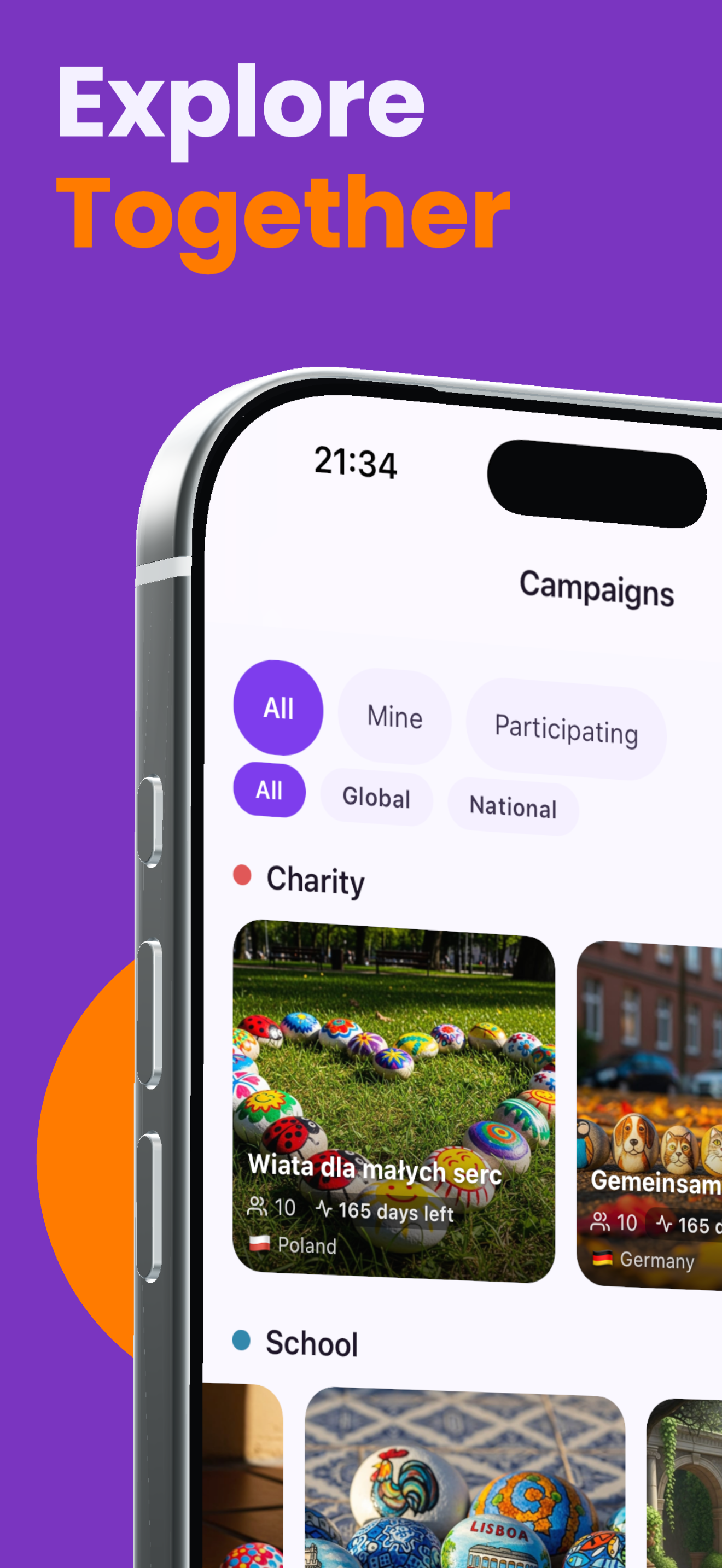
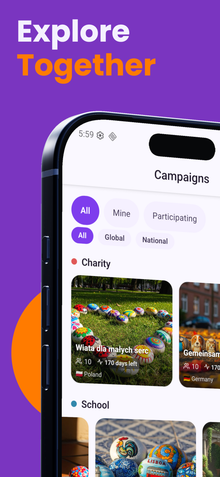
RoxGeo campaigns are community challenges that unite rock painters around a shared goal. There are four campaign types: Charity — paint rocks linked to a fundraiser to spread awareness and donations; School — classes compete to paint and hide the most rocks; City Battle — regions or cities compete based on how far their rocks travel; Thematic — everyone paints rocks following a creative theme set by the organizer. Campaigns have a leaderboard, a goal, and a timeline — and every rock you hide counts.
How do I join an existing campaign?
Open the RoxGeo app and go to the Campaigns tab. Browse active campaigns filtered by type, country, or keyword. Tap a campaign to see its goal, rules, and leaderboard, then tap “Join”. Once you have joined, any rock you register in the app can be linked to the campaign — just select the campaign when you create or edit a rock. Every find logged for that rock earns points for your group on the campaign leaderboard.
How do I create my own campaign?
In the RoxGeo app, open the Campaigns tab and tap “Create campaign”. Choose a campaign type (Charity, School, City Battle, or Thematic), fill in the name, description, optional end date, and theme or goal. Campaigns are reviewed by our moderation team before they go live — this usually takes less than 24 hours. Once approved, the campaign is listed publicly and other users can join. You can invite participants, manage groups, and track the leaderboard from the campaign detail screen.
From Our Blog
Explore related articles for more tips and inspiration

Rock Tracking
Rock Painting on Holiday: How to Paint, Hide and Track Vacation Rocks
Make rock painting part of your holiday tradition. Packing tips, destination-inspired designs, and how to track your vac...
Rock Tracking
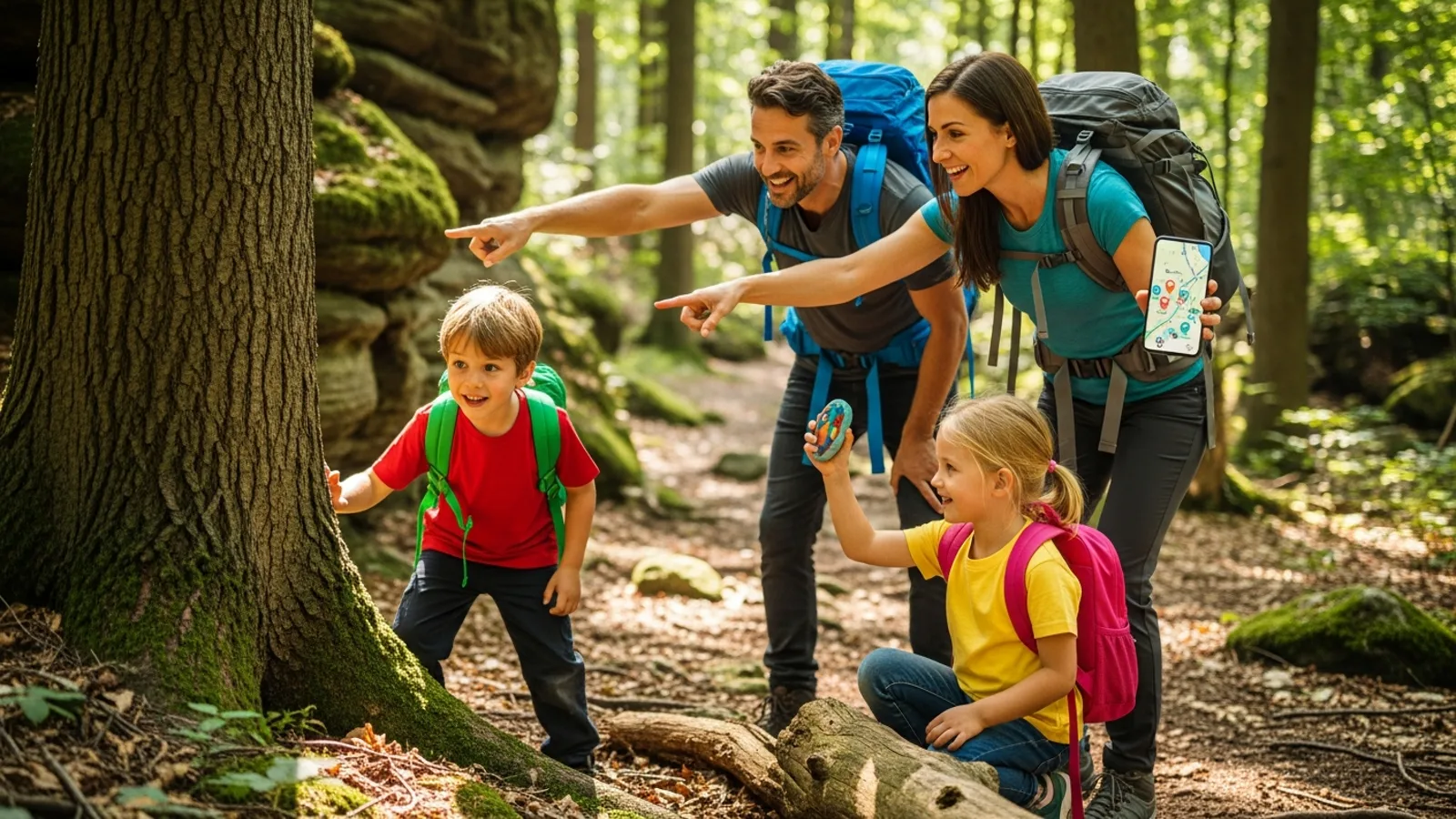
Summer Geocaching Rock Adventure: Plan the Perfect Family Hunt
Combine rock painting and outdoor treasure hunting into the perfect summer adventure. How to plan a family rock hunt wit...
Rock Tracking
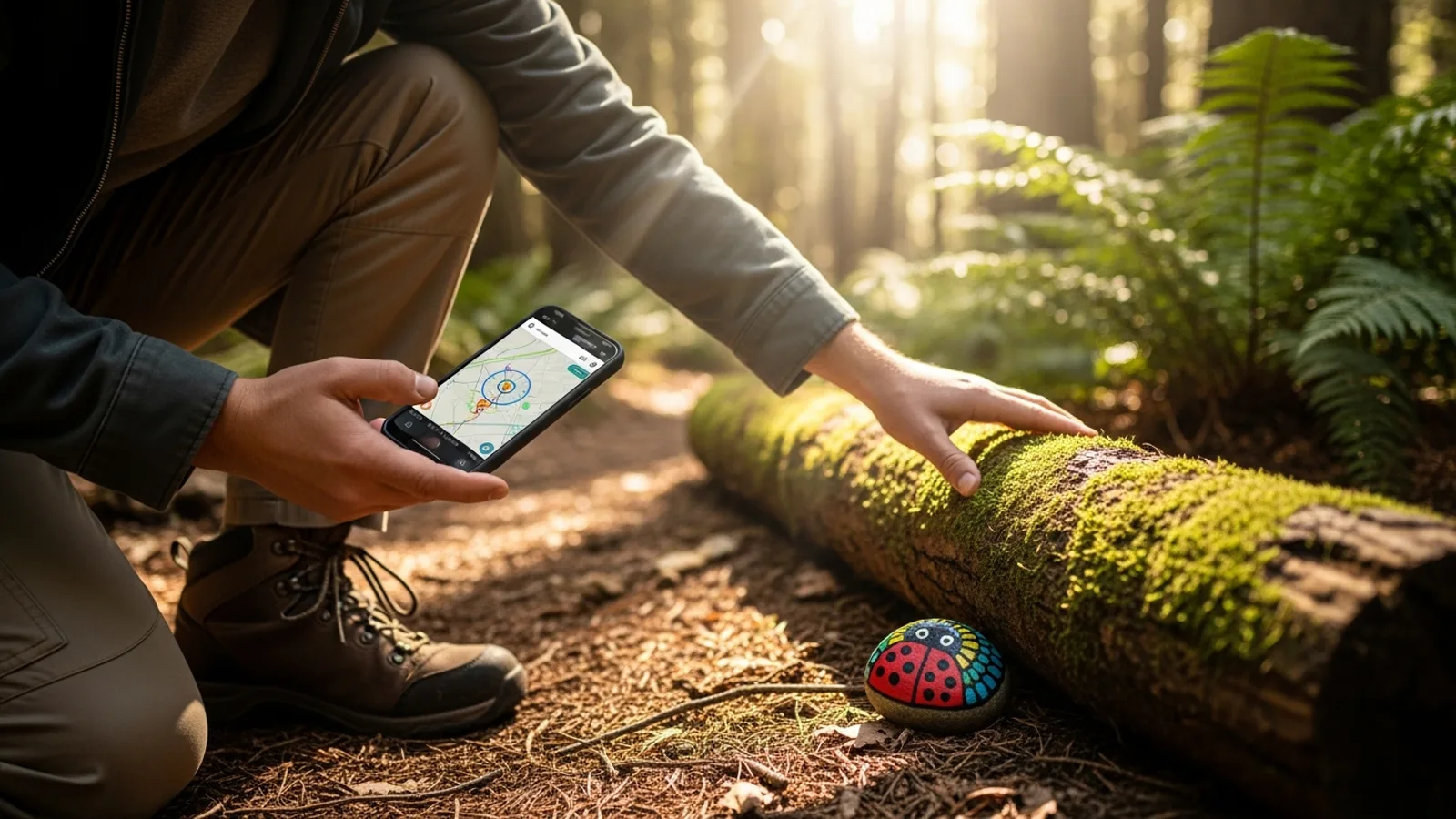
Geocaching vs Rock Painting: How They Connect and Where They Differ
Compare rock painting and geocaching: similar community spirit, different rules. Learn how RoxGeo bridges both worlds fo...