Back to Templates
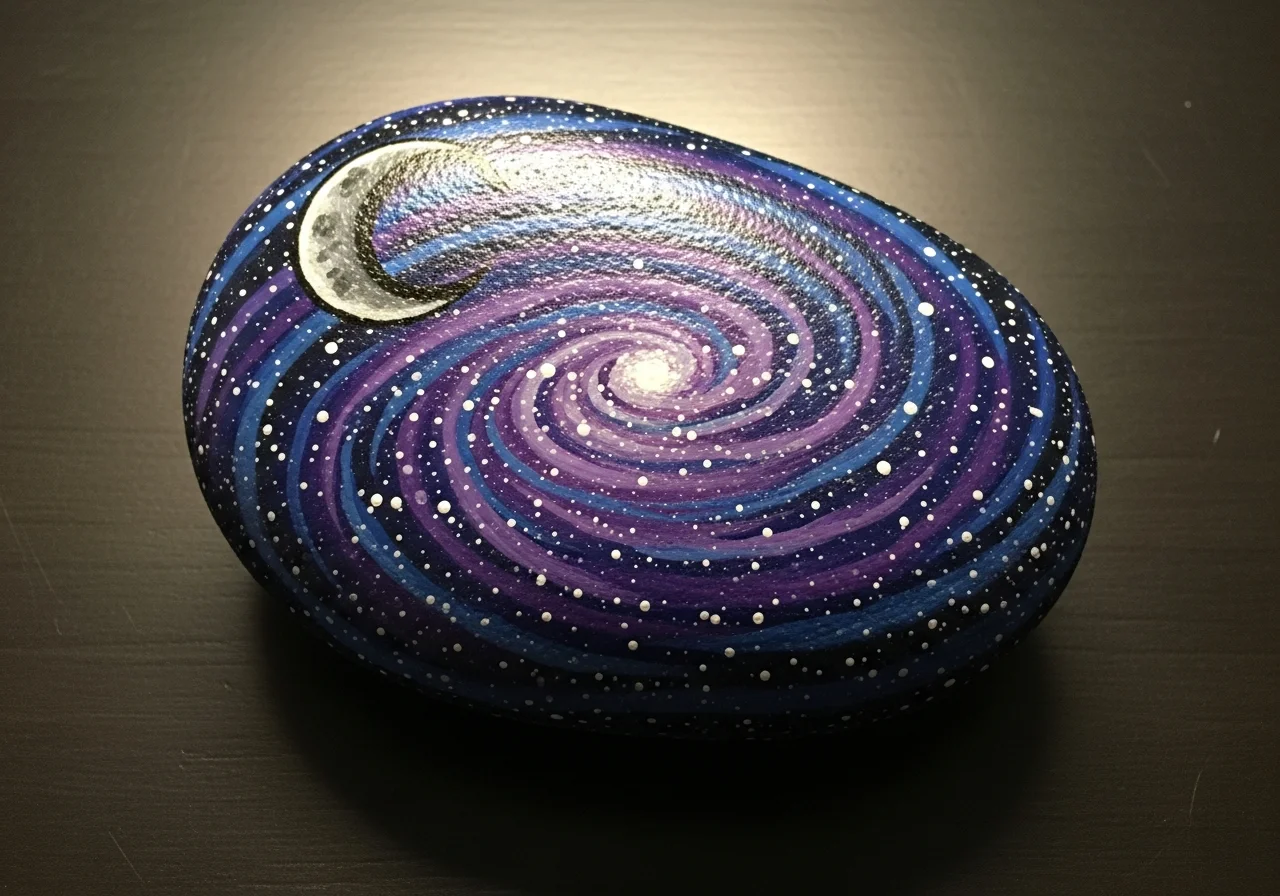
Galaxy Rock Painting
Materials Needed
- Smooth, dark rock (or any rock to paint dark)
- Black acrylic paint
- Dark blue acrylic paint
- Purple acrylic paint
- White acrylic paint
- Pink acrylic paint (optional)
- Medium flat brush
- Fine detail brush or toothpick
- Small sponge piece
- Clear sealant spray
Step-by-Step Instructions
1
Step 1: Paint the dark base
Wash and dry your rock. Paint the entire surface black as the base of space. Apply two coats for a deep, rich black. Let each coat dry completely.
2
Step 2: Add nebula colors
Dip your sponge in dark blue paint and gently dab it in curved sweeps across the rock. Don't cover all the black - leave some showing. Repeat with purple paint, overlapping slightly with the blue areas. Add a small touch of pink if desired.
3
Step 3: Create the star field
Dip your toothpick or fine brush in white paint and tap tiny dots across the entire surface for stars. Vary the sizes - most should be tiny with a few larger ones. Cluster some together for a milky way effect.
4
Step 4: Add bright stars and details
Pick 2-3 spots for brighter stars. Paint small plus-sign shapes (+) with white paint to create twinkling star points. You can also add a small crescent moon or planet shape if you like.
5
Step 5: Final touches and seal
Step back and check your galaxy. Add more stars where it looks empty, or dab more nebula color where needed. Once fully dry, seal with clear spray. Your piece of the cosmos is ready!
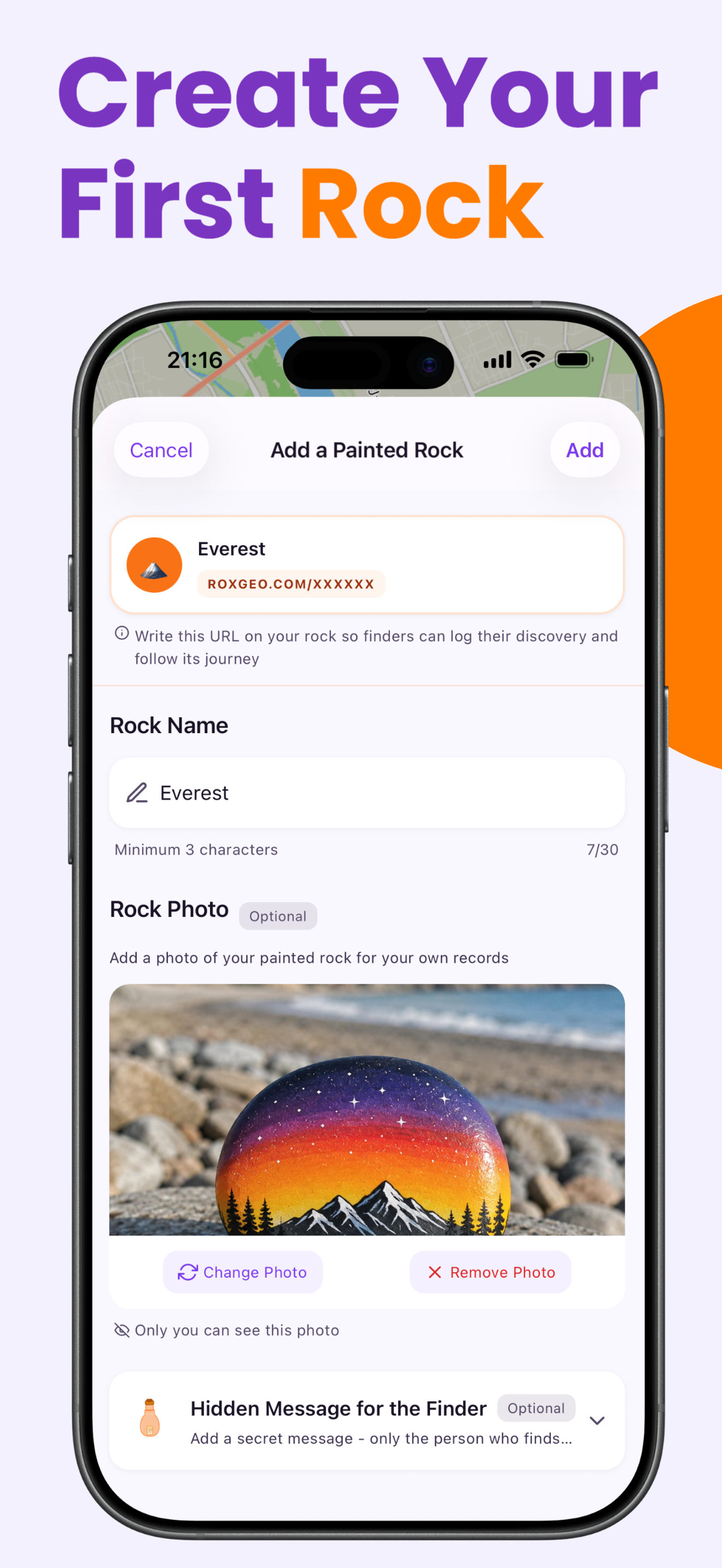
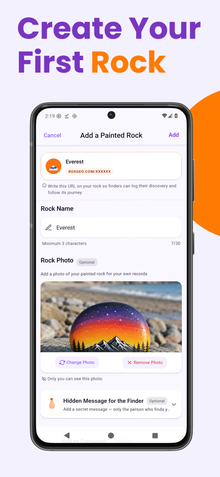
Step 6: Add RoxGeo Code
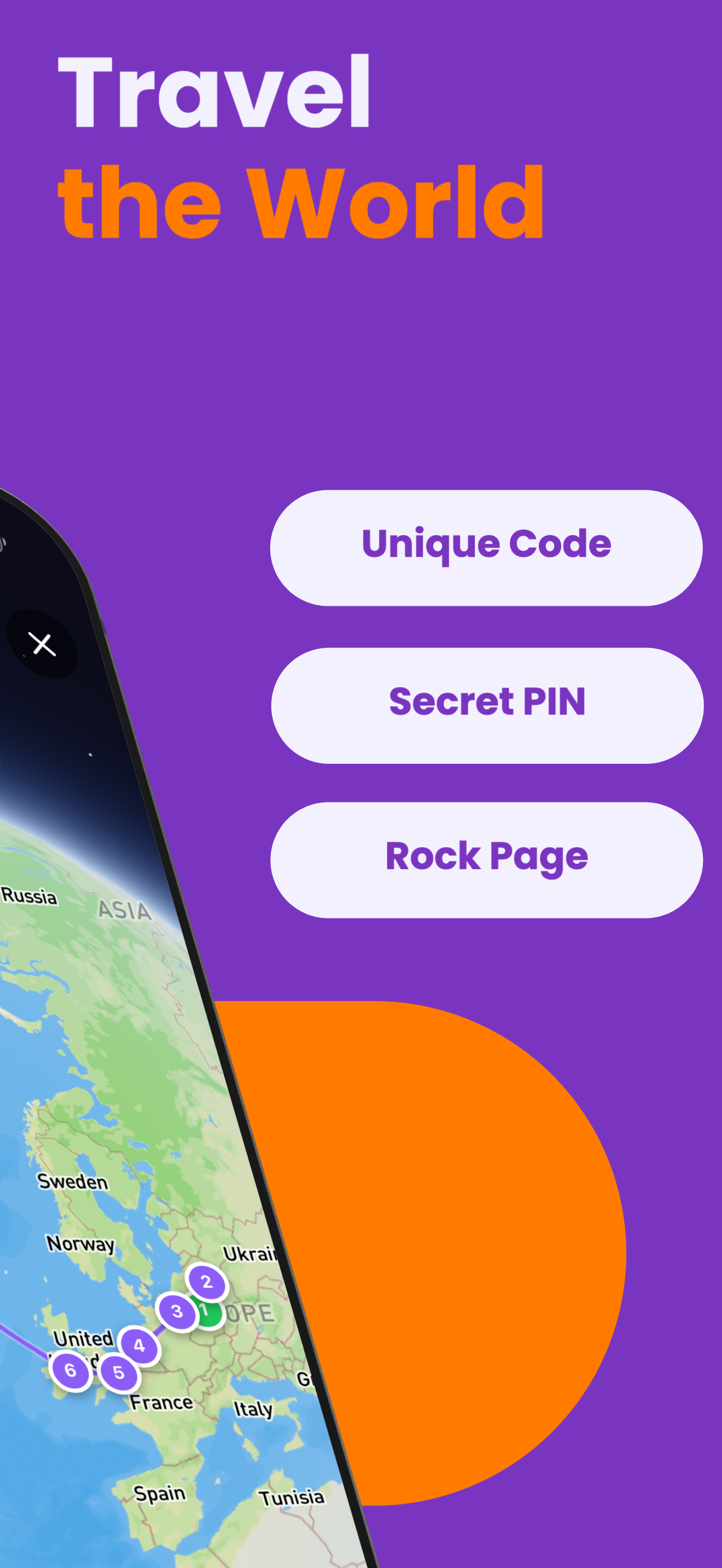
On the bottom or back of your rock, write ROXGEO.COM followed by a slash and your rock’s unique code (e.g. ROXGEO.COM/ABC123). This lets the finder go directly to your rock’s profile page and log their discovery. If the rock is too small for the full address, write #ROX followed by the code without spaces (e.g. #ROXABC123) — it’s short, easy to search on Google, and leads straight to your rock’s journey page. Use a fine-tip permanent marker or acrylic paint pen, and seal it with clear varnish so the code stays readable through rain, sun, and adventure.
Helpful Tips
- The sponge technique is key - it creates a natural, cloudy nebula look that brushes can't replicate.
- Don't overdo the nebula colors - leaving some black areas makes the galaxy more realistic.
- For the star field, tap the brush/toothpick gently for tiny dots, press harder for bigger stars.
- Try adding a thin ring around one of your larger dots to make it look like Saturn.
- Glow-in-the-dark paint for the stars makes an amazing effect at night!
- For the RoxGeo code on the bottom, use a waterproof permanent marker (like Sharpie) or an acrylic paint pen. Apply 2–3 coats of clear sealant over the code — this keeps it readable through rain, sun, and handling for months.
- Writing #ROXCODE (e.g. #ROXABC123) on your rock makes it easy to find via Google search. We actively optimize for this hashtag, so anyone who searches for it will find your rock’s profile page quickly.
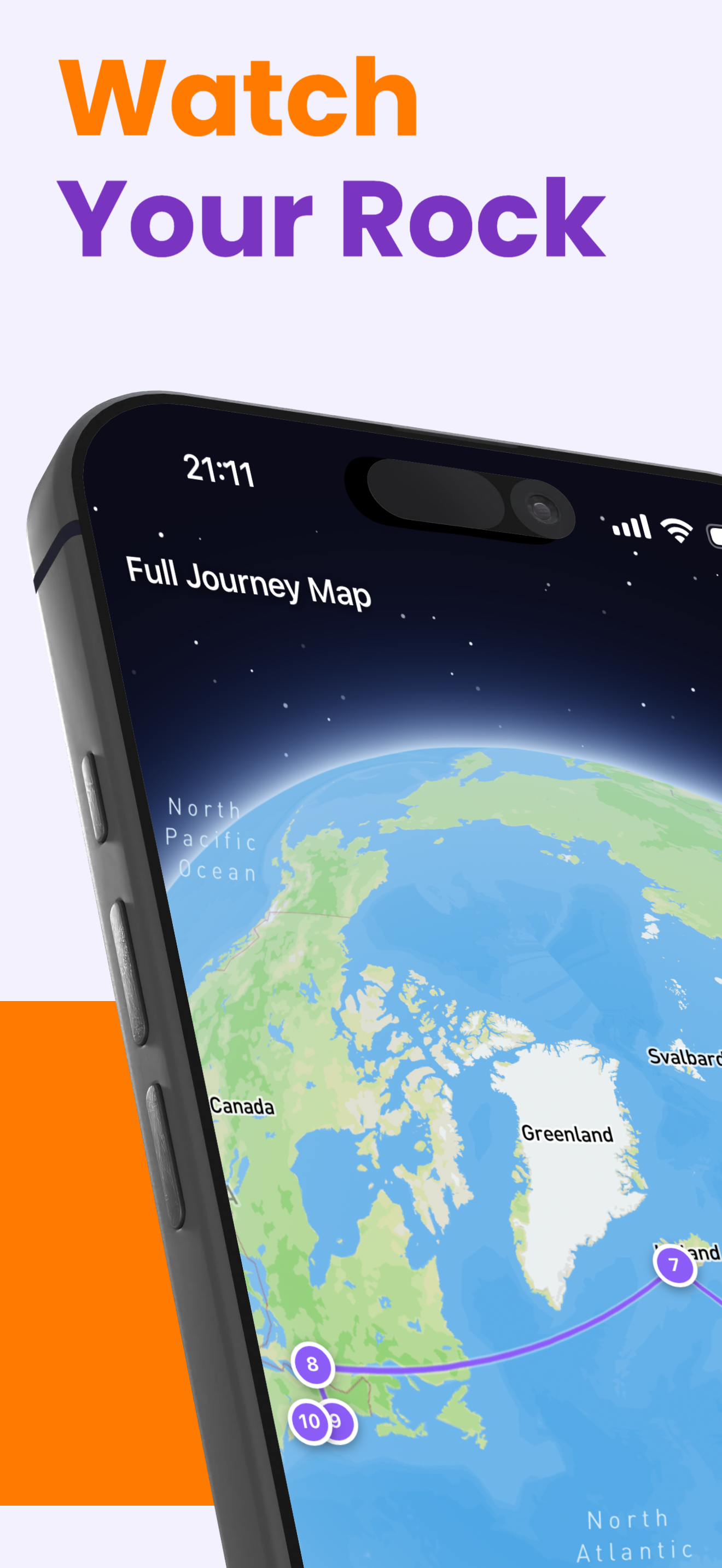
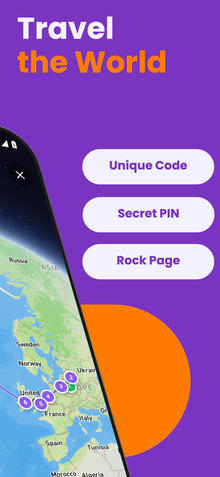
- The full address ROXGEO.COM/CODE takes the finder directly to your rock’s card, where they can see its full travel history, previous finders, and photos from every stop on its journey.
Paint this rock and track its journey with RoxGeo!
Download RoxGeo Free