Back to Templates
Mountain Landscape Rock Painting
Materials Needed
- Large, flat rock
- Dark blue and light blue acrylic paint
- Purple acrylic paint
- White acrylic paint
- Orange and yellow acrylic paint
- Dark green and light green acrylic paint
- Brown acrylic paint
- Medium flat brush
- Fine detail brush
- Small round brush
- Clear sealant spray
- Pencil (for sketching)
Step-by-Step Instructions
1
Step 1: Prepare and sketch the layout
Wash and dry your rock. Using a pencil, lightly divide the rock into layers: sky at the top, distant mountains in the middle, and foreground hills or trees at the bottom.
2
Step 2: Paint the sunset sky
Start at the top with dark blue, blending down into purple, then orange, and finally yellow at the horizon line. Use gentle horizontal strokes and blend where colors meet for a smooth gradient.
3
Step 3: Paint the mountain peaks
Using purple mixed with a little blue, paint jagged mountain peak shapes across the middle of the rock. Layer them - paint the farthest mountains first in lighter purple, then closer ones in darker purple.
4
Step 4: Add snow caps and details
Using white paint and your detail brush, add snow to the mountain peaks. Paint it flowing down the slopes in natural-looking patterns. Add a few white highlight edges where the sunset light hits.
5
Step 5: Paint foreground and add trees
Paint dark green hills in the foreground. Add small pine tree silhouettes using dark green or black with your detail brush. Add a lake reflection if space allows. Once dry, apply clear sealant.
6
Step 6: Final touches and seal
Add final details: tiny stars in the sky, a crescent moon, or birds silhouettes. Enhance the sunset glow near the horizon with a touch more orange. Apply clear sealant spray once fully dry.
Step 7: Add RoxGeo Code
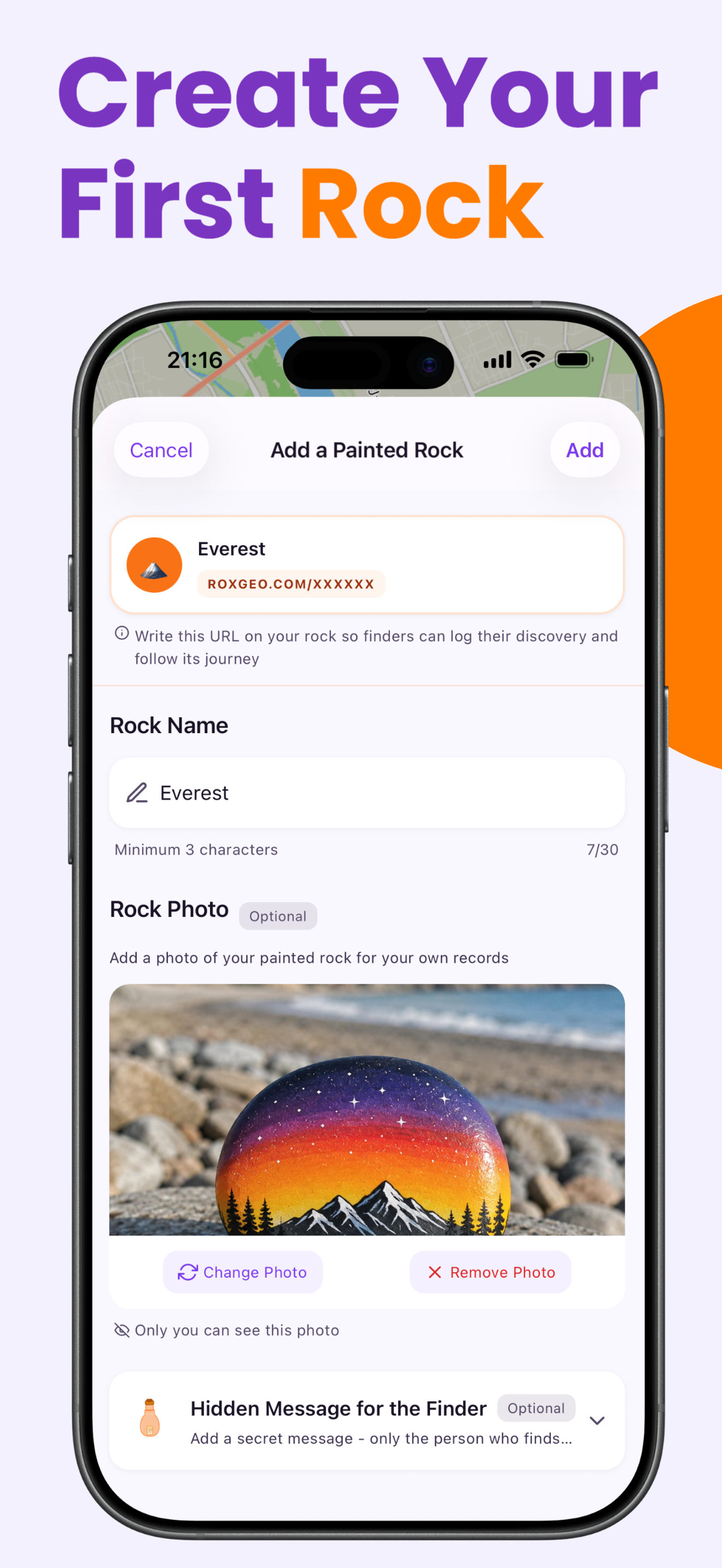
On the bottom or back of your rock, write ROXGEO.COM followed by a slash and your rock’s unique code (e.g. ROXGEO.COM/ABC123). This lets the finder go directly to your rock’s profile page and log their discovery. If the rock is too small for the full address, write #ROX followed by the code without spaces (e.g. #ROXABC123) — it’s short, easy to search on Google, and leads straight to your rock’s journey page. Use a fine-tip permanent marker or acrylic paint pen, and seal it with clear varnish so the code stays readable through rain, sun, and adventure.
Helpful Tips
- Large, flat rocks provide the best canvas for landscape scenes.
- Work in layers from background to foreground - sky first, then mountains, then trees.
- Blend colors while still wet for smoother sky gradients.
- Distant mountains should be lighter and bluer; closer ones darker and more purple.
- Practice sunset gradients on paper first - the key is smooth transitions between colors.
- A matte sealant preserves the natural rock texture better than glossy.
- For the RoxGeo code on the bottom, use a waterproof permanent marker (like Sharpie) or an acrylic paint pen. Apply 2–3 coats of clear sealant over the code — this keeps it readable through rain, sun, and handling for months.
- Writing #ROXCODE (e.g. #ROXABC123) on your rock makes it easy to find via Google search. We actively optimize for this hashtag, so anyone who searches for it will find your rock’s profile page quickly.
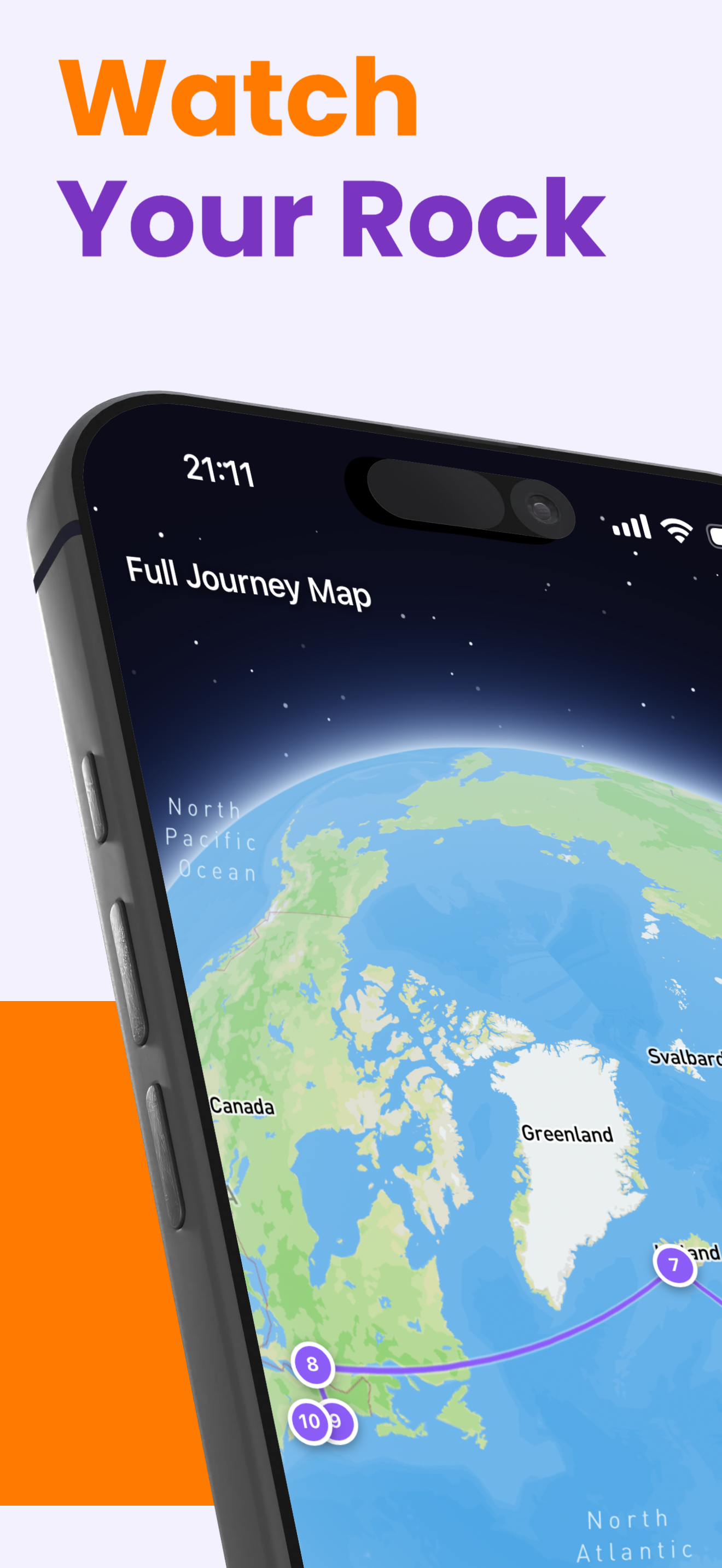
- The full address ROXGEO.COM/CODE takes the finder directly to your rock’s card, where they can see its full travel history, previous finders, and photos from every stop on its journey.
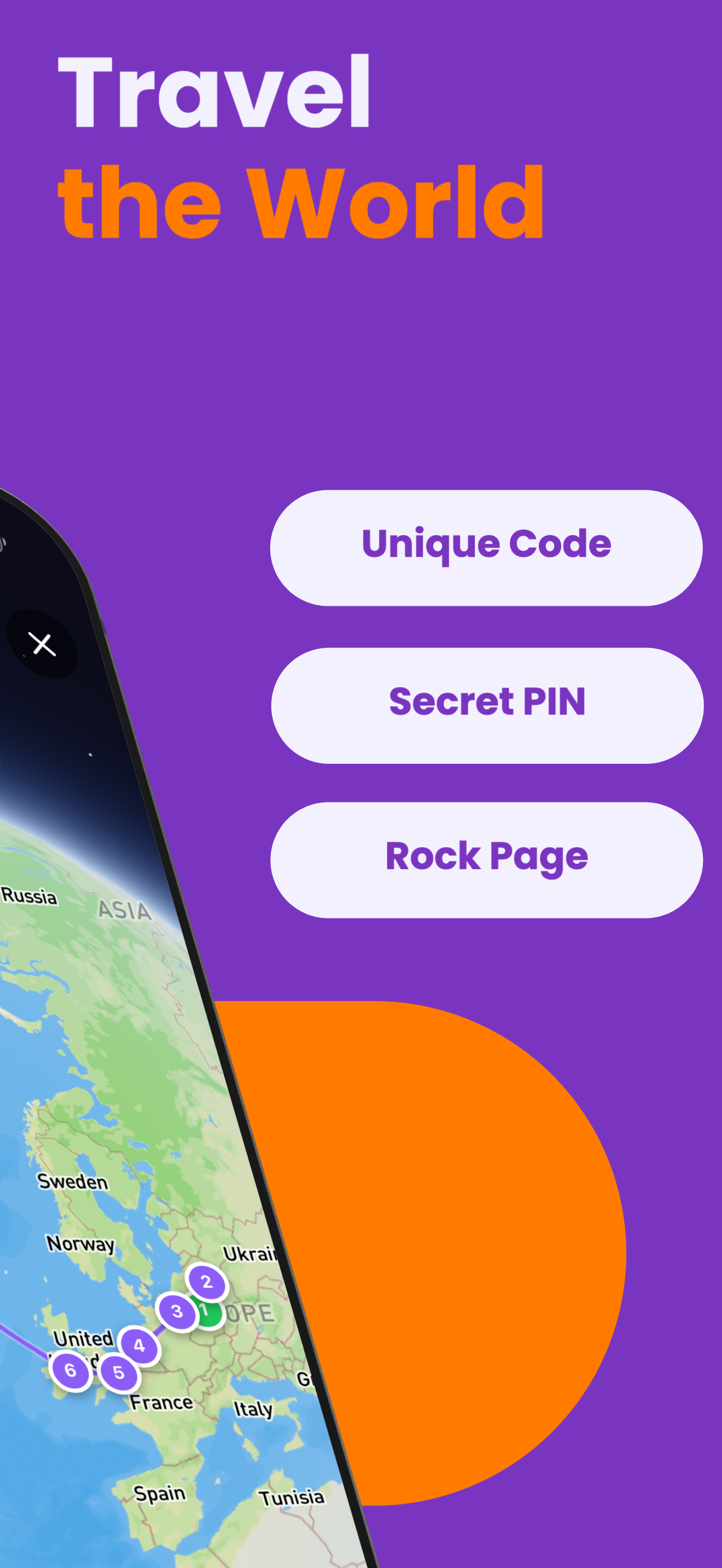
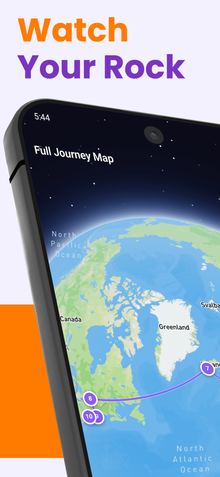
Paint this rock and track its journey with RoxGeo!
Download RoxGeo Free