Back to Templates
Ocean Wave Rock Painting
Materials Needed
- Flat, elongated rock
- Dark blue acrylic paint
- Medium blue acrylic paint
- Light blue or turquoise acrylic paint
- White acrylic paint
- Medium flat brush
- Fine detail brush
- Small round brush
- Clear sealant spray
Step-by-Step Instructions
1
Step 1: Prepare and paint the background
Wash and dry your rock. Paint the entire surface with dark blue paint to represent the deep ocean. Apply two coats for full coverage and let it dry completely.
2
Step 2: Paint the wave shape
Using medium blue paint, create a large curling wave shape across the rock. Start from one side and curve it upward like a breaking wave. The wave should take up about half the rock surface.
3
Step 3: Add lighter blue tones
Layer light blue or turquoise paint inside the curl of the wave. Blend it gently with the medium blue. This creates the translucent look of ocean water where light shines through.
4
Step 4: Add white foam and spray
Using white paint and your detail brush, add foam at the crest of the wave with short, curving strokes. Add tiny white dots and splashes around the wave for spray. The crest should have the most white.
5
Step 5: Final details and seal
Add thin white lines flowing through the wave for water movement. You can add a few white highlights on the dark water below. Once completely dry, spray with clear sealant for a glossy ocean effect.
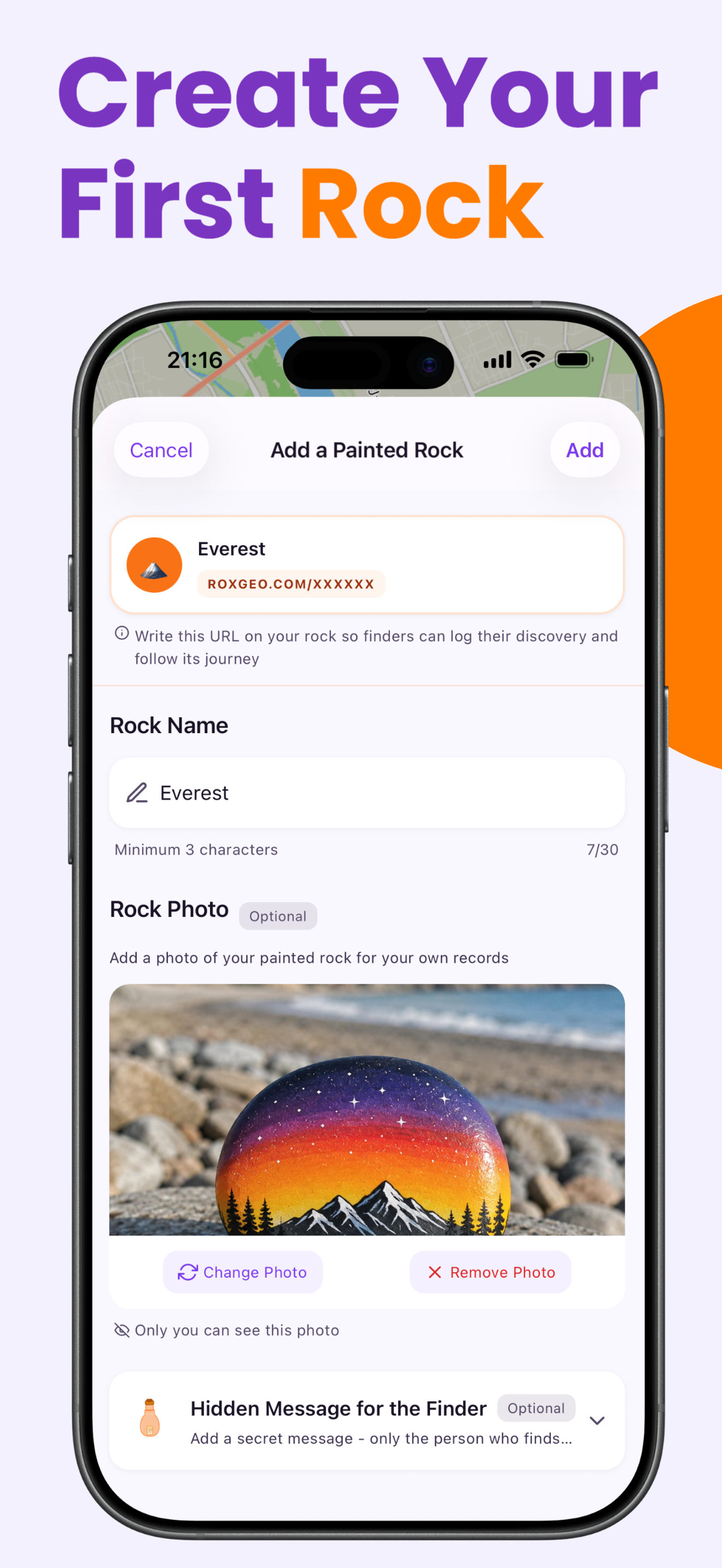
Step 6: Add RoxGeo Code
On the bottom or back of your rock, write ROXGEO.COM followed by a slash and your rock’s unique code (e.g. ROXGEO.COM/ABC123). This lets the finder go directly to your rock’s profile page and log their discovery. If the rock is too small for the full address, write #ROX followed by the code without spaces (e.g. #ROXABC123) — it’s short, easy to search on Google, and leads straight to your rock’s journey page. Use a fine-tip permanent marker or acrylic paint pen, and seal it with clear varnish so the code stays readable through rain, sun, and adventure.
Helpful Tips
- Flat, smooth rocks work best for ocean wave paintings.
- Layer colors from dark to light for a realistic water depth effect.
- Practice the wave curl shape on paper before painting on the rock.
- A glossy sealant enhances the wet, oceanic look beautifully.
- Try painting the wave inspired by Hokusai's Great Wave for a classic look.
- For the RoxGeo code on the bottom, use a waterproof permanent marker (like Sharpie) or an acrylic paint pen. Apply 2–3 coats of clear sealant over the code — this keeps it readable through rain, sun, and handling for months.
- Writing #ROXCODE (e.g. #ROXABC123) on your rock makes it easy to find via Google search. We actively optimize for this hashtag, so anyone who searches for it will find your rock’s profile page quickly.
- The full address ROXGEO.COM/CODE takes the finder directly to your rock’s card, where they can see its full travel history, previous finders, and photos from every stop on its journey.
Paint this rock and track its journey with RoxGeo!
Download RoxGeo Free